Event Registration Form Template
Register attendees in two short steps: who they are, then the ticket and sessions they want. Dietary and accessibility questions help you plan the day properly.
- 12 questions
- 2 pages
- ~3 min
- To fill in
- Hero layout
- Mobile-ready
- Free
- No credit card

Live preview · nothing you type is sent
Photo by Loveleen Cherub on Pexels
Who it's for
Event organisers running conferences, meetups, workshops, webinars and community events.
- Conference and summit registration
- Meetups and community events
- Workshops with limited seats
- Hybrid events with in-person and virtual passes
What this template asks
Every question can be changed, removed or reordered once it's yours.
Your details
First name*
Short text
Last name*
Short text
Email*
Email
Phone
Phone number
Company or organisation
Short text
Job title
Short text
Your ticket
Ticket type*
Multiple choice
- General admission
- VIP
- Student
- Virtual pass
Which sessions will you attend?
Checkboxes
- Opening keynote
- Product workshops
- Panel discussion
- Networking evening
Dietary requirements
Multiple choice
- None
- Vegetarian
- Vegan
- Gluten-free
- Halal
- Other
Accessibility needs
Long text
Tell us anything that would make the event easier for you.
How did you hear about us?
Dropdown
- Social media
- A colleague or friend
- Search engine
- Previous event
- Other
Photography
Checkboxes
- I am happy to appear in event photos and videos
Tips for more responses
- 1
Put the ticket question on its own page so people commit to their details first.
- 2
Export registrations to Excel or send them to Google Sheets for badge printing.
- 3
Ask about dietary and accessibility needs up front — it is far easier than fixing it on the day.
Questions
Can I limit the number of registrations?
Yes. Set a response limit or a closing date in the form settings and the form closes automatically.
Can attendees get a confirmation email?
Yes. Add an email notification to the respondent and include their ticket type and sessions in the message.
Does this work for virtual events?
Yes. Keep the Virtual pass option and remove the dietary question, or add a field for their time zone.
Is this event registration form template free?
Yes. Copy it into a free Dculus Forms account, change anything you like and start collecting responses. No credit card is needed.
Can I change the questions?
Yes. Your copy opens in the form builder, where you can add, remove and reorder questions, change the layout and add your own branding.
Where do the responses go?
Responses arrive in your Dculus Forms workspace. You can export them to Excel or CSV, send them to Google Sheets or a webhook, and get email notifications.
Can I host it myself?
Yes. Dculus Forms is open source (GPLv3), so you can run it on your own servers and keep every response in your own database.
Similar templates
All templates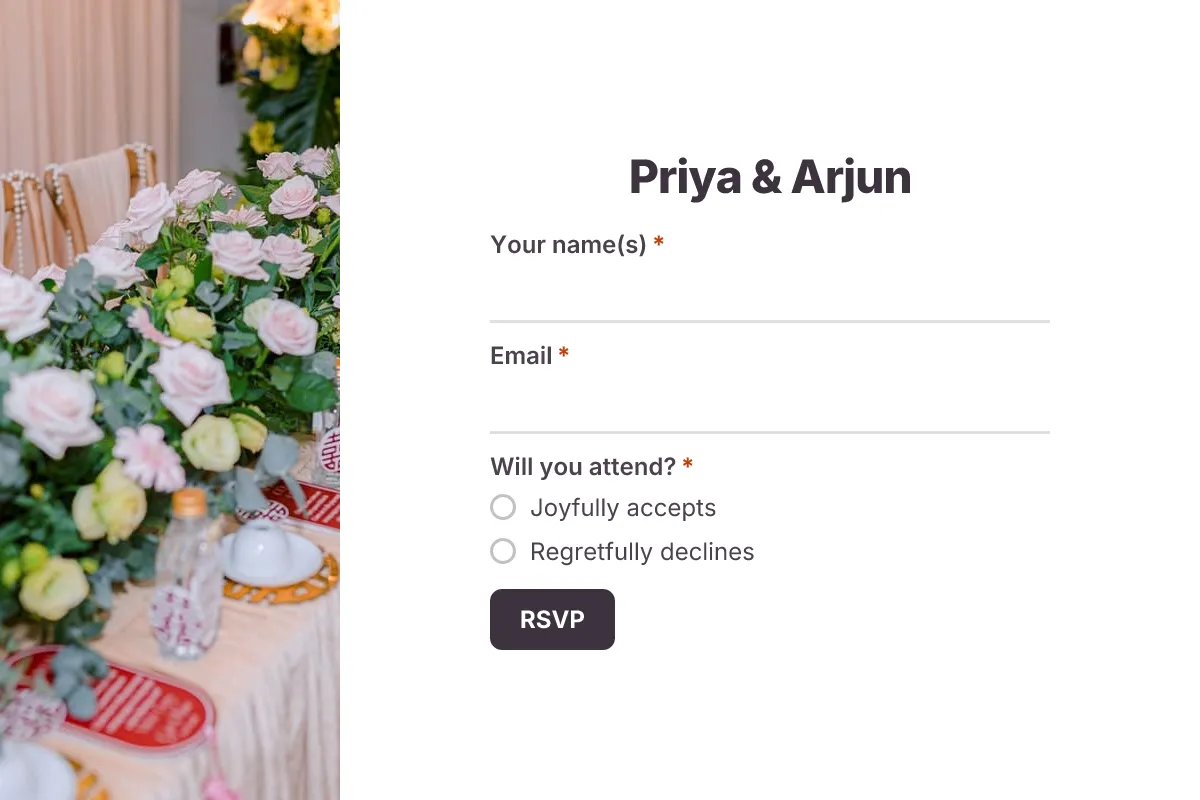
Wedding RSVP
A graceful online RSVP card: attendance, number of guests, meal choice, dietary needs and a note for the couple.
- Wedding
- RSVP
- Celebration
Events · 8 questions · 2 min
 Popular
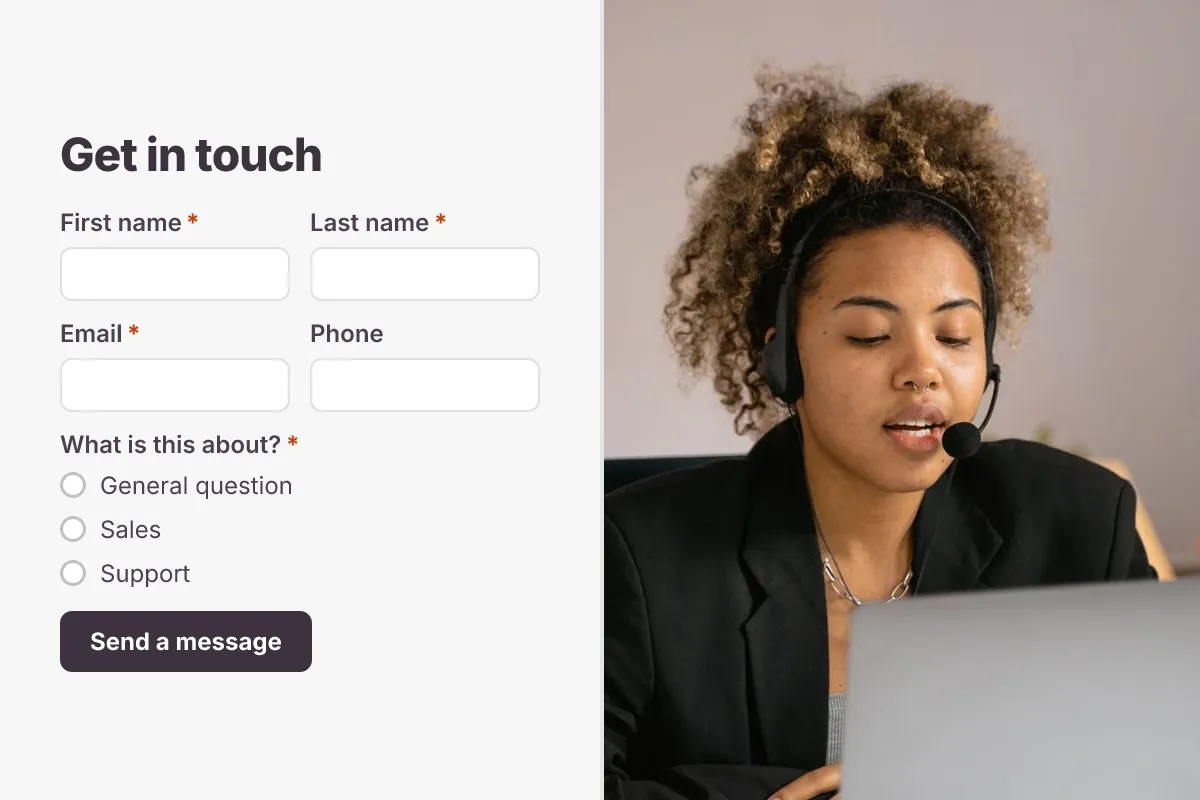
Contact Us Form
A clean contact form that routes every message to the right person, with name, email, topic and message.
- Website
- Lead capture
- Support
Business · 6 questions · 2 min
 Popular
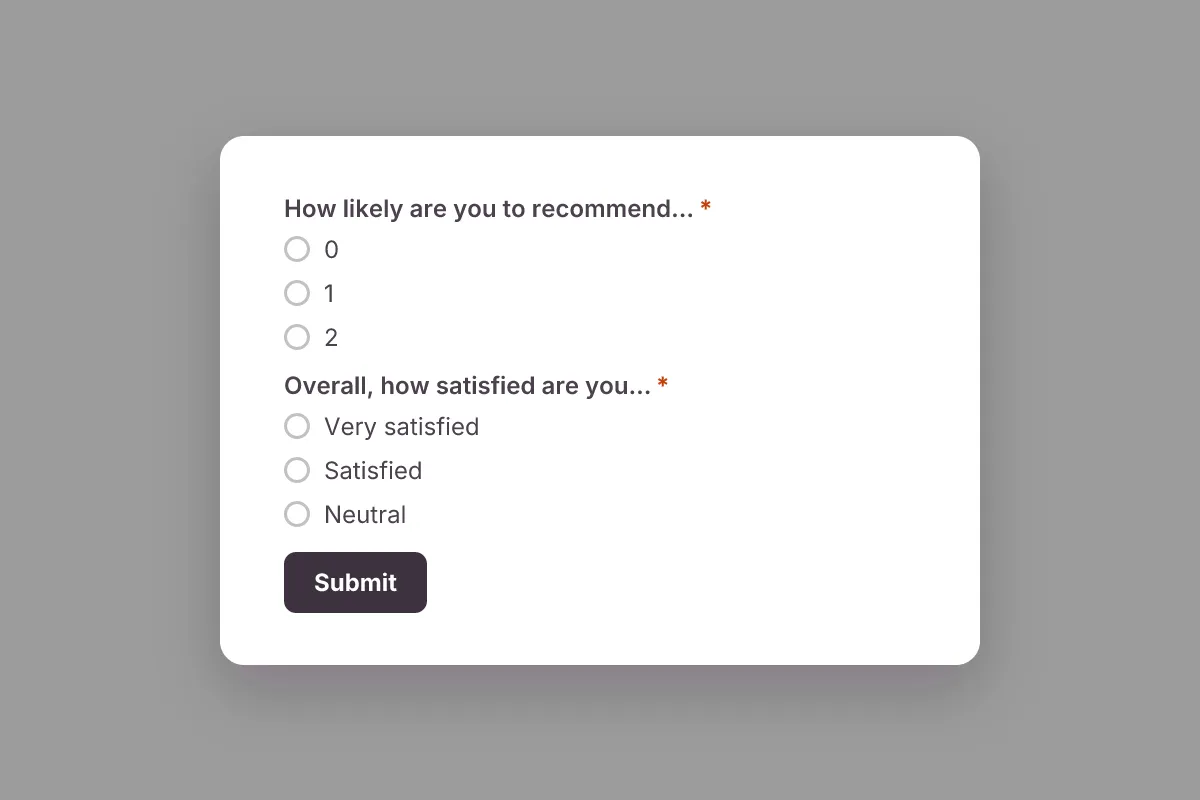
Customer Satisfaction Survey
Measure satisfaction and Net Promoter Score (NPS), learn what customers love and what to fix next.
- NPS
- CSAT
- Feedback
Feedback & Surveys · 6 questions · 2 min