Restaurant Reservation Form Template
Take table bookings without phone tag. Guests choose a date, time and party size, tell you where they would like to sit and flag allergies before they arrive.
- 9 questions
- One page
- ~2 min
- To fill in
- Card layout
- Mobile-ready
- Free
- No credit card
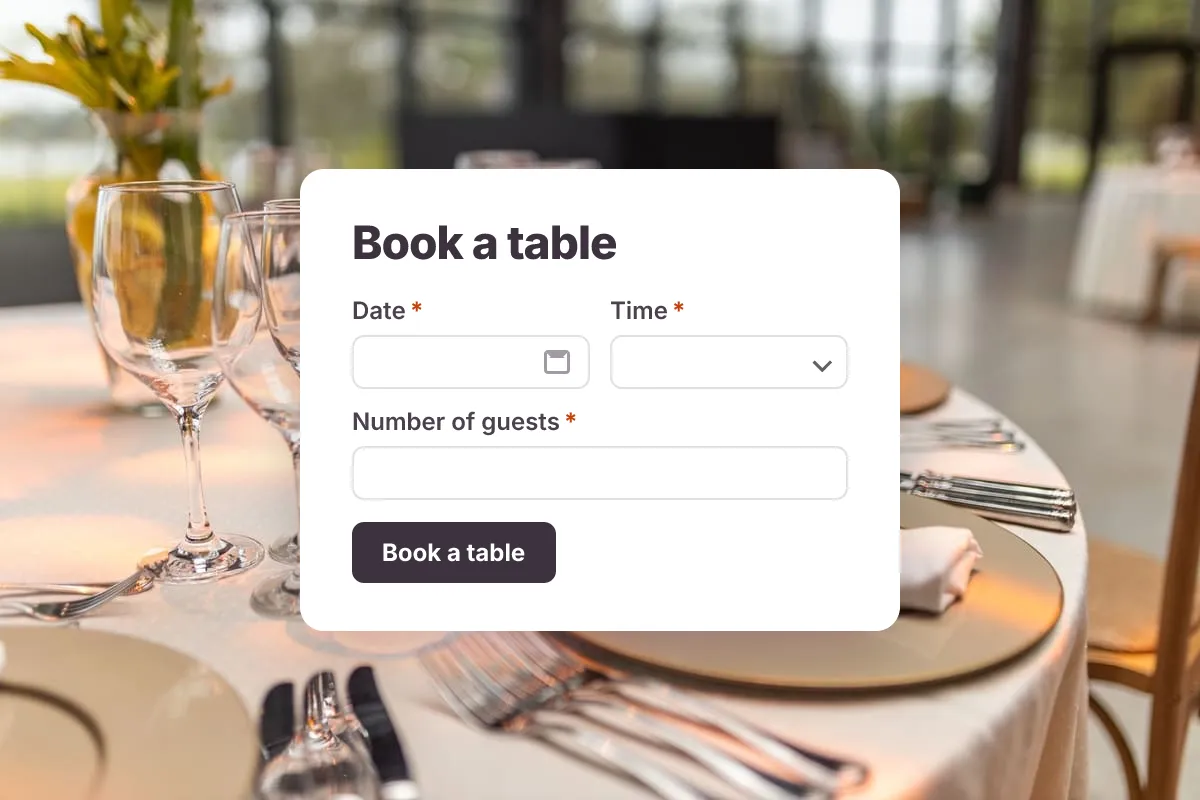
Live preview · nothing you type is sent
Photo by Matheus Bertelli on Pexels
Who it's for
Restaurants, cafés, bars and supper clubs that want simple online reservations.
- A “Book a table” button on your website
- A link in your Instagram or Google Business profile
- Private dining and group booking enquiries
- Special-occasion and holiday bookings
What this template asks
Every question can be changed, removed or reordered once it's yours.
Date*
Date
Time*
Dropdown
- 12:00
- 12:30
- 13:00
- 13:30
- 14:00
- 18:00
- 18:30
- 19:00
- 19:30
- 20:00
- 20:30
- 21:00
Number of guests*
Number
Seating preference
Multiple choice
- Indoor
- Outdoor terrace
- Bar
- No preference
Occasion
Dropdown
- None
- Birthday
- Anniversary
- Business meal
- Date night
- Other
Name*
Short text
Phone*
Phone number
Email*
Email
Allergies or special requests
Long text
Tips for more responses
- 1
Edit the time list to match your opening hours and sittings.
- 2
Turn on an email notification to the front-of-house inbox for every new booking.
- 3
Ask about allergies here so the kitchen knows before service starts.
Questions
Does the form check table availability?
No — it collects booking requests, which you confirm by email or phone. For automatic availability you would connect it to your booking system with a webhook.
Can guests book from their phone?
Yes. Every layout is built mobile-first, so the form works as well on a phone as on a laptop.
Is this restaurant reservation template free?
Yes. Copy it into a free Dculus Forms account, change anything you like and start collecting responses. No credit card is needed.
Can I change the questions?
Yes. Your copy opens in the form builder, where you can add, remove and reorder questions, change the layout and add your own branding.
Where do the responses go?
Responses arrive in your Dculus Forms workspace. You can export them to Excel or CSV, send them to Google Sheets or a webhook, and get email notifications.
Can I host it myself?
Yes. Dculus Forms is open source (GPLv3), so you can run it on your own servers and keep every response in your own database.
Similar templates
All templates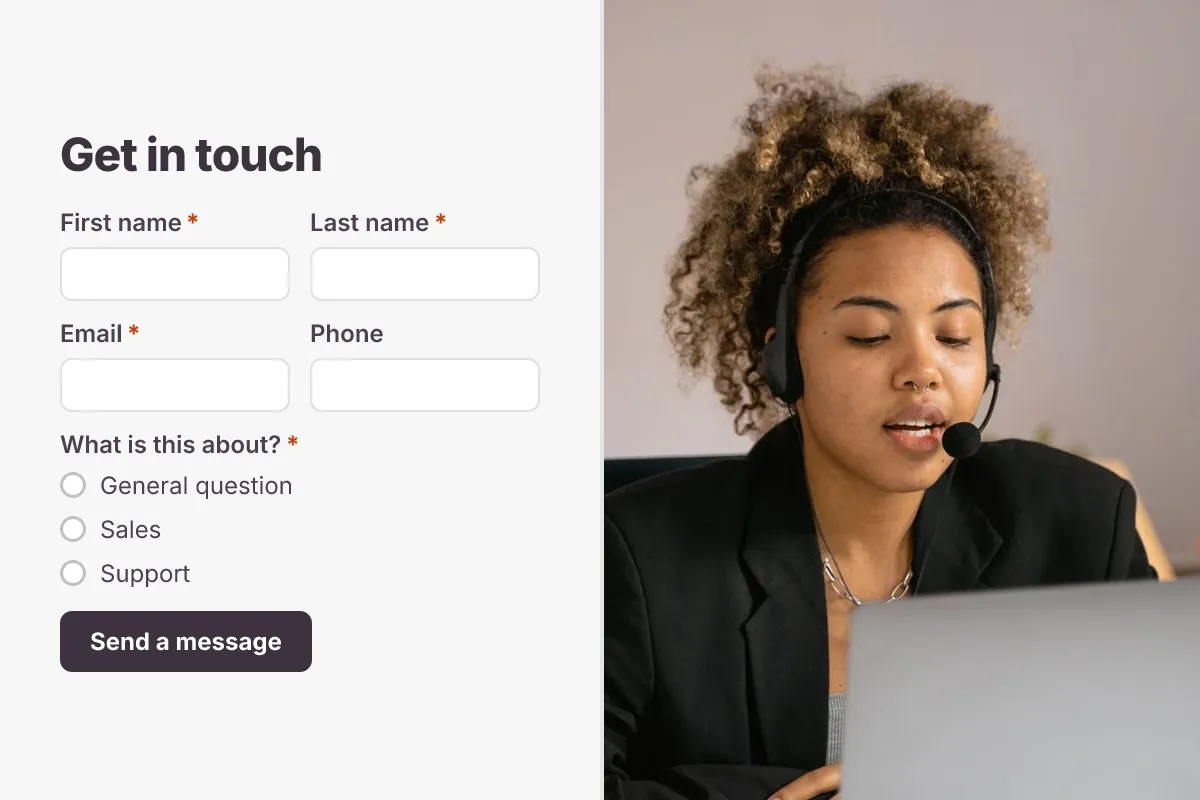 Popular
Contact Us Form
A clean contact form that routes every message to the right person, with name, email, topic and message.
- Website
- Lead capture
- Support
Business · 6 questions · 2 min
 Popular
Event Registration Form
Collect attendee details, ticket type, sessions and dietary needs for a conference, meetup or workshop.
- Conference
- Tickets
- RSVP
Events · 12 questions · 3 min
 Popular
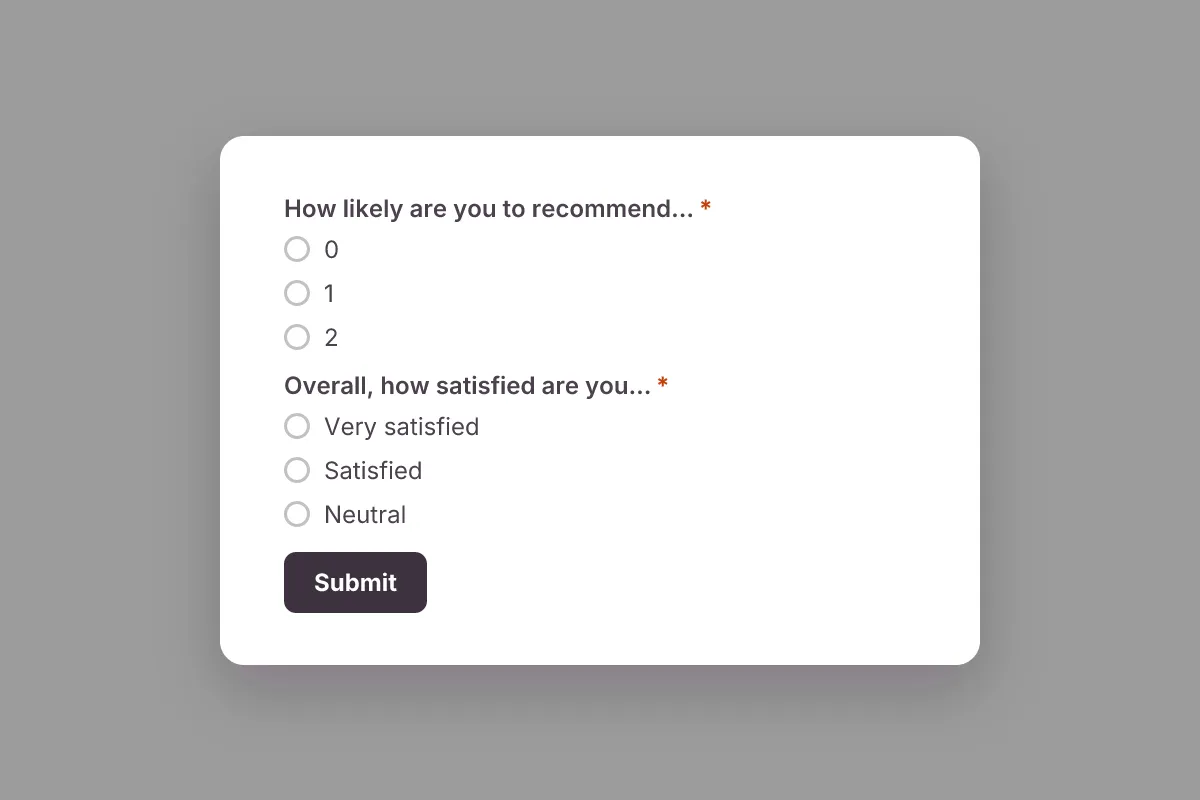
Customer Satisfaction Survey
Measure satisfaction and Net Promoter Score (NPS), learn what customers love and what to fix next.
- NPS
- CSAT
- Feedback
Feedback & Surveys · 6 questions · 2 min