Workshop Feedback Form Template
Find out what landed and what did not while the session is fresh. Participants rate the content, pace and instructor, then tell you what to change next time.
- 9 questions
- One page
- ~3 min
- To fill in
- Single layout
- Mobile-ready
- Free
- No credit card
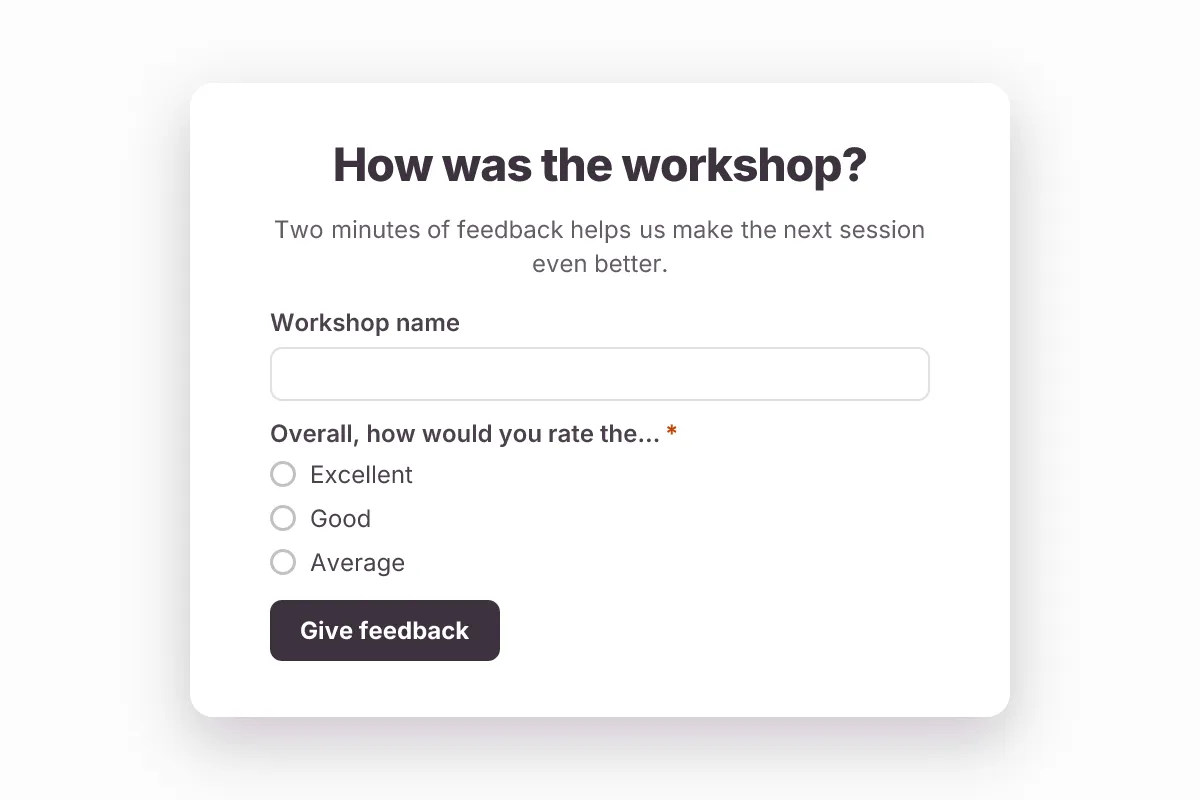
Live preview · nothing you type is sent
Photo by RDNE Stock project on Pexels
Who it's for
Trainers, teachers, L&D teams and event hosts running workshops, classes and webinars.
- End-of-workshop evaluation
- Corporate training and onboarding sessions
- Webinars and online classes
- Conference talks and seminars
What this template asks
Every question can be changed, removed or reordered once it's yours.
Workshop name
Short text
Overall, how would you rate the workshop?*
Multiple choice
- Excellent
- Good
- Average
- Poor
How relevant was the content to your work?
Multiple choice
- Very relevant
- Somewhat relevant
- Not relevant
How was the pace?
Multiple choice
- Too slow
- Just right
- Too fast
How clear was the instructor?
Multiple choice
- Very clear
- Mostly clear
- Hard to follow
What was the most valuable part?
Long text
What should we improve?
Long text
Which topics would you like next?
Checkboxes
- Advanced session
- Hands-on lab
- Q&A clinic
- Case studies
Email
Email
Optional — to receive the slides and certificate
Tips for more responses
- 1
Show a QR code on your last slide and give people two minutes before they leave.
- 2
Keep the ratings the same across sessions so you can compare them over time.
- 3
Offer a certificate or slides in exchange for an email address.
Questions
Can I make the feedback anonymous?
Yes. The email question is optional — remove it entirely if you want fully anonymous responses.
Can I reuse it for every session?
Yes. Duplicate the form for each session, or add a session question and filter responses by it.
Is this workshop feedback form template free?
Yes. Copy it into a free Dculus Forms account, change anything you like and start collecting responses. No credit card is needed.
Can I change the questions?
Yes. Your copy opens in the form builder, where you can add, remove and reorder questions, change the layout and add your own branding.
Where do the responses go?
Responses arrive in your Dculus Forms workspace. You can export them to Excel or CSV, send them to Google Sheets or a webhook, and get email notifications.
Can I host it myself?
Yes. Dculus Forms is open source (GPLv3), so you can run it on your own servers and keep every response in your own database.
Similar templates
All templates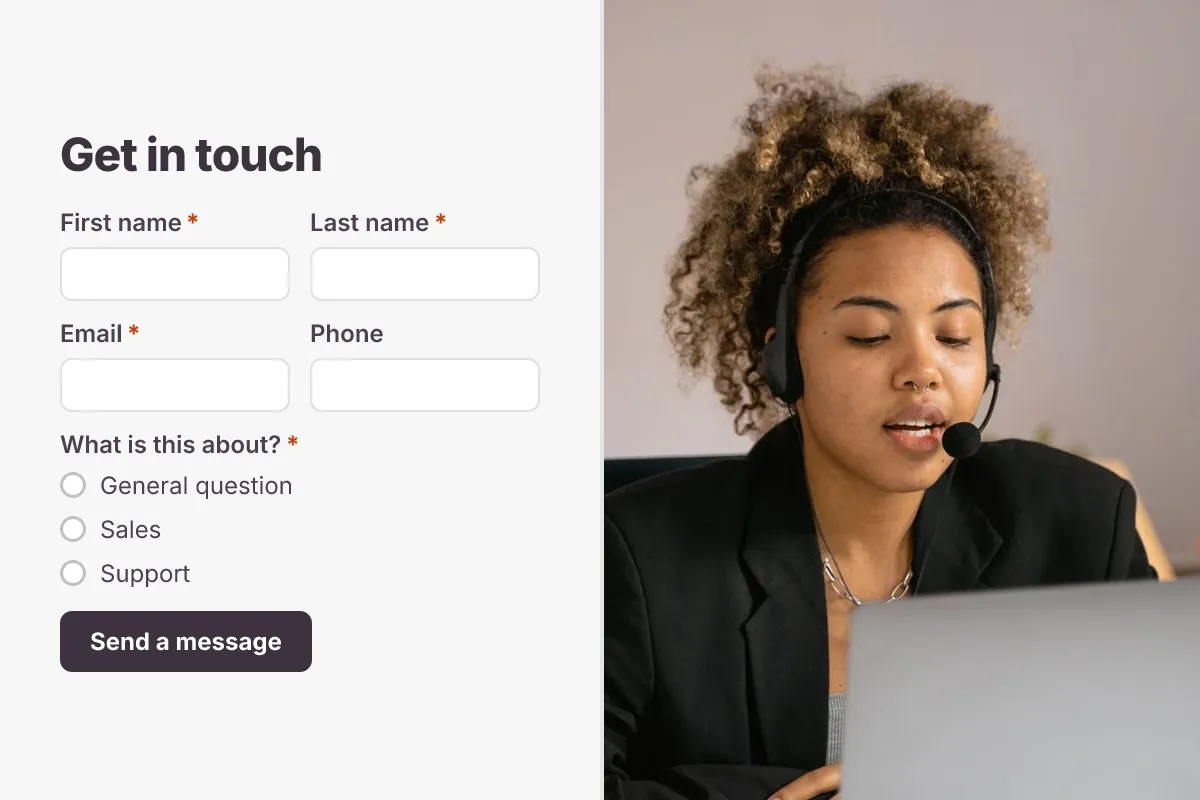 Popular
Contact Us Form
A clean contact form that routes every message to the right person, with name, email, topic and message.
- Website
- Lead capture
- Support
Business · 6 questions · 2 min
 Popular
Event Registration Form
Collect attendee details, ticket type, sessions and dietary needs for a conference, meetup or workshop.
- Conference
- Tickets
- RSVP
Events · 12 questions · 3 min
 Popular
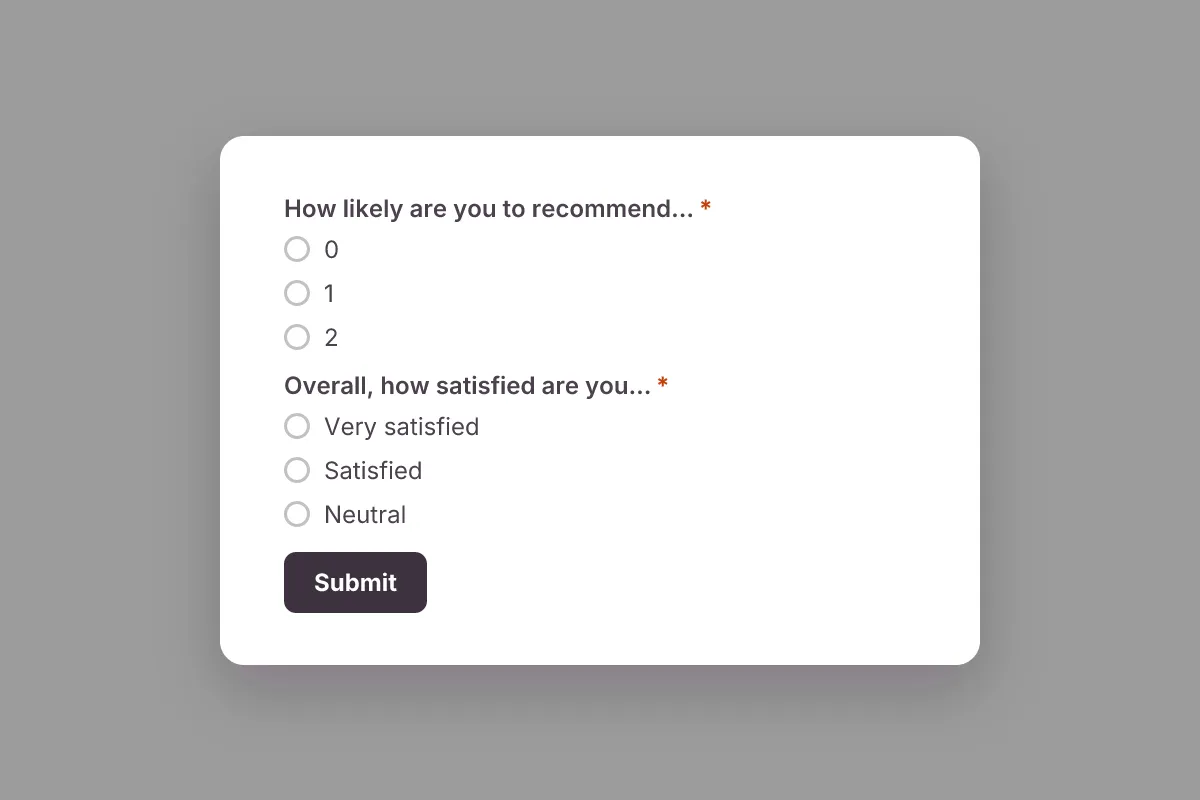
Customer Satisfaction Survey
Measure satisfaction and Net Promoter Score (NPS), learn what customers love and what to fix next.
- NPS
- CSAT
- Feedback
Feedback & Surveys · 6 questions · 2 min