Employee Onboarding Form Template
Send one link before a new hire starts and have everything ready on day one: their details, an emergency contact, the laptop and accounts they need and a photo ID.
- 20 questions
- 4 pages
- ~5 min
- To fill in
- Classic layout
- Mobile-ready
- Free
- No credit card
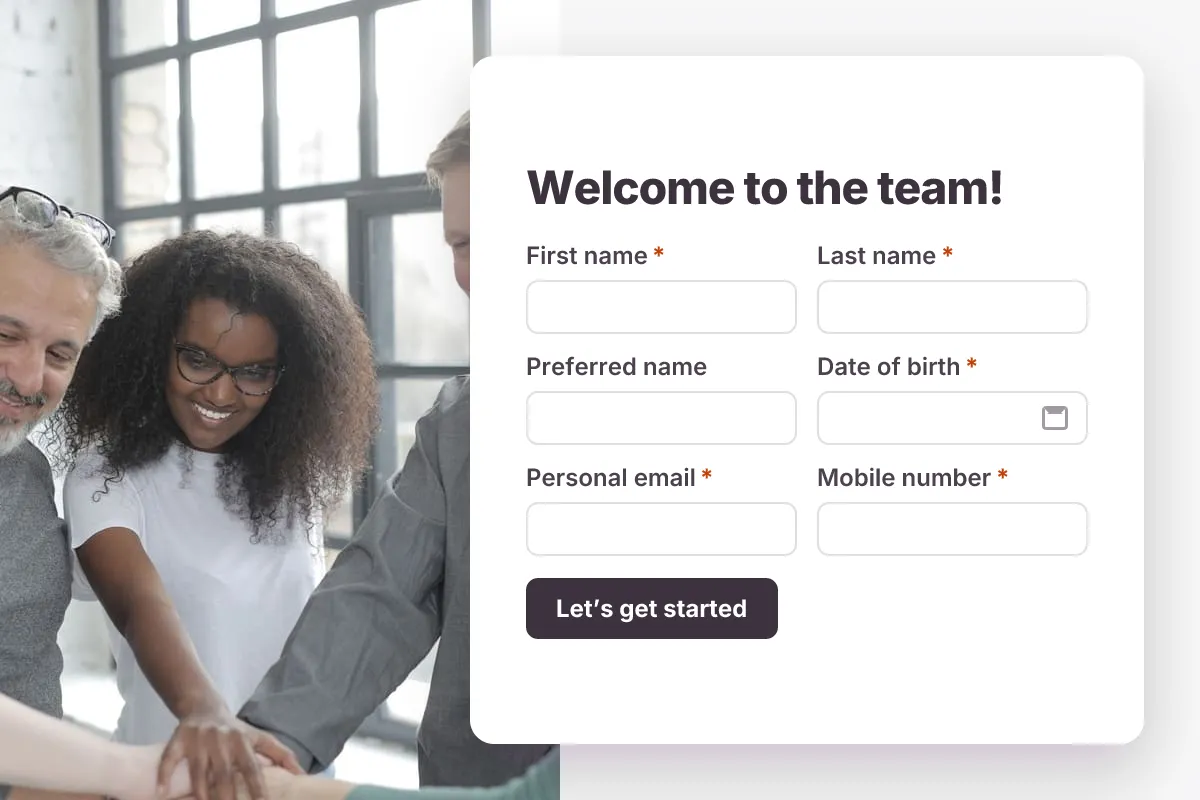
Live preview · nothing you type is sent
Photo by Andrea Piacquadio on Pexels
Who it's for
HR teams, office managers and founders onboarding new employees.
- Pre-boarding a new full-time employee
- Onboarding contractors and interns
- Collecting IT and equipment requests
- Updating employee records
What this template asks
Every question can be changed, removed or reordered once it's yours.
Personal details
First name*
Short text
Last name*
Short text
Preferred name
Short text
Date of birth*
Date
Personal email*
Email
Mobile number*
Phone number
Home address*
Long text
Your role
Job title*
Short text
Department*
Dropdown
- Engineering
- Product
- Design
- Sales
- Marketing
- Customer Success
- Operations
- Finance
- People
Start date*
Date
Manager’s name
Short text
Work arrangement*
Multiple choice
- On-site
- Hybrid
- Remote
Emergency contact
Contact name*
Short text
Relationship*
Short text
Contact phone number*
Phone number
Equipment and access
Laptop preference
Multiple choice
- Mac
- Windows
- No preference
T-shirt size
Dropdown
- XS
- S
- M
- L
- XL
- XXL
Which tools will you need?
Checkboxes
- Email and calendar
- Slack
- GitHub
- Figma
- CRM
- Accounting software
Photo ID*
File upload
Passport, driving licence or national ID
Confirmation*
Checkboxes
- The information I have provided is accurate
Tips for more responses
- 1
Send it a week before the start date so IT has time to order equipment.
- 2
Uploaded ID documents are stored privately — add a file field for any other paperwork you need.
- 3
Share the form only with the new hire, and restrict who on your team can view responses.
Questions
Is it safe to collect personal details with this form?
Uploaded files go to private storage and are only reachable by signed-in members with access to the form. You can also self-host Dculus Forms to keep data on your own servers.
Can new hires save and finish later?
Yes. Signed-in respondents can save their progress and come back to finish the form.
Is this employee onboarding form template free?
Yes. Copy it into a free Dculus Forms account, change anything you like and start collecting responses. No credit card is needed.
Can I change the questions?
Yes. Your copy opens in the form builder, where you can add, remove and reorder questions, change the layout and add your own branding.
Where do the responses go?
Responses arrive in your Dculus Forms workspace. You can export them to Excel or CSV, send them to Google Sheets or a webhook, and get email notifications.
Can I host it myself?
Yes. Dculus Forms is open source (GPLv3), so you can run it on your own servers and keep every response in your own database.
Similar templates
All templates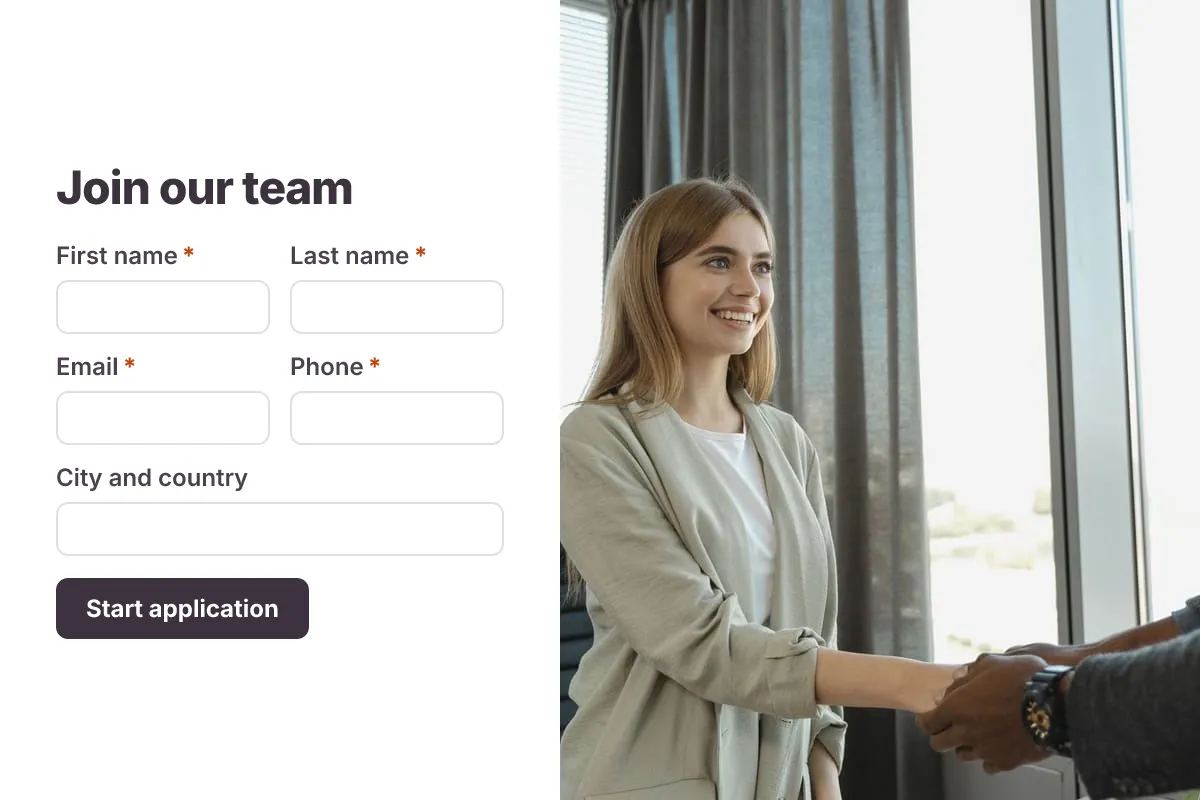 Popular
Job Application Form
A three-step job application with contact details, role preferences, experience and a résumé upload.
- Hiring
- File upload
- Multi-page
HR & Recruiting · 16 questions · 4 min
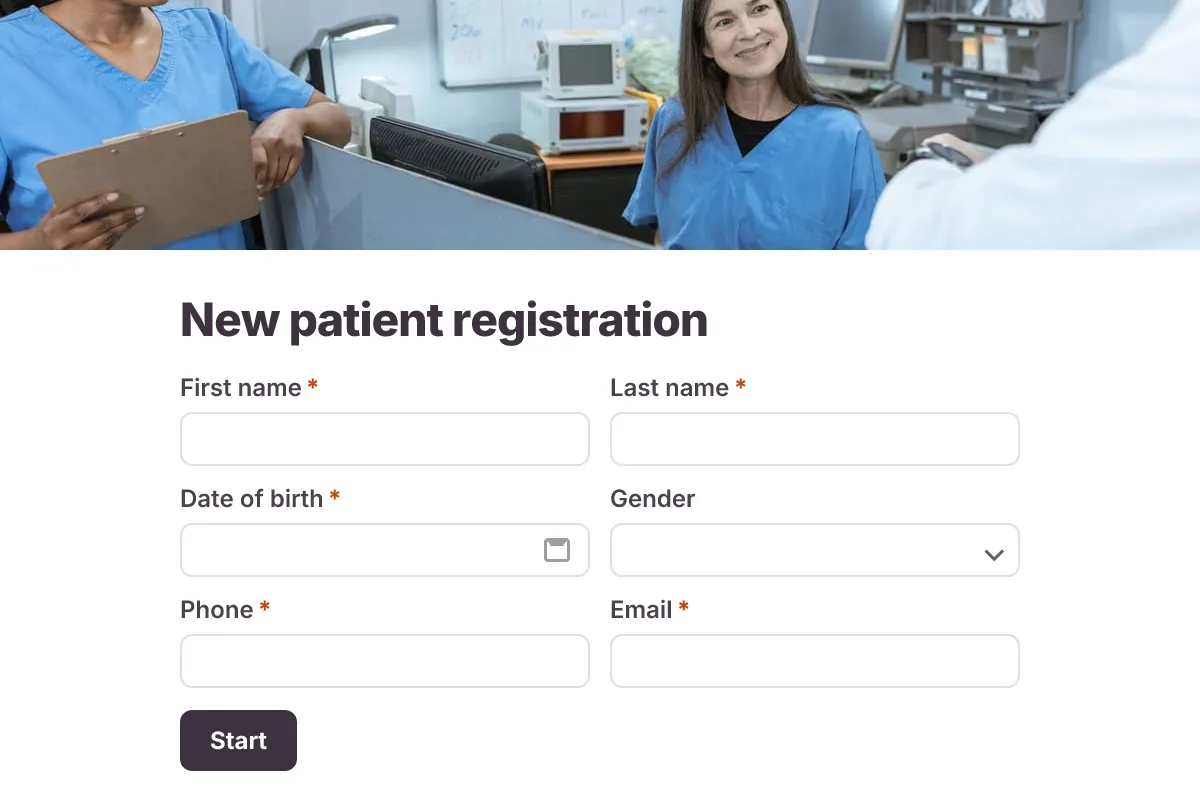
Patient Intake Form
A new-patient form covering contact details, insurance, medical history, medications and consent.
- Clinic
- Intake
- Multi-page
Healthcare · 18 questions · 6 min
 Popular
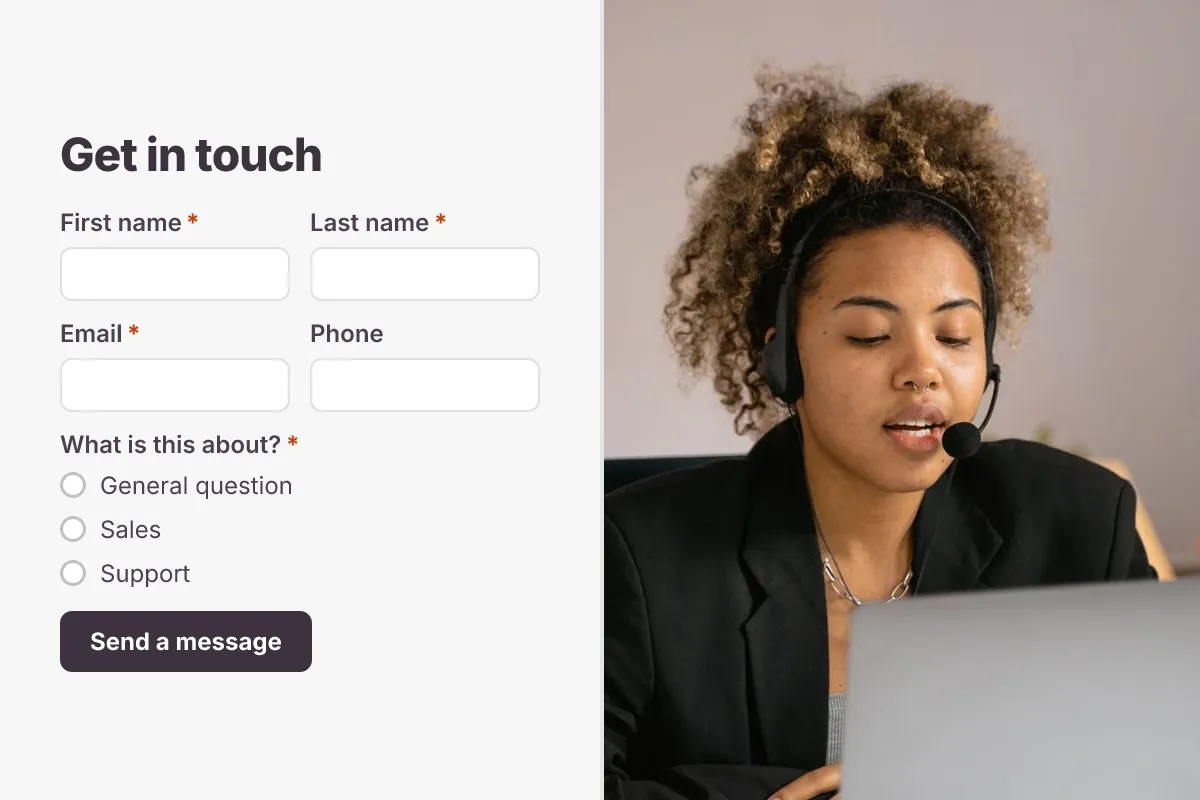
Contact Us Form
A clean contact form that routes every message to the right person, with name, email, topic and message.
- Website
- Lead capture
- Support
Business · 6 questions · 2 min