Job Application Form Template
Collect complete, comparable applications. Candidates move through three short pages — about them, the role, their experience — and attach their résumé at the end.
- 16 questions
- 3 pages
- ~4 min
- To fill in
- Modern layout
- Mobile-ready
- Free
- No credit card
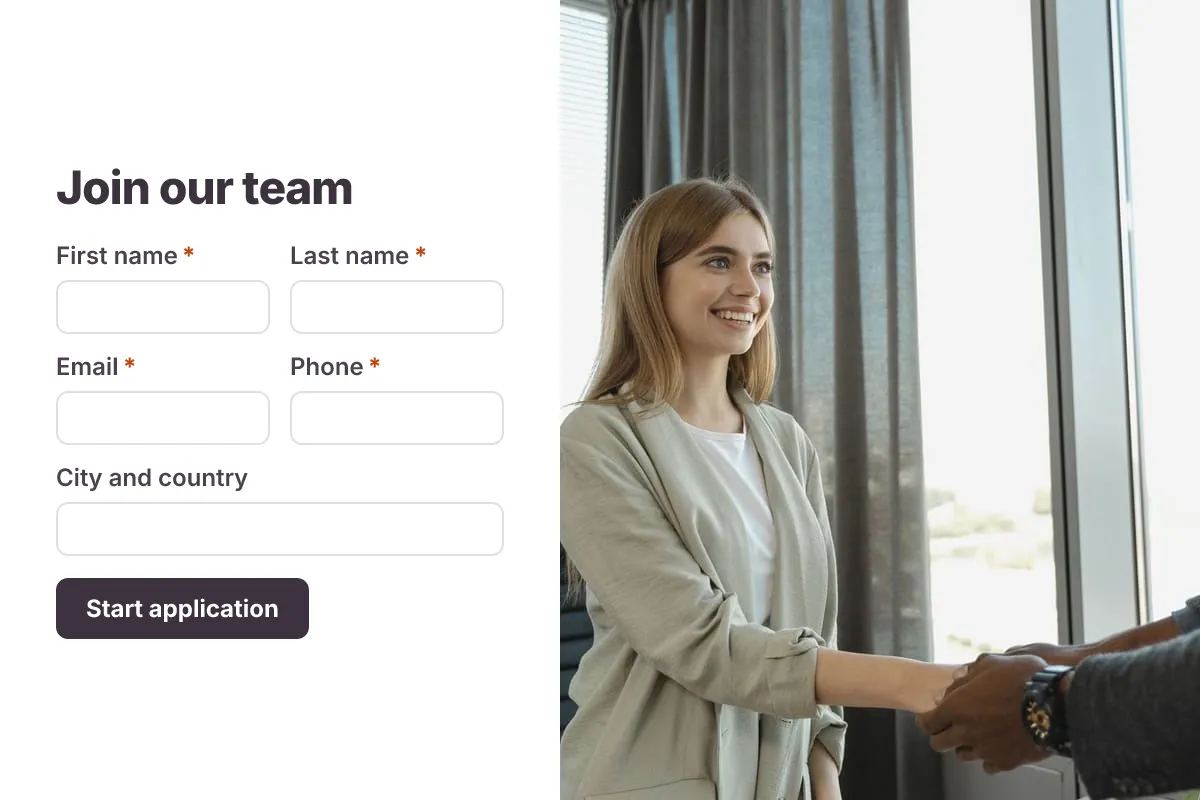
Live preview · nothing you type is sent
Photo by Tima Miroshnichenko on Pexels
Who it's for
Hiring managers, recruiters and small businesses that hire without an applicant tracking system.
- A careers page “Apply now” form
- Hiring for several open roles with one form
- Internship and graduate programmes
- Seasonal and part-time hiring
What this template asks
Every question can be changed, removed or reordered once it's yours.
About you
First name*
Short text
Last name*
Short text
Email*
Email
Phone*
Phone number
City and country
Short text
LinkedIn or portfolio URL
Short text
The role
Position you are applying for*
Dropdown
- Software Engineer
- Product Designer
- Customer Success Manager
- Marketing Specialist
- Other
Employment type*
Multiple choice
- Full-time
- Part-time
- Contract
- Internship
Earliest start date*
Date
Expected salary
Number
Optional, per year
Are you legally allowed to work in this country?*
Multiple choice
- Yes
- No
- I will need sponsorship
Experience
Years of relevant experience*
Number
Why are you interested in this role?*
Long text
Résumé / CV*
File upload
PDF or Word, up to 10 MB
Cover letter
File upload
Optional
Privacy*
Checkboxes
- I agree that my details are stored to process this application
Tips for more responses
- 1
List your open roles in the position dropdown so one form covers every vacancy.
- 2
Filter responses by position and years of experience to shortlist faster.
- 3
Send each application to the hiring manager with an email notification.
Questions
Can candidates upload a résumé?
Yes. The résumé field accepts PDF and Word files up to 10 MB, stored privately and only visible to your team.
Can I use one form for several jobs?
Yes. Add every open role to the position dropdown, then filter or export responses by role.
Is this job application form template free?
Yes. Copy it into a free Dculus Forms account, change anything you like and start collecting responses. No credit card is needed.
Can I change the questions?
Yes. Your copy opens in the form builder, where you can add, remove and reorder questions, change the layout and add your own branding.
Where do the responses go?
Responses arrive in your Dculus Forms workspace. You can export them to Excel or CSV, send them to Google Sheets or a webhook, and get email notifications.
Can I host it myself?
Yes. Dculus Forms is open source (GPLv3), so you can run it on your own servers and keep every response in your own database.
Similar templates
All templates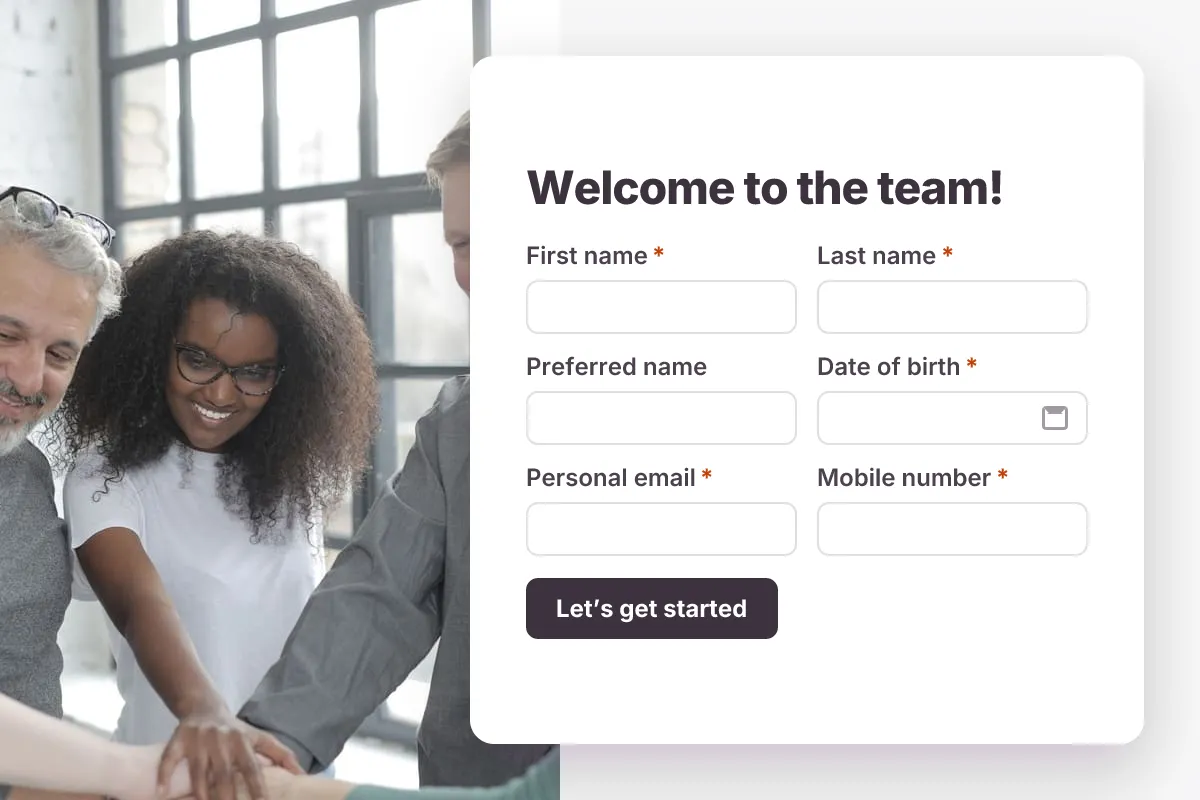
Employee Onboarding Form
Gather a new hire’s personal details, emergency contact, equipment needs and documents before day one.
- New hire
- HR
- Multi-page
HR & Recruiting · 20 questions · 5 min
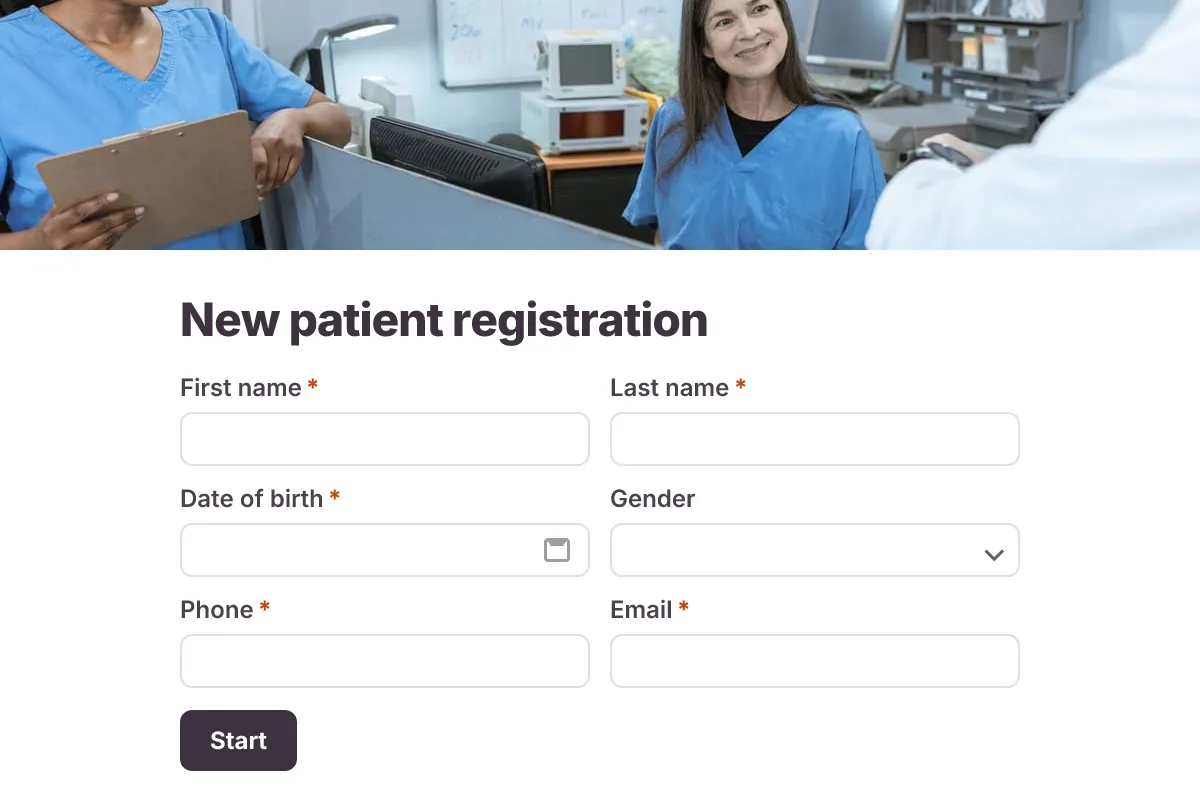
Patient Intake Form
A new-patient form covering contact details, insurance, medical history, medications and consent.
- Clinic
- Intake
- Multi-page
Healthcare · 18 questions · 6 min
 Popular
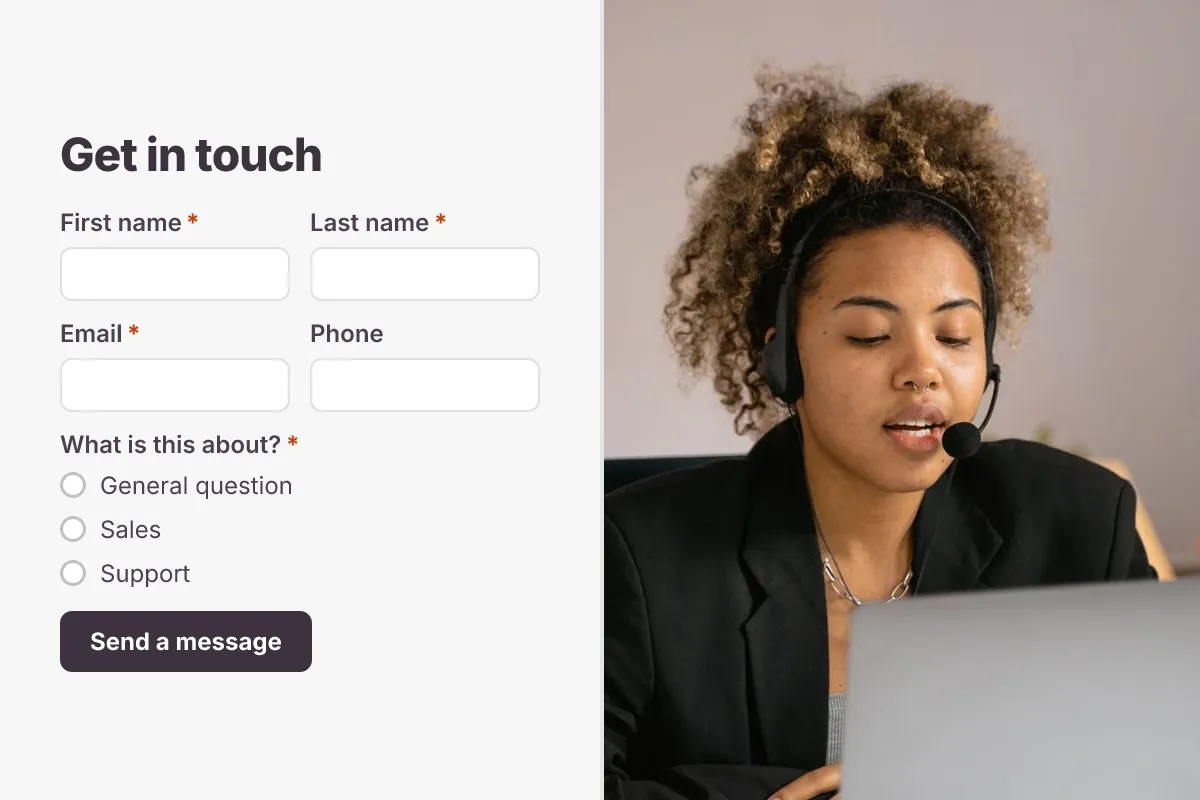
Contact Us Form
A clean contact form that routes every message to the right person, with name, email, topic and message.
- Website
- Lead capture
- Support
Business · 6 questions · 2 min