Patient Intake Form Template
Have new patients complete their paperwork before they arrive. Shorter waiting-room queues, legible answers and records your team can search.
- 18 questions
- 4 pages
- ~6 min
- To fill in
- Steps layout
- Mobile-ready
- Free
- No credit card
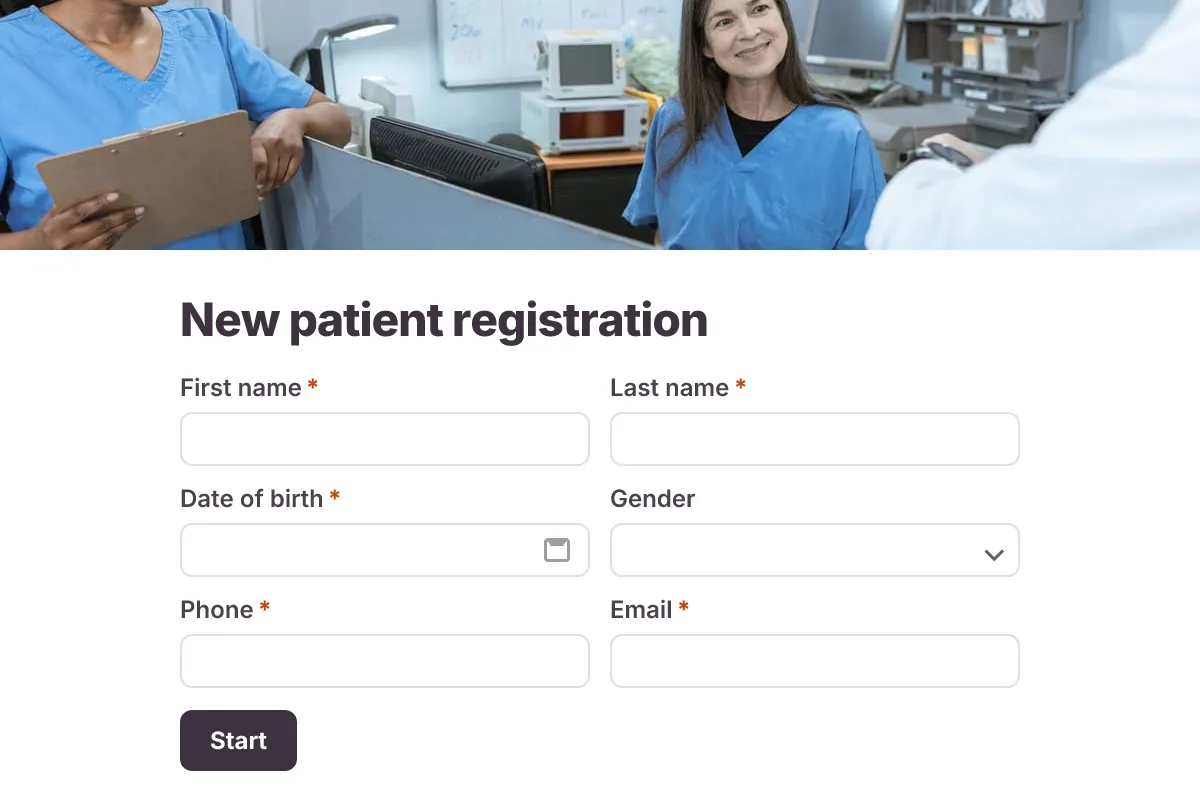
Live preview · nothing you type is sent
Photo by RDNE Stock project on Pexels
Who it's for
Clinics, dental practices, physiotherapists, therapists and wellness centres registering new patients.
- New-patient registration before the first visit
- Dental and physiotherapy intake
- Telehealth appointment intake
- Annual health-record updates
What this template asks
Every question can be changed, removed or reordered once it's yours.
Patient details
First name*
Short text
Last name*
Short text
Date of birth*
Date
Gender
Dropdown
- Female
- Male
- Non-binary
- Prefer not to say
Phone*
Phone number
Email*
Email
Home address
Long text
Insurance
Insurance provider
Short text
Policy or member number
Short text
Photo of insurance card
File upload
Front and back, optional
Medical history
Reason for your visit*
Long text
Do you have any of these conditions?
Checkboxes
- Asthma
- Diabetes
- High blood pressure
- Heart disease
- Thyroid disorder
- None of these
Current medications and doses
Long text
Allergies
Long text
Medicines, foods, latex or other
Do you smoke?
Multiple choice
- Never
- Former smoker
- Current smoker
Emergency contact and consent
Emergency contact name*
Short text
Emergency contact phone*
Phone number
Consent*
Checkboxes
- I consent to treatment and to the clinic storing my information
Tips for more responses
- 1
Send the link with the appointment confirmation so patients fill it in at home.
- 2
Check your local health-privacy rules (for example HIPAA or GDPR) before collecting medical information online.
- 3
Limit who in your workspace can view responses with form permissions.
Questions
Where is patient data stored?
Responses are stored in your Dculus Forms workspace and uploaded files in private storage. For full control, self-host Dculus Forms and keep every record in your own database.
Can patients upload their insurance card?
Yes. The insurance step includes an optional file upload for a photo of the card.
Is this patient intake form template free?
Yes. Copy it into a free Dculus Forms account, change anything you like and start collecting responses. No credit card is needed.
Can I change the questions?
Yes. Your copy opens in the form builder, where you can add, remove and reorder questions, change the layout and add your own branding.
Where do the responses go?
Responses arrive in your Dculus Forms workspace. You can export them to Excel or CSV, send them to Google Sheets or a webhook, and get email notifications.
Can I host it myself?
Yes. Dculus Forms is open source (GPLv3), so you can run it on your own servers and keep every response in your own database.
Similar templates
All templates Popular
Job Application Form
A three-step job application with contact details, role preferences, experience and a résumé upload.
- Hiring
- File upload
- Multi-page
HR & Recruiting · 16 questions · 4 min
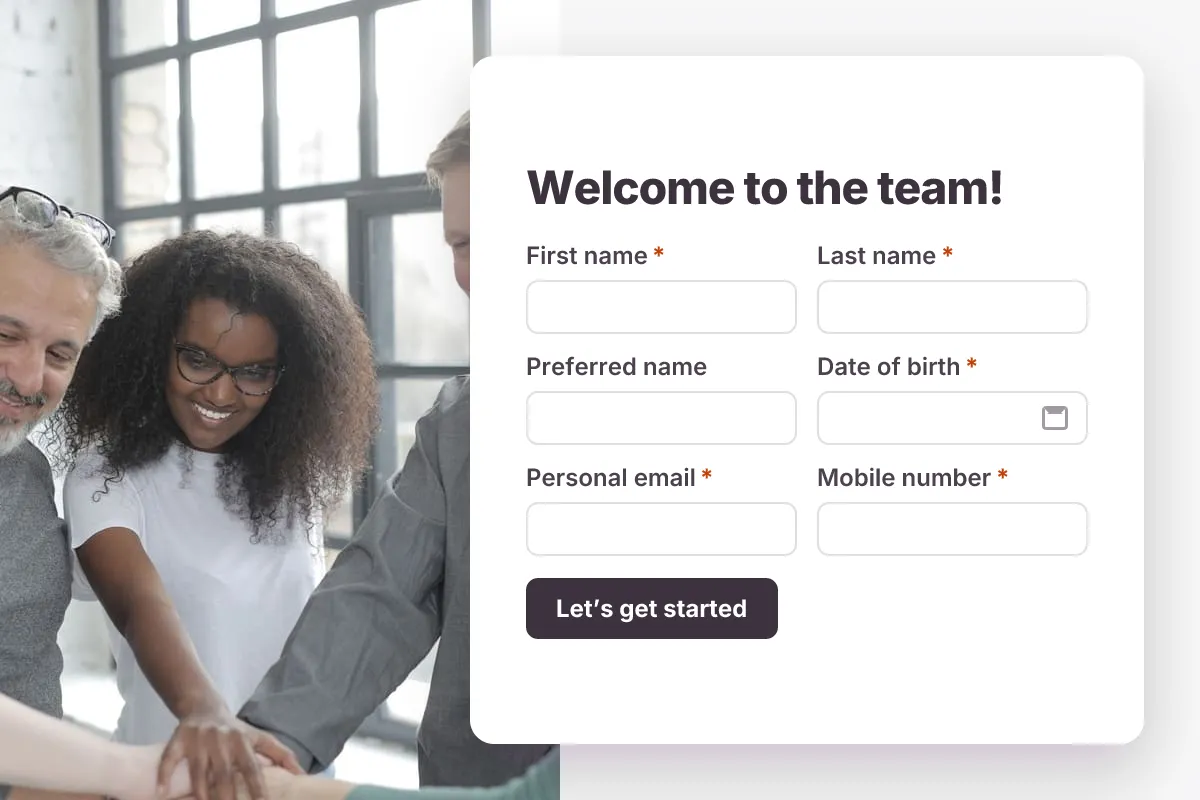
Employee Onboarding Form
Gather a new hire’s personal details, emergency contact, equipment needs and documents before day one.
- New hire
- HR
- Multi-page
HR & Recruiting · 20 questions · 5 min
 Popular
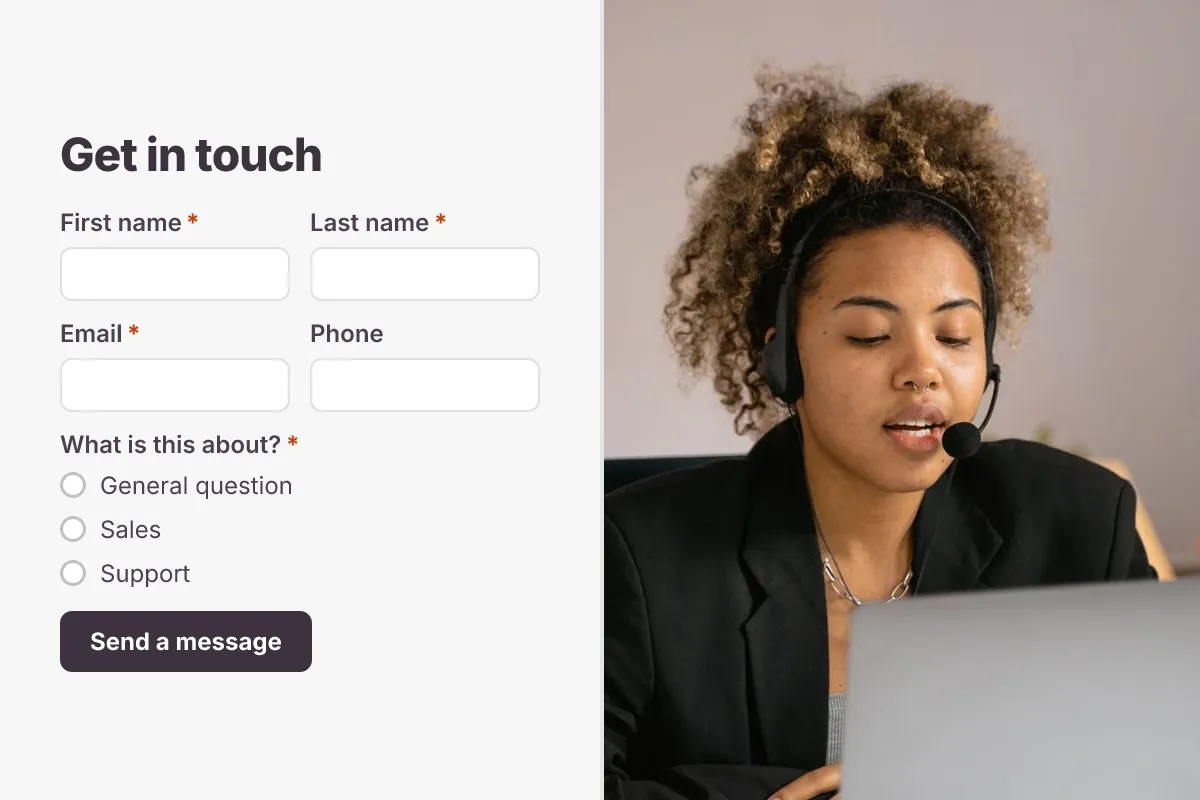
Contact Us Form
A clean contact form that routes every message to the right person, with name, email, topic and message.
- Website
- Lead capture
- Support
Business · 6 questions · 2 min