IT Support Request Form Template
An IT support request form is a form that collects an employee's details, the type of problem, the affected device or asset tag, the urgency and any error message so an IT helpdesk can triage and fix issues in order. This template keeps the employee side short while capturing the details technicians usually have to chase, like the asset tag and whether other people are affected.
- 11 questions
- One page
- ~3 min
- To fill in
- Direct layout
- Mobile-ready
- Free
- No credit card
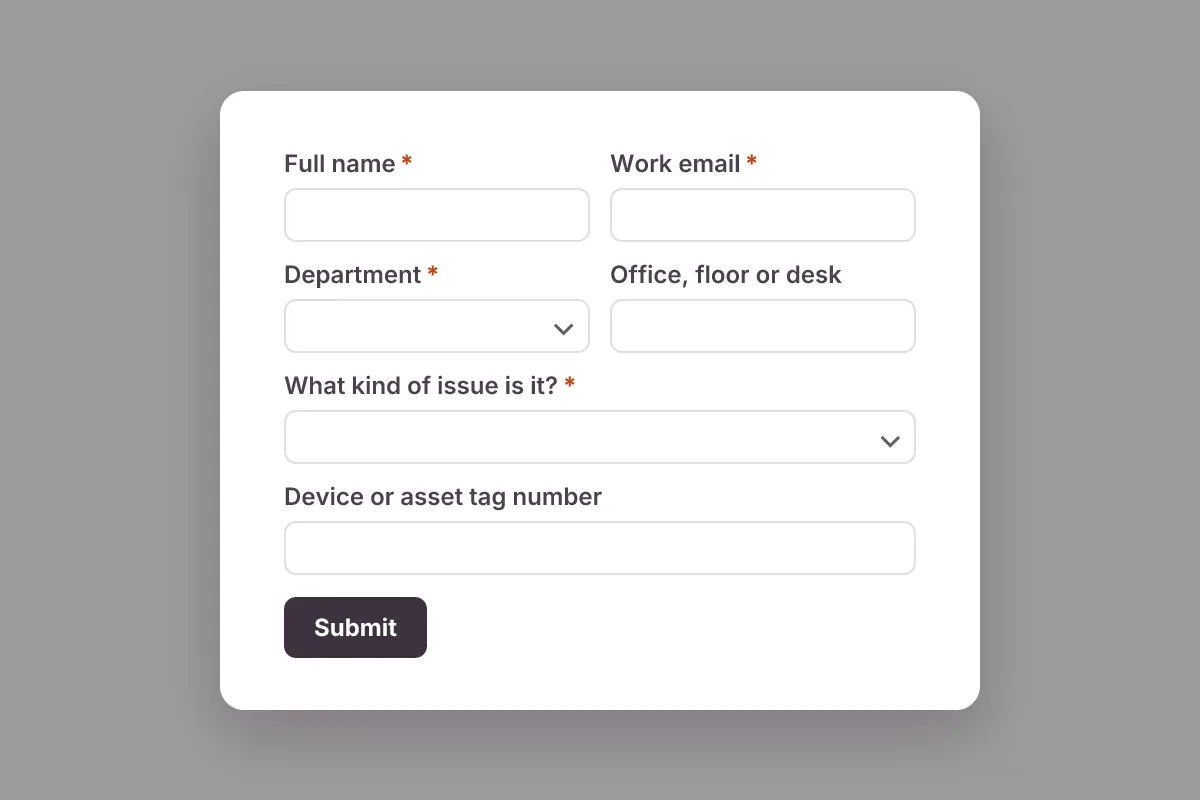
Live preview · nothing you type is sent
Photo by IT services EU on Pexels
Who it's for
In-house IT teams, managed service providers (MSPs), school and university IT offices, and office managers who handle IT for a small company.
- The 'Get IT help' link on your intranet or Teams/Slack channel
- MSPs taking tickets from several client companies through one form
- School staff reporting classroom projector and laptop issues
- Logging walk-up requests at the IT desk so nothing is lost
What this template asks
Every question can be changed, removed or reordered once it's yours.
Full name*
Short text
Work email*
Email
Department*
Dropdown
- Finance
- HR
- Sales
- Marketing
- Operations
- Engineering
- Customer support
- Management
- Other
Office, floor or desk
Short text
Optional
What kind of issue is it?*
Dropdown
- Computer or laptop hardware
- Printer or scanner
- Software or app error
- Email or calendar
- Wi-Fi, VPN or network
- Password or account locked
- Phone or video calls
- New equipment request
- Other
Device or asset tag number
Short text
Optional. Usually on a sticker on the device
How urgent is it?*
Multiple choice
- Low - when you get a chance
- Medium - slowing me down
- High - I cannot do my job
- Critical - many people are affected
Who is affected?*
Multiple choice
- Just me
- My team
- The whole office
- Not sure
Describe the problem*
Long text
What have you already tried?
Long text
Optional
Screenshot of the error
File upload
Optional
Tips for more responses
- 1
Print a QR code on asset tag stickers or meeting room walls so people can report a fault from their phone when their laptop is the problem.
- 2
Send each request to your ticket queue with a webhook, or log it in Google Sheets or Microsoft Sheets for a simple tracker.
- 3
Require sign-in so you know exactly who raised each request without asking for their name and email.
Questions
What should an IT support request form include?
The employee's name, email, department and location, the issue type (hardware, software, network, account or access), the device or asset tag, how urgent it is and how many people are affected, the error message, what they already tried and an optional screenshot.
How do IT teams prioritize support requests?
Most use impact and urgency: how many people are affected and whether they can still work. An outage for a whole team ranks above a single user's slow laptop. Asking both questions on the form lets you sort tickets before reading them.
What is an asset tag and why ask for it?
An asset tag is the label or ID number IT puts on a company device. Asking for it lets a technician look up the device's model, warranty and history straight away instead of guessing which laptop is broken.
Is this it support request template free?
Yes. Copy it into a free Dculus Forms account, change anything you like and start collecting responses. No credit card is needed.
Can I change the questions?
Yes. Your copy opens in the form builder, where you can add, remove and reorder questions, change the layout and add your own branding.
Where do the responses go?
Responses arrive in your Dculus Forms workspace. You can export them to Excel or CSV, send them to Google Sheets or a webhook, and get email notifications.
Can I host it myself?
Yes. Dculus Forms is open source (GPLv3), so you can run it on your own servers and keep every response in your own database.
Similar templates
All templates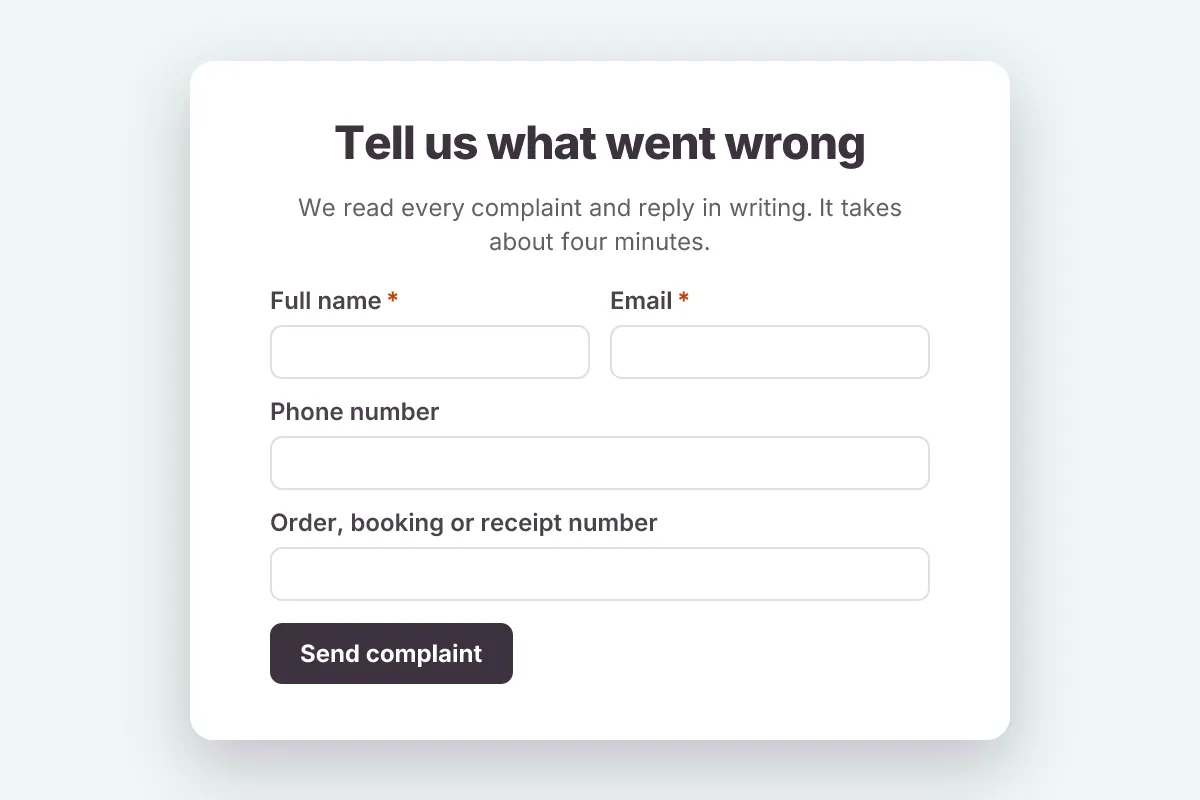
Customer Complaint
Record customer complaints with what went wrong, where and when, the outcome the customer wants and how they prefer to be contacted.
- Feedback
- File Upload
Customer Support · 12 questions · 3 min
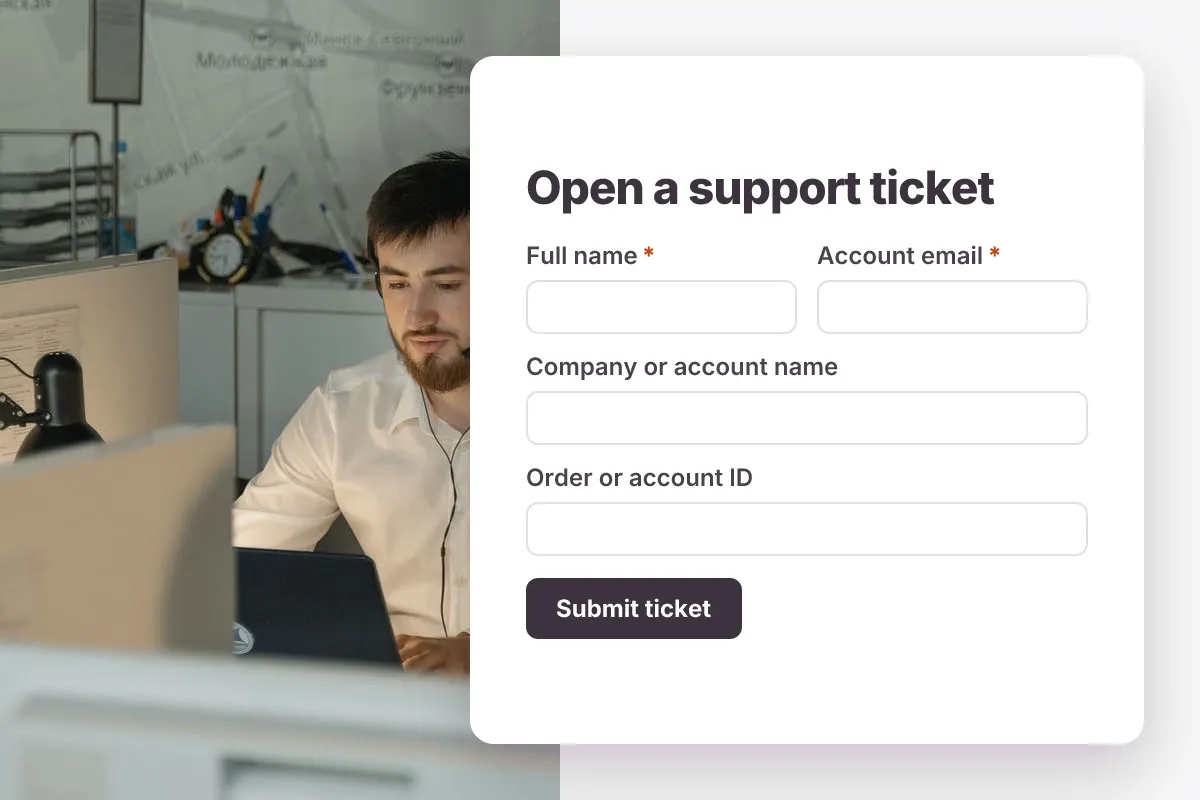
Support Ticket
Log customer support tickets with category, priority, affected product, steps to reproduce and screenshot attachments.
- File Upload
- Triage
Customer Support · 12 questions · 4 min
 Popular
Job Application Form
A three-step job application with contact details, role preferences, experience and a résumé upload.
- Hiring
- File upload
- Multi-page
HR & Recruiting · 16 questions · 4 min