Support Ticket Form Template
A support ticket form is a form that collects a customer's contact details, the issue category, its priority and the steps that led to the problem so a support team can route and fix it without a long back-and-forth. This template asks for the account email, product area and impact up front, then lets customers attach screenshots or log files in the same submission.
- 12 questions
- 2 pages
- ~4 min
- To fill in
- Classic layout
- Mobile-ready
- Free
- No credit card
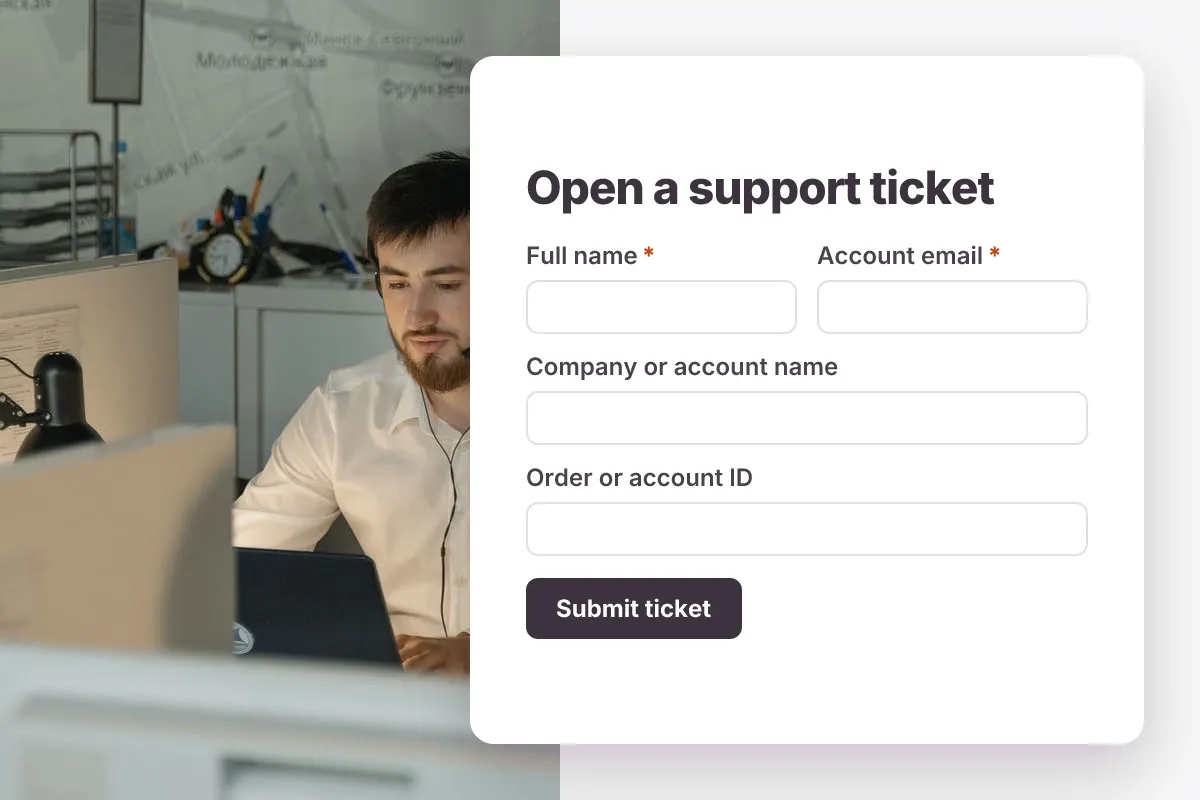
Live preview · nothing you type is sent
Photo by Tima Miroshnichenko on Pexels
Who it's for
SaaS support teams, e-commerce customer service desks, agencies running client support and small product teams without a full help desk tool.
- A 'Contact support' link in your app or help center footer
- Bug reports from beta testers with screenshots attached
- Billing and account questions routed to a separate queue by category
- Client support for agencies that maintain websites or apps
What this template asks
Every question can be changed, removed or reordered once it's yours.
Your details
Full name*
Short text
Account email*
Email
The email you sign in with
Company or account name
Short text
Optional
Order or account ID
Short text
Optional. Helps us find your account faster
The issue
What is this about?*
Multiple choice
- Bug or error
- Billing or invoice
- Account and login
- How-to question
- Feature request
- Other
Which part of the product?*
Dropdown
- Dashboard
- Mobile app
- Integrations
- Reports and exports
- Notifications
- Settings and permissions
- Checkout
- Not sure
How much is this affecting you?*
Multiple choice
- Low - a question or small annoyance
- Normal - something is wrong but I have a workaround
- High - a key feature is broken, no workaround
- Urgent - the product is down or data is at risk
Subject*
Short text
Describe the problem*
Long text
Steps to reproduce
Long text
Optional
Device and browser
Multiple choice
Optional
- Desktop - Chrome
- Desktop - Safari
- Desktop - Edge or Firefox
- iPhone or iPad
- Android
- Other
Screenshots or files
File upload
Optional. Up to 3 files, 10 MB each
Tips for more responses
- 1
Use conditional logic to show the 'Steps to reproduce' question only when the category is 'Bug or error', so billing questions stay short.
- 2
Connect a webhook or the Google Sheets plugin to drop each ticket into your queue, and turn on the respondent email copy so customers keep a record of what they sent.
- 3
Edit responses to add an internal status and keep the full edit history of who changed what on each ticket.
Questions
What should a support ticket form include?
The customer's name and email, the account or order ID, an issue category, a priority or impact level, the product area, a clear description, steps to reproduce, and an optional screenshot or file upload. These let an agent triage the ticket on first read.
How should support ticket priority levels be defined?
Most teams use four levels: Urgent (the product is down or data is at risk), High (a key feature is broken with no workaround), Normal (a problem with a workaround) and Low (a question or request). Describe each level in the option text so customers pick consistently.
Can customers attach screenshots to a ticket?
Yes. The template includes a file upload field for up to three images or PDFs, and uploads are stored privately so only your team can open them.
Can I use this instead of a help desk tool?
For a small team, yes: tickets arrive by email notification, sit in a response table you can filter and export, and can be pushed to other tools by webhook. Larger teams often use the form as the intake step for an existing help desk.
Is this support ticket template free?
Yes. Copy it into a free Dculus Forms account, change anything you like and start collecting responses. No credit card is needed.
Can I change the questions?
Yes. Your copy opens in the form builder, where you can add, remove and reorder questions, change the layout and add your own branding.
Where do the responses go?
Responses arrive in your Dculus Forms workspace. You can export them to Excel or CSV, send them to Google Sheets or a webhook, and get email notifications.
Can I host it myself?
Yes. Dculus Forms is open source (GPLv3), so you can run it on your own servers and keep every response in your own database.
Similar templates
All templates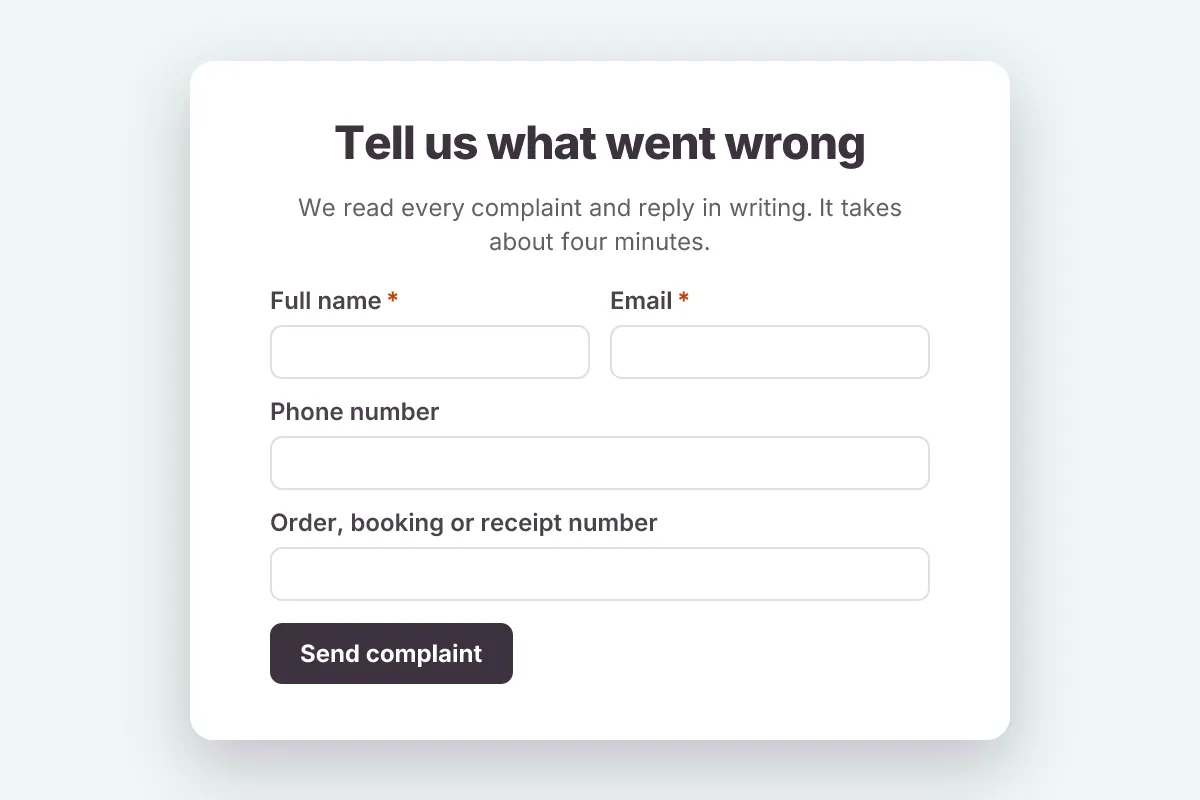
Customer Complaint
Record customer complaints with what went wrong, where and when, the outcome the customer wants and how they prefer to be contacted.
- Feedback
- File Upload
Customer Support · 12 questions · 3 min
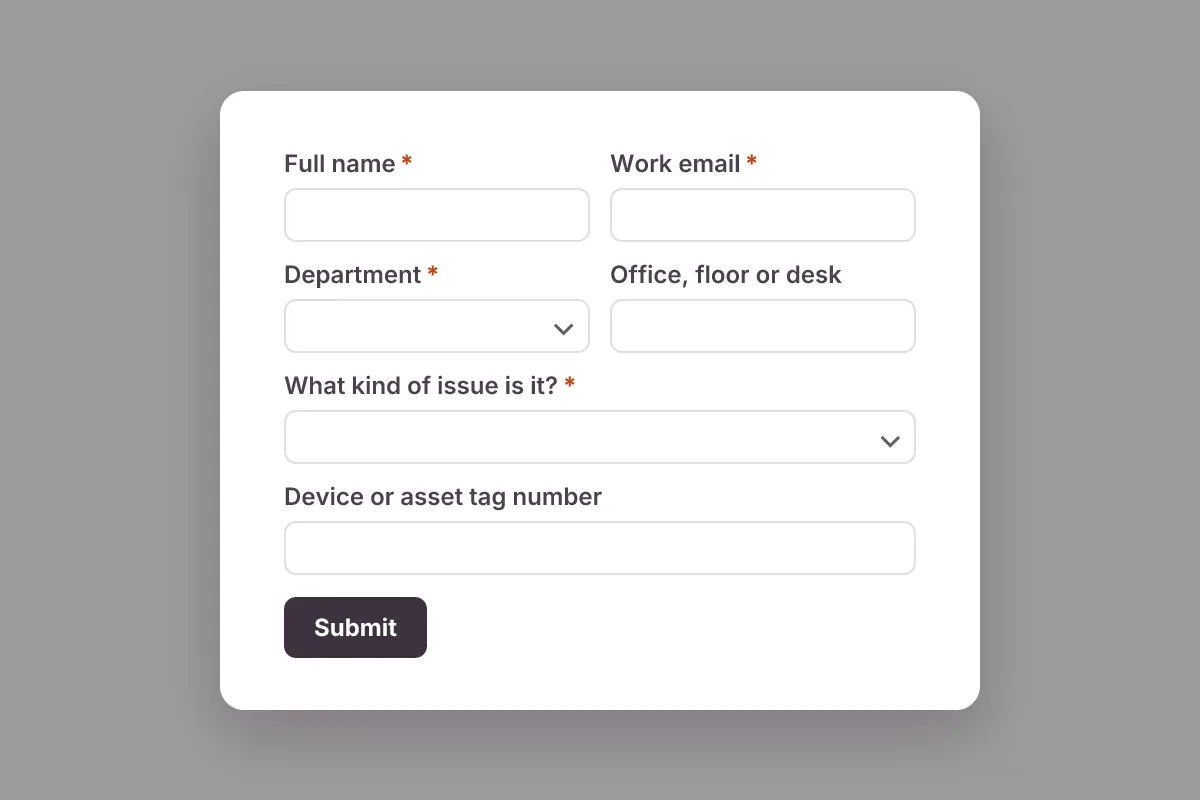
IT Support Request
Internal IT helpdesk request: employee, department, issue type, device or asset tag, urgency, error message and screenshot.
- Helpdesk
- File Upload
Customer Support · 11 questions · 3 min
 Popular
Job Application Form
A three-step job application with contact details, role preferences, experience and a résumé upload.
- Hiring
- File upload
- Multi-page
HR & Recruiting · 16 questions · 4 min