Newsletter Signup Form Template
A newsletter signup form is a form that collects a subscriber's name, email address and explicit consent so a business, creator or nonprofit can send them regular email updates. This template also asks which topics and how often, so you can segment from day one and send fewer emails people ignore.
- 5 questions
- One page
- ~1 min
- To fill in
- Hero layout
- Mobile-ready
- Free
- No credit card
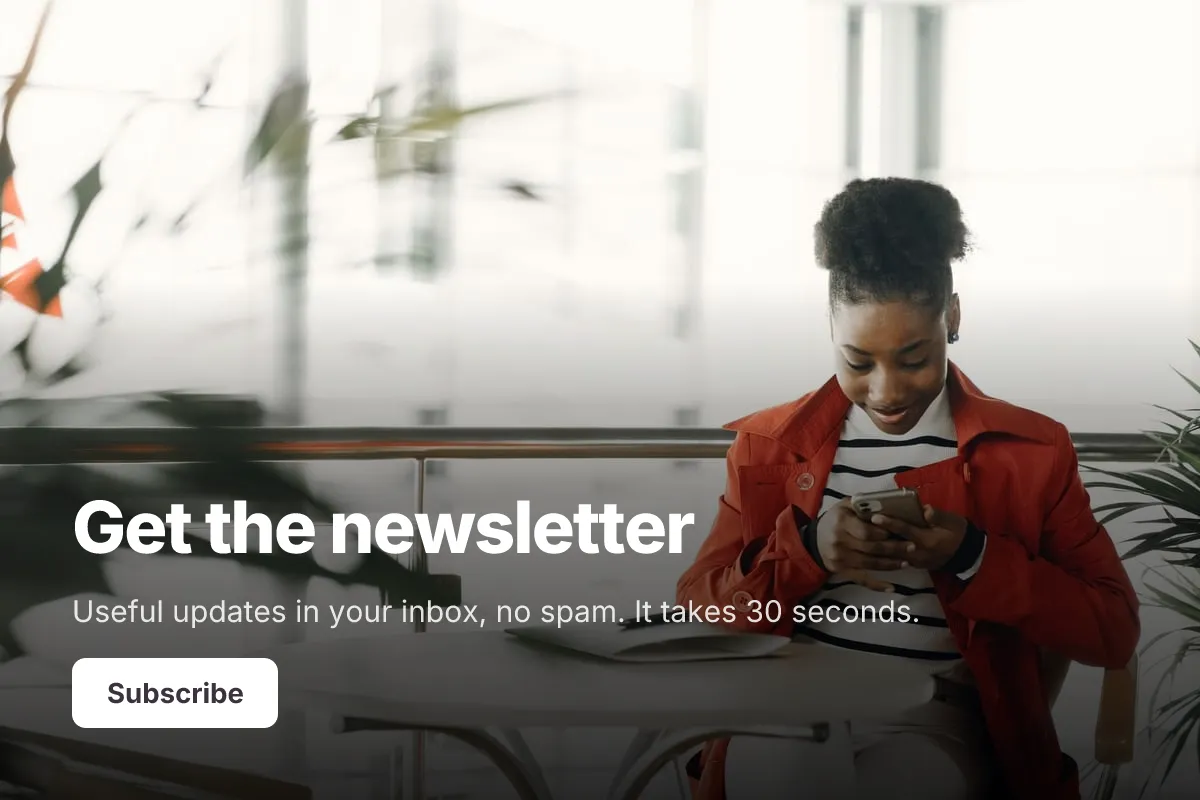
Live preview · nothing you type is sent
Photo by Gustavo Fring on Pexels
Who it's for
Creators, bloggers, small shops, restaurants, nonprofits, schools, local businesses and B2B marketers building an email list.
- A footer or sidebar signup embedded on a blog or online store
- A QR code at a café counter, market stall or event table
- A link in an Instagram or LinkedIn bio
- Collecting interest before launching a product or podcast
What this template asks
Every question can be changed, removed or reordered once it's yours.
First name*
Short text
Email address*
Email
What would you like to hear about?
Checkboxes
Optional. Pick any
- New products
- Tips and how-tos
- Events
- Offers and discounts
- Company news
How often should we email you?
Multiple choice
Optional
- Weekly
- Twice a month
- Monthly
Consent*
Checkboxes
- Yes, send me the newsletter by email
Tips for more responses
- 1
Embed the form on your website and print its QR code on receipts, flyers and packaging.
- 2
Send signups to Google Sheets, or use a webhook to add them to the email tool you already use.
- 3
Turn on the email copy for the respondent to send a welcome note confirming what they signed up for.
Questions
What should a newsletter signup form include?
An email address, ideally a first name for personal greetings, optional topic or frequency preferences, and a clear consent checkbox that says what you will send and that people can unsubscribe at any time. Link to your privacy policy near the consent box.
Do I need a consent checkbox on a newsletter form?
For subscribers in the EU, UK and Canada, laws such as GDPR and CASL generally require clear, opt-in consent, so an unticked checkbox is the safe choice. US rules under CAN-SPAM focus on an easy unsubscribe. Check the rules for where your subscribers live.
What is double opt-in?
Double opt-in means a new subscriber confirms by clicking a link in a follow-up email before you add them. It keeps typos and fake addresses off your list. Most email marketing tools handle this step after you send them the signup.
How do I get more newsletter signups?
Say exactly what people will get and how often, keep the form to two or three fields, and place it where readers already are: the end of articles, your checkout page and your social bios.
Is this newsletter signup template free?
Yes. Copy it into a free Dculus Forms account, change anything you like and start collecting responses. No credit card is needed.
Can I change the questions?
Yes. Your copy opens in the form builder, where you can add, remove and reorder questions, change the layout and add your own branding.
Where do the responses go?
Responses arrive in your Dculus Forms workspace. You can export them to Excel or CSV, send them to Google Sheets or a webhook, and get email notifications.
Can I host it myself?
Yes. Dculus Forms is open source (GPLv3), so you can run it on your own servers and keep every response in your own database.
Similar templates
All templates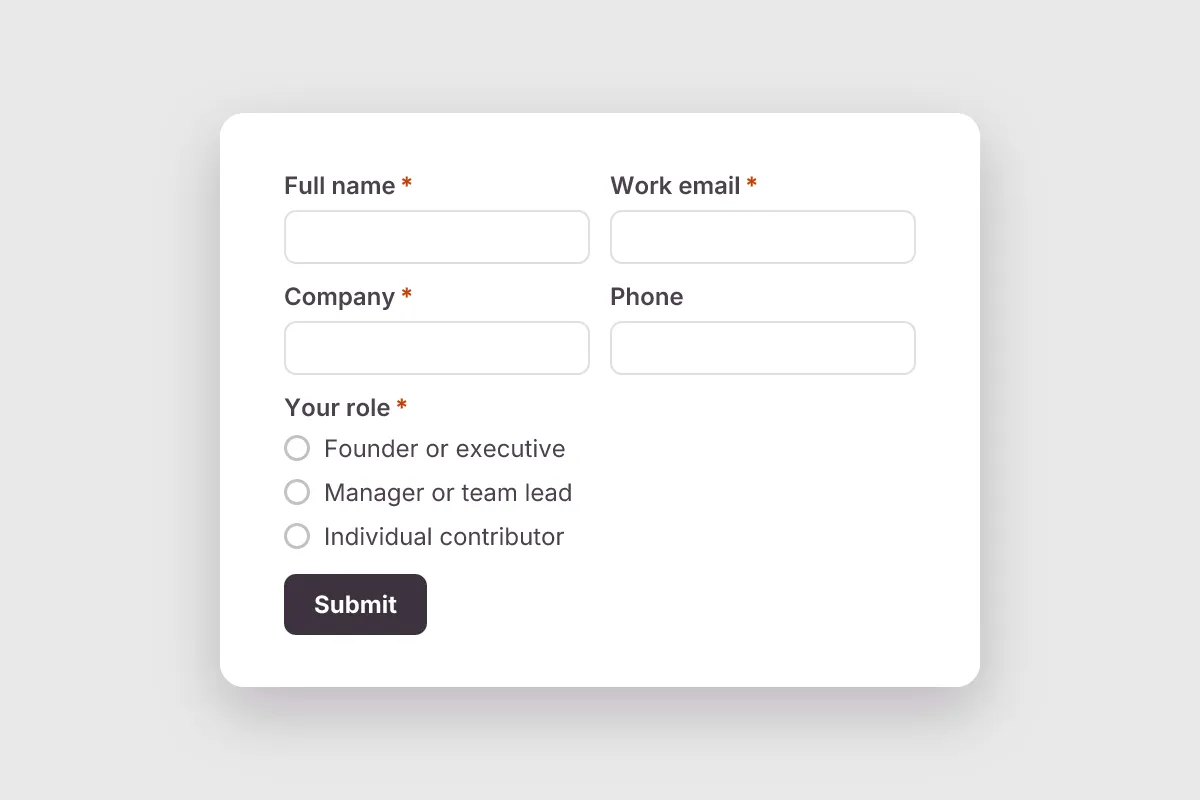
Lead Generation
Capture qualified B2B leads: name, company, role, team size, main need, timeline and budget, with a marketing consent box.
- Lead Capture
- Consent
Marketing & Sales · 11 questions · 2 min
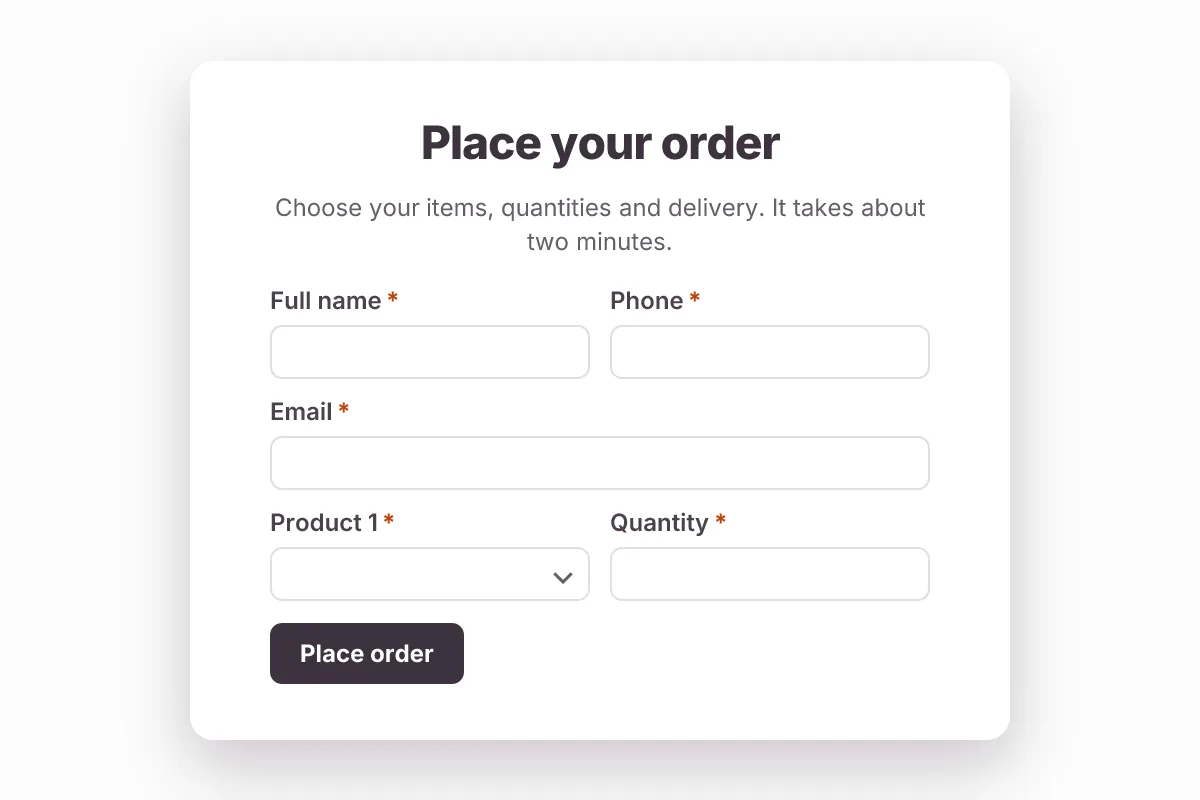
Order Form
Take product orders online: items and quantities, size or variant, delivery or pickup, address, date and order notes.
- Orders
Marketing & Sales · 13 questions · 3 min
 Popular
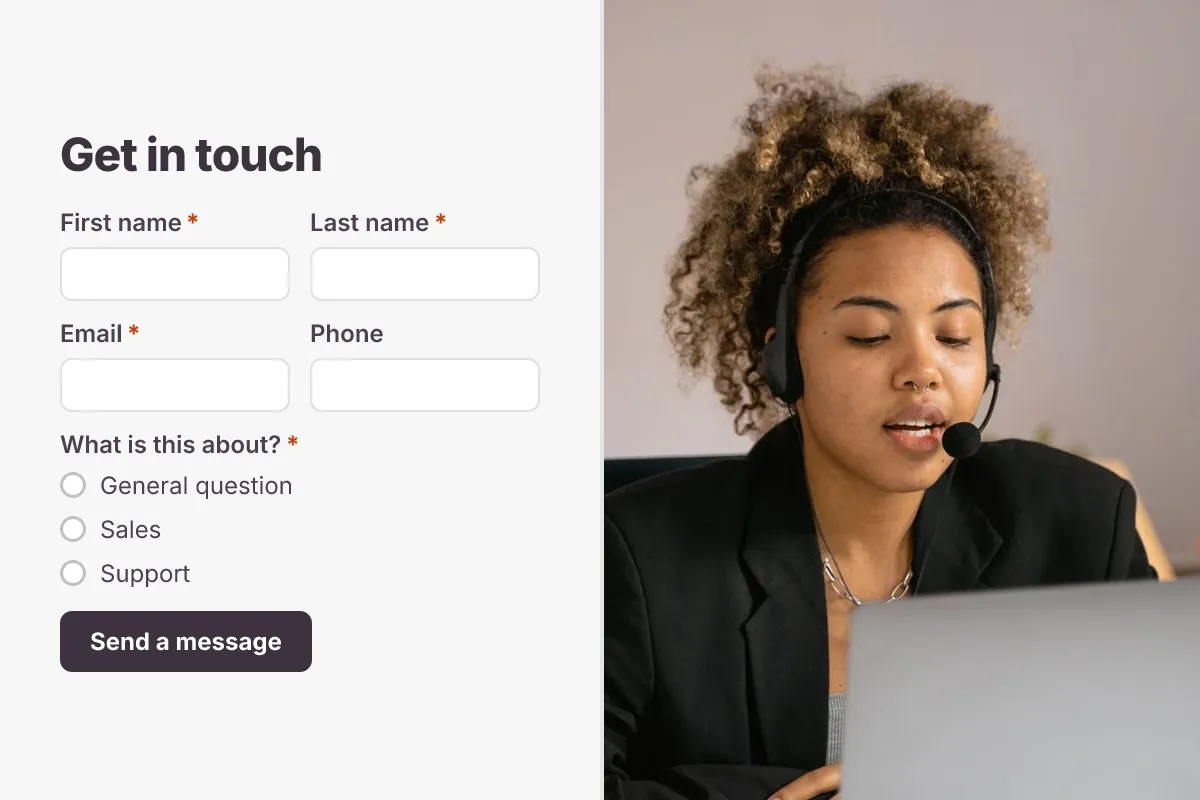
Contact Us Form
A clean contact form that routes every message to the right person, with name, email, topic and message.
- Website
- Lead capture
- Support
Business · 6 questions · 2 min