Order Form Template
An order form is a form that collects a customer's contact details, the products and quantities they want, and how and when they want them delivered so a seller can fulfill the order correctly. This template works for small sellers without a web store: share one link, and every order arrives with the item list, delivery choice and notes in one place.
- 13 questions
- One page
- ~3 min
- To fill in
- Single layout
- Mobile-ready
- Free
- No credit card
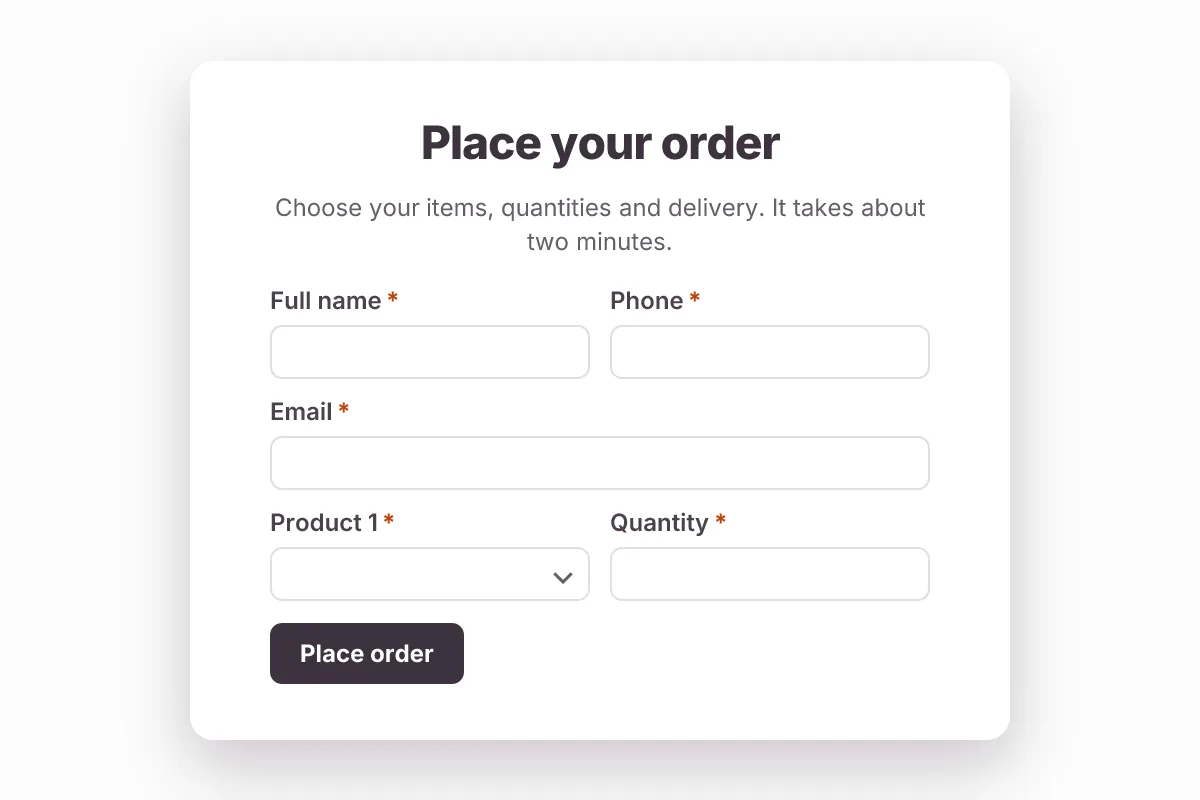
Live preview · nothing you type is sent
Photo by RDNE Stock project on Pexels
Who it's for
Home bakers, caterers, craft and gift sellers, farm shops, print shops, school and club merchandise sellers, and wholesalers taking repeat orders.
- Pre-orders for holiday cakes, meal boxes or farm produce
- Team or club merchandise orders with sizes per item
- Wholesale reorders from regular trade customers
- Orders taken through Instagram or WhatsApp links instead of DMs
What this template asks
Every question can be changed, removed or reordered once it's yours.
Full name*
Short text
Phone*
Phone number
Email*
Email
Product 1*
Dropdown
- Product A – $25
- Product B – $40
- Product C – $15
- Gift set – $60
- Custom item (describe in notes)
Quantity*
Number
Size or variant for product 1
Multiple choice
Optional
- Small
- Medium
- Large
- Not applicable
Product 2
Dropdown
Optional
- Product A – $25
- Product B – $40
- Product C – $15
- Gift set – $60
- Custom item (describe in notes)
Quantity
Number
Optional
Delivery or pickup*
Multiple choice
- Delivery
- Pickup
Delivery address
Long text
Needed for delivery
When do you need it?*
Date
How would you like to pay?*
Multiple choice
- Invoice by email
- Bank transfer
- Cash on pickup or delivery
- Card on pickup
Order notes
Long text
Optional. Gift message, allergies, personalization
Tips for more responses
- 1
Put prices in the product option labels so customers see them while they order.
- 2
Set a response limit or a closing time in Form Settings to stop orders when stock or your order window runs out.
- 3
Use a PDF template to turn each order into a printable packing slip or order confirmation.
Questions
What should an order form include?
The customer's name, email and phone; each product with quantity and size or variant; delivery or pickup; the delivery address; the date they need it; how they plan to pay; and a notes box for special requests. This template includes all of them.
Can customers order several products in one form?
Yes. This template has numbered product lines, each with its own quantity (the first also has a size or variant field), and you can add more lines in the builder. Conditional logic can hide extra lines until the customer needs them.
Does this form take card details?
No. It records the order and the customer's preferred way to pay. You then send an invoice or a pay link from the tool you already use, or collect on pickup.
How do I stop orders after a cutoff date?
Set a close time in Form Settings. After that time the form shows a closed message, so late orders do not arrive after your production deadline.
Is this order form template free?
Yes. Copy it into a free Dculus Forms account, change anything you like and start collecting responses. No credit card is needed.
Can I change the questions?
Yes. Your copy opens in the form builder, where you can add, remove and reorder questions, change the layout and add your own branding.
Where do the responses go?
Responses arrive in your Dculus Forms workspace. You can export them to Excel or CSV, send them to Google Sheets or a webhook, and get email notifications.
Can I host it myself?
Yes. Dculus Forms is open source (GPLv3), so you can run it on your own servers and keep every response in your own database.
Similar templates
All templates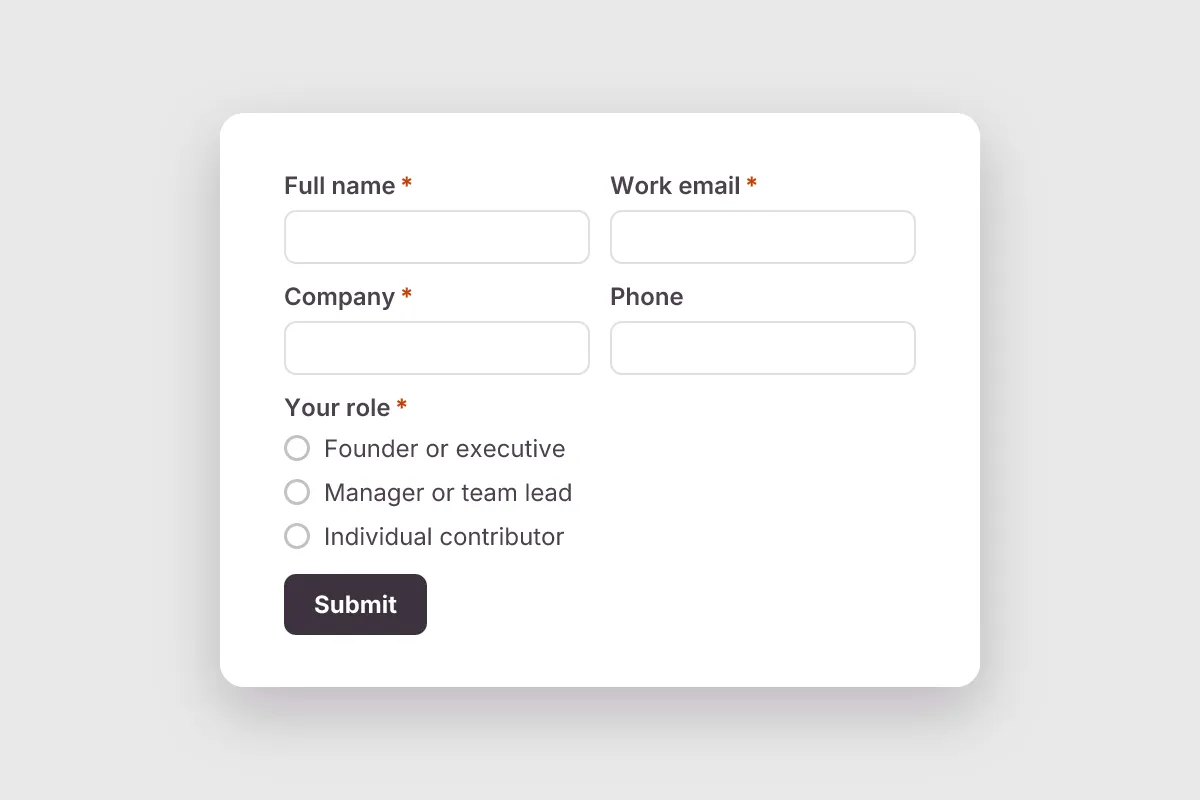
Lead Generation
Capture qualified B2B leads: name, company, role, team size, main need, timeline and budget, with a marketing consent box.
- Lead Capture
- Consent
Marketing & Sales · 11 questions · 2 min

Newsletter Signup
Grow your email list: first name, email, topics of interest, how often to send, and a clear opt-in consent box.
- Consent
- Lead Capture
Marketing & Sales · 5 questions · 1 min
 Popular
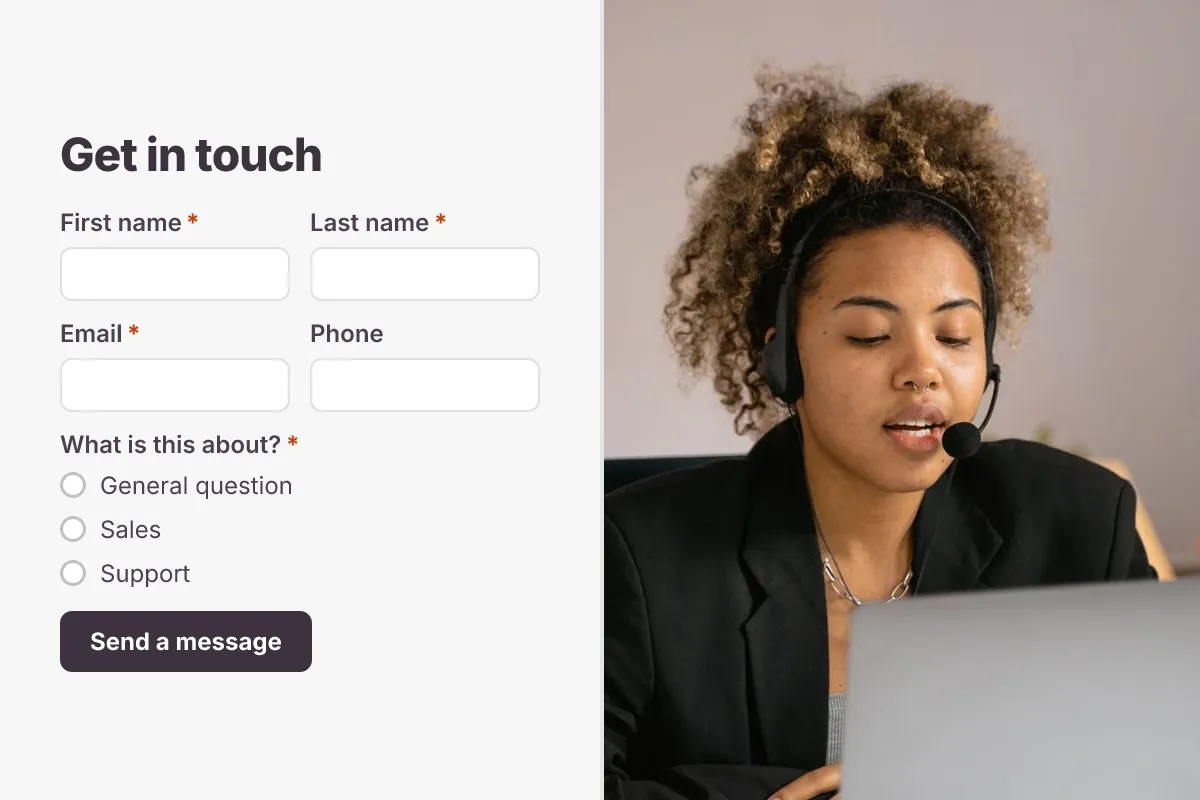
Contact Us Form
A clean contact form that routes every message to the right person, with name, email, topic and message.
- Website
- Lead capture
- Support
Business · 6 questions · 2 min