Permit Application Template
A permit application form is a form that collects the applicant and property owner details, the property address and parcel number, the type of permit, the project scope and value, the contractor and supporting plans so a city or county can review whether work or an activity may go ahead. This template handles building, electrical, plumbing, demolition, sign and special event permits in one intake, with plan uploads attached to the application.
- 20 questions
- 3 pages
- ~5 min
- To fill in
- Modern layout
- Mobile-ready
- Free
- No credit card
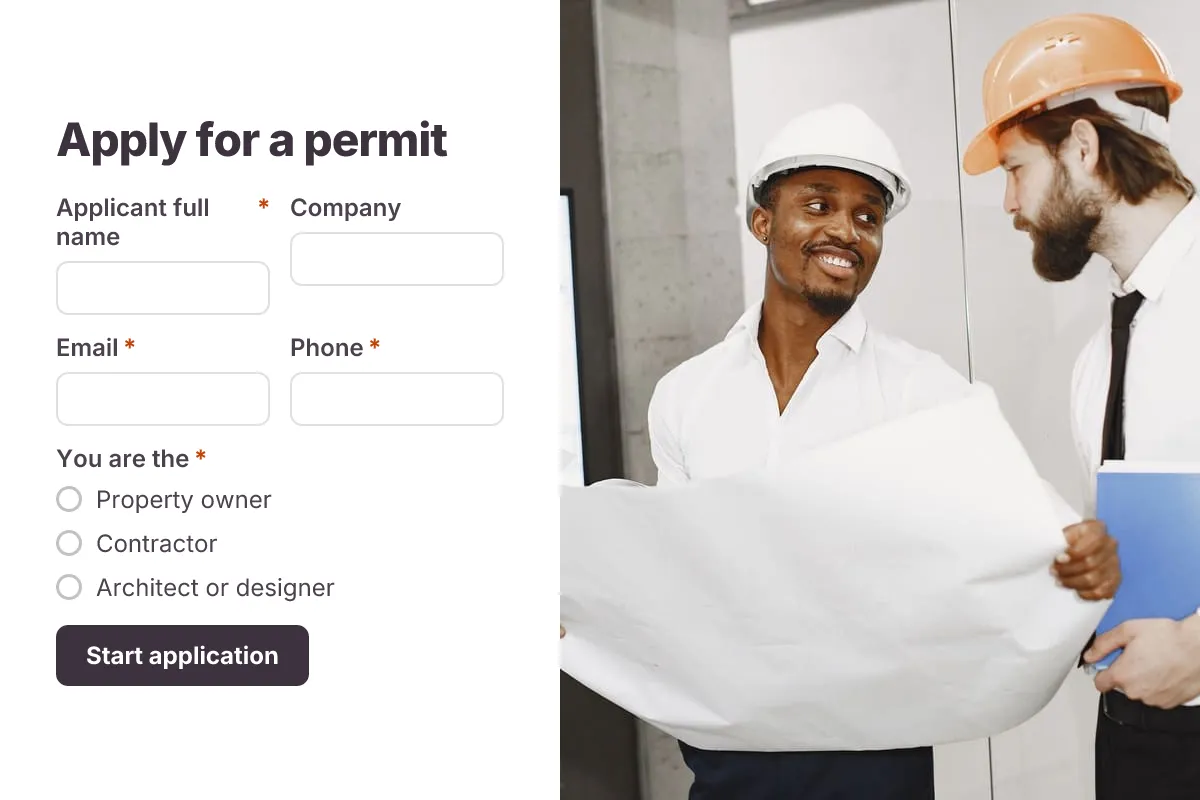
Live preview · nothing you type is sent
Photo by Gustavo Fring on Pexels
Who it's for
City and county permit offices, building departments, planning and zoning staff, and small towns moving paper permit counters online.
- Residential building permits for decks, sheds and remodels
- Trade permits for electrical, plumbing and HVAC work
- Sign, fence and driveway permits
- Special event, block party and street use permits
What this template asks
Every question can be changed, removed or reordered once it's yours.
Applicant
Applicant full name*
Short text
Company
Short text
Optional
Email*
Email
Phone*
Phone number
You are the*
Multiple choice
- Property owner
- Contractor
- Architect or designer
- Tenant
- Event organizer
- Other agent
Property owner name
Short text
If different from applicant
Property and permit
Property or site address*
Long text
Parcel number (APN)
Short text
Optional. On your property tax bill
Permit type*
Dropdown
- Building - new construction
- Building - addition or remodel
- Electrical
- Plumbing
- Mechanical or HVAC
- Demolition
- Fence, deck or shed
- Sign
- Special event
- Right-of-way or street use
- Other
Property use*
Multiple choice
- Single-family residential
- Multi-family residential
- Commercial
- Industrial
- Public land or street
Description of work or activity*
Long text
Estimated project value
Number
Optional. Labor and materials
Planned start date*
Date
Planned end date
Date
Optional
Contractor and documents
Who is doing the work?*
Multiple choice
- Licensed contractor
- Owner-builder
- Not applicable
Contractor business name
Short text
If applicable
Contractor license number
Short text
If applicable
Site plan, drawings or supporting documents
File upload
Up to 5 files. PDF preferred
Type your full name to certify*
Short text
Certification*
Checkboxes
- I certify the information is correct and I am the owner or authorized by the owner to apply
Tips for more responses
- 1
Use conditional logic to show contractor license questions only when a licensed contractor is doing the work, and event questions only for event permits.
- 2
Accept site plans and drawings as private file uploads so reviewers can open them straight from the response.
- 3
Use PDF templates to generate a filled permit application per submission for your review file or archive.
Questions
What should a permit application form include?
The applicant's and owner's details, the property address and parcel number (APN), the permit type, a description of the work or activity, estimated project value, start and end dates, contractor name and license number, and uploads such as site plans, drawings or a certificate of insurance.
What work usually needs a permit?
New buildings, additions, structural changes, most electrical, plumbing and gas work, demolition, and often fences, decks, signs and large events. Small cosmetic work like painting usually does not. Requirements vary a lot, so check your local building department's rules.
What is a parcel number and where do I find it?
A parcel number, often called an APN, is the ID your county assessor gives each piece of land. You can usually find it on your property tax bill or the county assessor's online map.
Is submitting this form the same as getting a permit?
No. The form starts the application; the agency reviews it, may ask for more documents or fees, and issues the permit only once it is approved. Do not start work until you have the approved permit.
Is this permit application template free?
Yes. Copy it into a free Dculus Forms account, change anything you like and start collecting responses. No credit card is needed.
Can I change the questions?
Yes. Your copy opens in the form builder, where you can add, remove and reorder questions, change the layout and add your own branding.
Where do the responses go?
Responses arrive in your Dculus Forms workspace. You can export them to Excel or CSV, send them to Google Sheets or a webhook, and get email notifications.
Can I host it myself?
Yes. Dculus Forms is open source (GPLv3), so you can run it on your own servers and keep every response in your own database.
Similar templates
All templates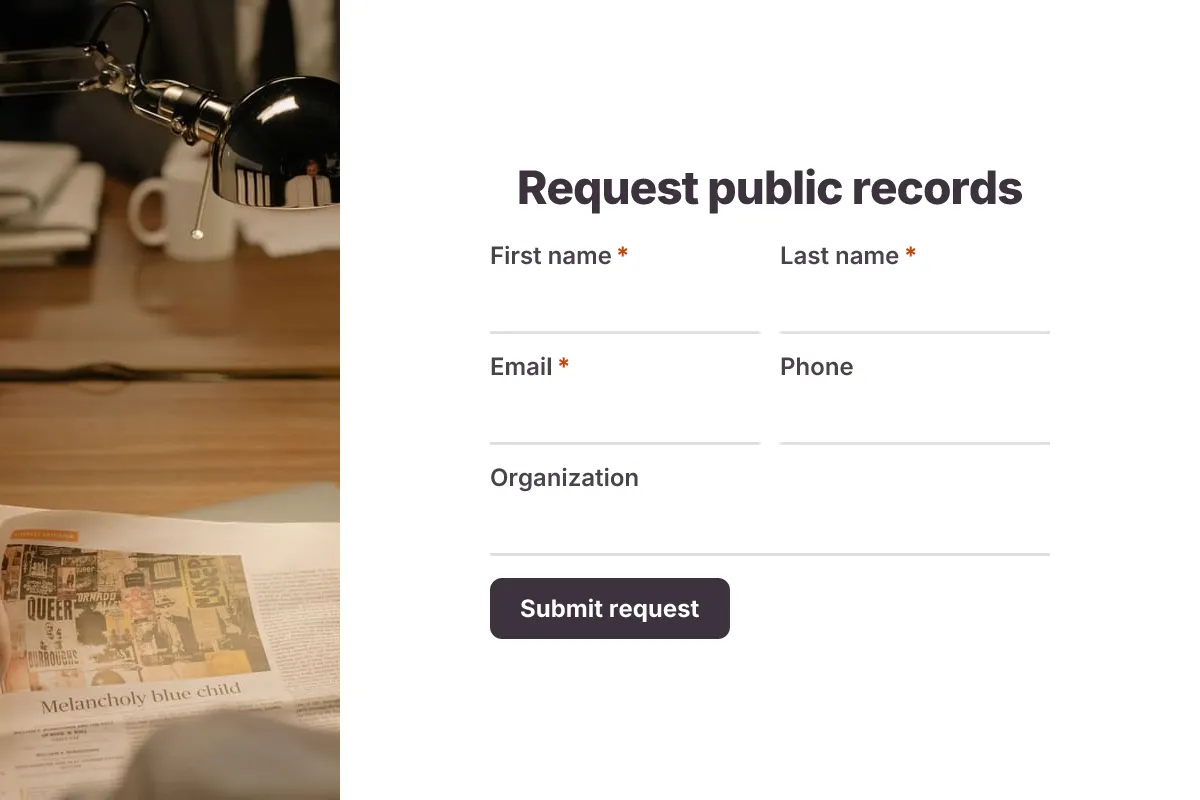
Public Records Request
FOIA-style public records request: requester, records sought, date range, department, preferred format and fee waiver details.
- Government
- Multi-page
Government · 17 questions · 5 min
 Popular
Job Application Form
A three-step job application with contact details, role preferences, experience and a résumé upload.
- Hiring
- File upload
- Multi-page
HR & Recruiting · 16 questions · 4 min
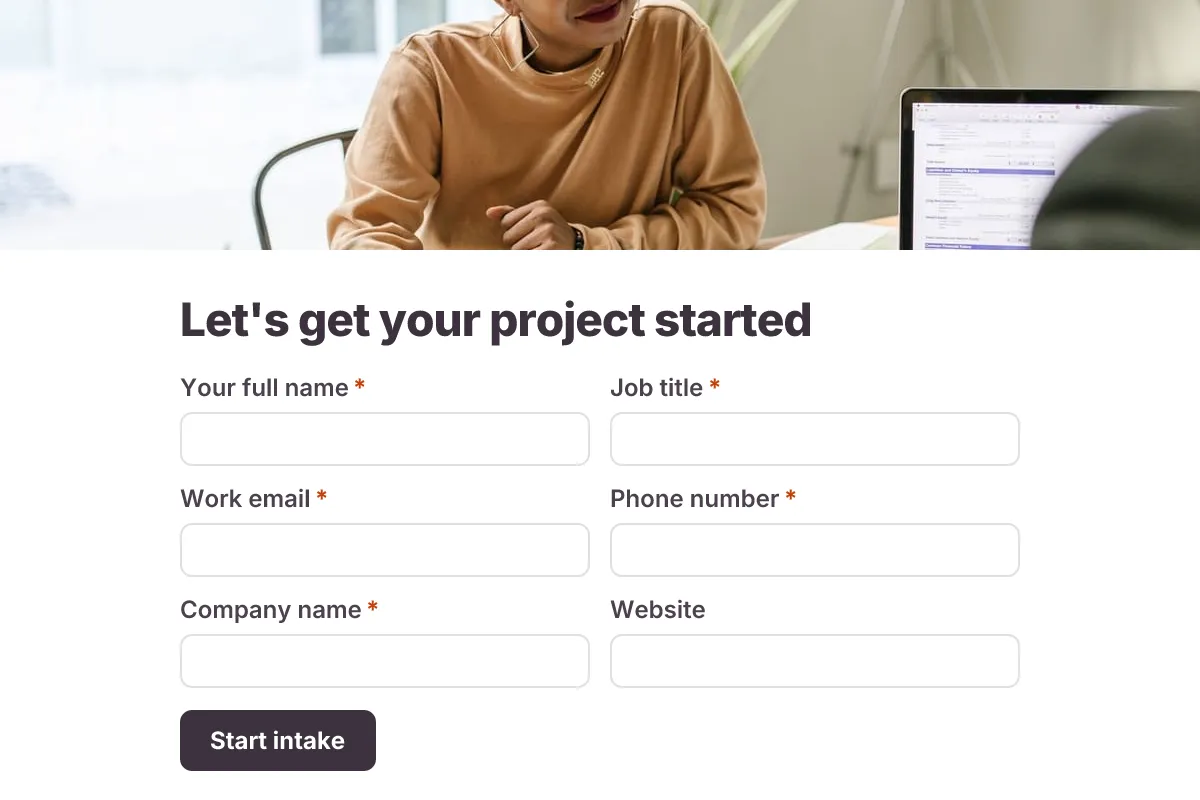
Client Intake
Onboard a new client before kickoff: contacts, project scope, goals, timeline, budget range, stakeholders and brand files.
- Onboarding
- Multi-page
- File Upload
Business · 22 questions · 8 min