Client Intake Form Template
A client intake form is a form that collects a new client's contact details, project scope, goals, timeline and budget range so an agency, consultant or freelancer can run a focused kickoff meeting. This template splits those questions into four short steps and lets clients attach brand assets and past work, so you start the first call with answers instead of a blank page.
- 22 questions
- 4 pages
- ~8 min
- To fill in
- Steps layout
- Mobile-ready
- Free
- No credit card
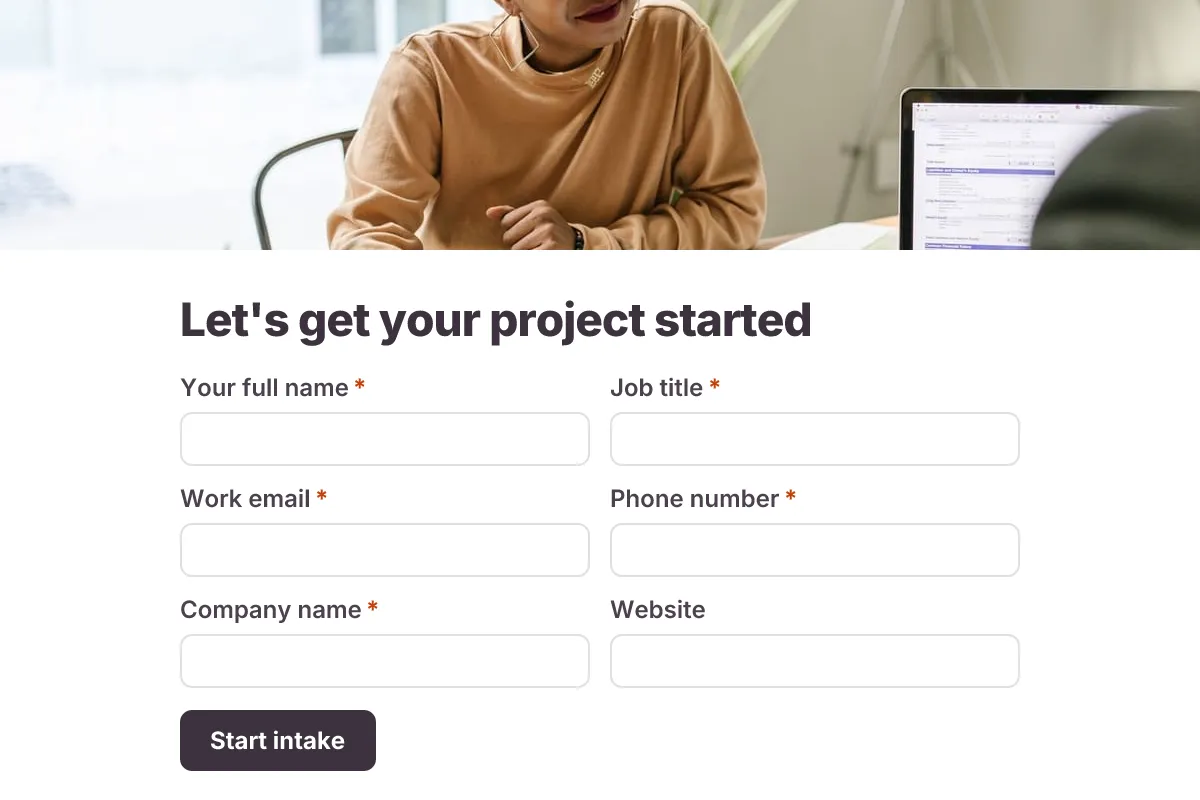
Live preview · nothing you type is sent
Photo by RDNE Stock project on Pexels
Who it's for
Marketing and design agencies, IT and management consultants, freelancers, bookkeepers and coaches taking on new clients.
- Sending a link right after a signed proposal so the client fills it in before kickoff
- Onboarding retainer clients for a web development or SEO agency
- Scoping a fixed-fee consulting engagement before writing the statement of work
- Gathering context and brand files from a client's in-house marketing team
What this template asks
Every question can be changed, removed or reordered once it's yours.
Your business
Your full name*
Short text
Job title*
Short text
Work email*
Email
Phone number*
Phone number
Company name*
Short text
Website
Short text
Optional
Industry*
Dropdown
- Retail and e-commerce
- Professional services
- Healthcare
- Technology and SaaS
- Hospitality and food
- Education
- Nonprofit
- Manufacturing
- Real estate
- Other
Company size*
Multiple choice
- Just me
- 2–10
- 11–50
- 51–200
- 201+
Project scope
Which services do you need?*
Checkboxes
- Strategy or consulting
- Branding and design
- Website or app
- Content and copywriting
- SEO
- Paid ads
- Social media
- Other
Describe the project in a few sentences*
Long text
What does success look like in six months?*
Long text
Numbers help, e.g. 30% more leads or launch by spring
What is in scope and what is out of scope?
Long text
Optional
Timeline and budget
Ideal start date*
Date
Hard deadline
Date
Optional. A launch, event or board meeting we must hit
Budget range*
Multiple choice
- Under $5,000
- $5,000–$15,000
- $15,000–$50,000
- $50,000+
- Not sure yet
Who signs off on decisions?*
Long text
Billing contact name
Short text
Optional
Billing contact email
Email
Optional
Context and files
Who are your main competitors?
Long text
Optional
Have you worked with an agency or consultant before? What worked and what didn't?
Long text
Optional
Brand guidelines, logos or past reports
File upload
Optional. Up to 5 files
How do you prefer to communicate?*
Multiple choice
- Video calls
- Slack or Teams
- Phone
Tips for more responses
- 1
Use conditional logic to show the website questions only when the client picks a website or app project.
- 2
Turn on the email copy for the respondent so the client keeps a record of what they told you.
- 3
Set up a PDF template to turn each response into a one-page kickoff brief for your project manager.
Questions
What should a client intake form include?
Company and main contact details, billing contact, the services needed, project goals and success measures, deadlines, budget range, decision makers, competitors, existing assets and preferred communication channel. This template covers all of these.
When should I send a client intake form?
Send it after the client has agreed to work with you but before the kickoff meeting. That gives you time to read the answers and prepare questions, instead of spending the first call collecting basics.
Should I ask for passwords or logins in an intake form?
No. Ask which tools and platforms the client uses, then share access through a password manager or the platform's own user invites. Keep credentials out of form responses.
How is a client intake form different from a creative brief?
A client intake form covers the whole relationship: contacts, scope, budget and how you will work together. A creative brief zooms in on one piece of work, such as a campaign or a logo, and describes the message, audience and deliverables.
Is this client intake template free?
Yes. Copy it into a free Dculus Forms account, change anything you like and start collecting responses. No credit card is needed.
Can I change the questions?
Yes. Your copy opens in the form builder, where you can add, remove and reorder questions, change the layout and add your own branding.
Where do the responses go?
Responses arrive in your Dculus Forms workspace. You can export them to Excel or CSV, send them to Google Sheets or a webhook, and get email notifications.
Can I host it myself?
Yes. Dculus Forms is open source (GPLv3), so you can run it on your own servers and keep every response in your own database.
Similar templates
All templates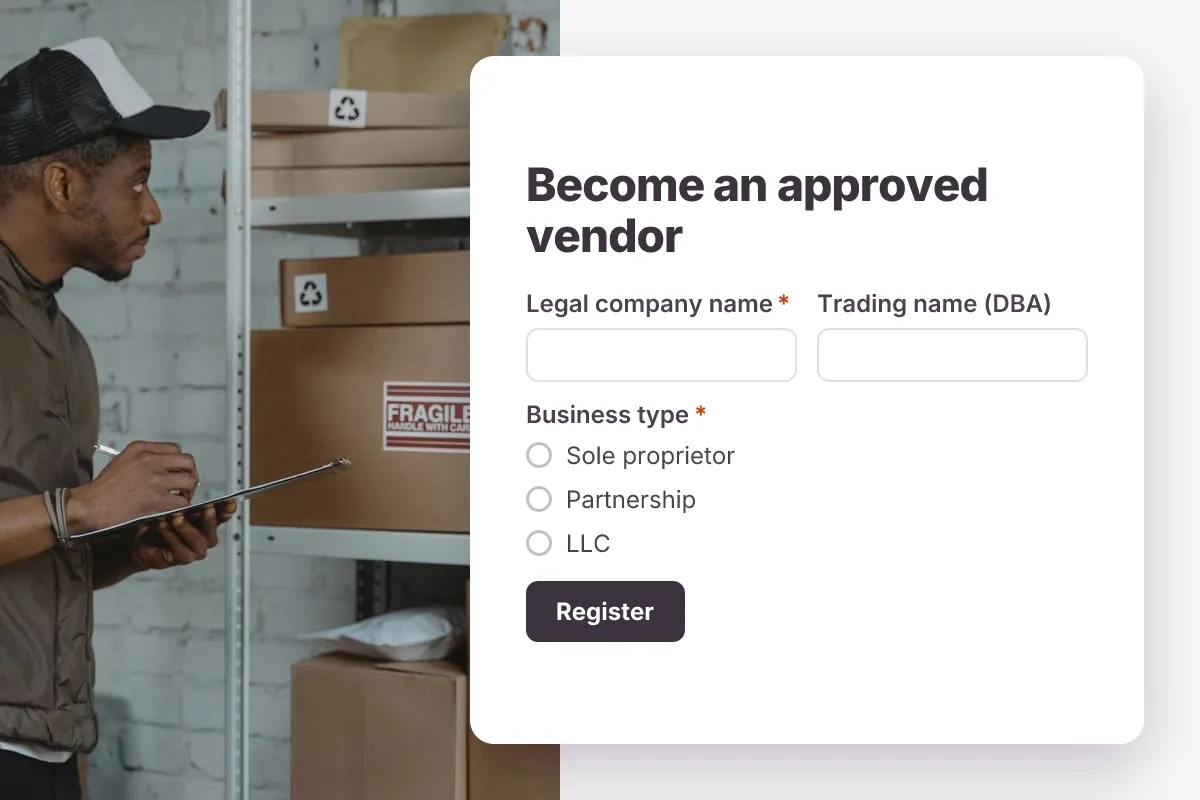
Vendor Registration
Register new suppliers: company and legal details, tax ID, products supplied, contacts, certificates and insurance documents.
- Onboarding
- File Upload
- Multi-page
Business · 23 questions · 7 min
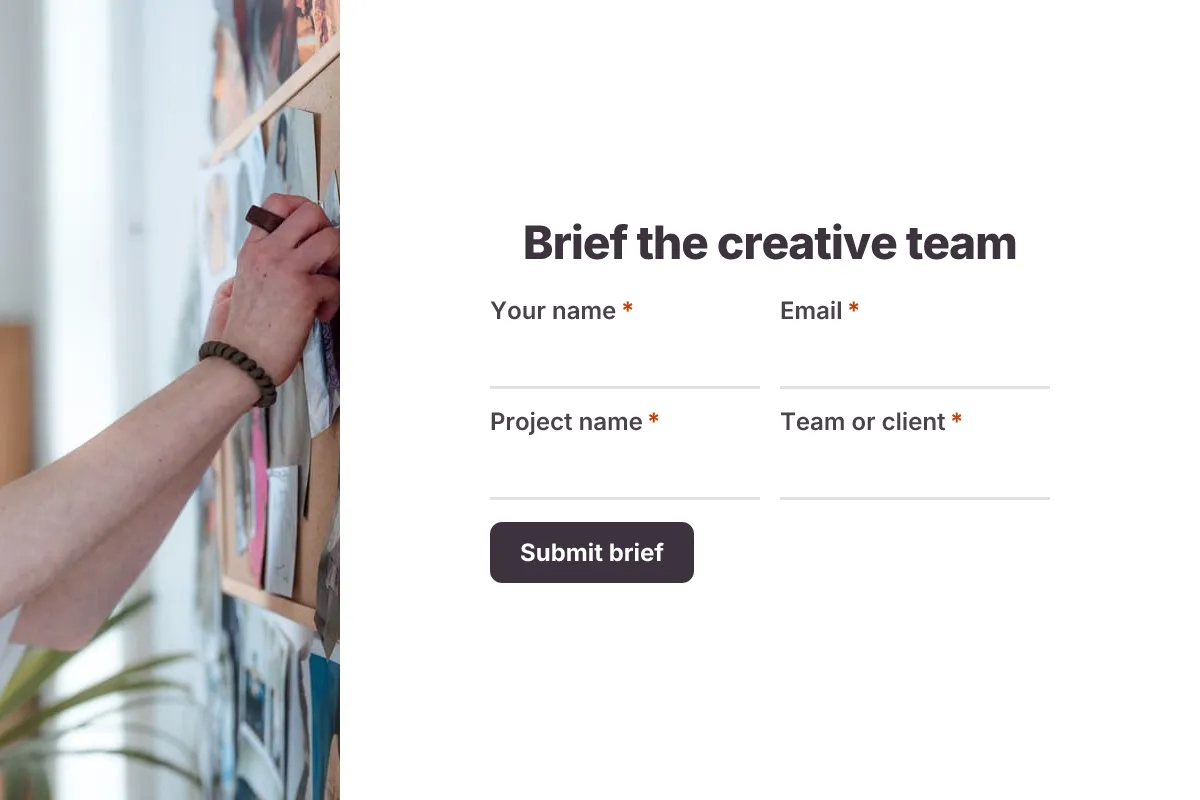
Creative Brief
Brief a designer or writer: objective, audience, key message, deliverables, tone, mandatories, references and deadline.
- File Upload
- Multi-page
Business · 18 questions · 8 min
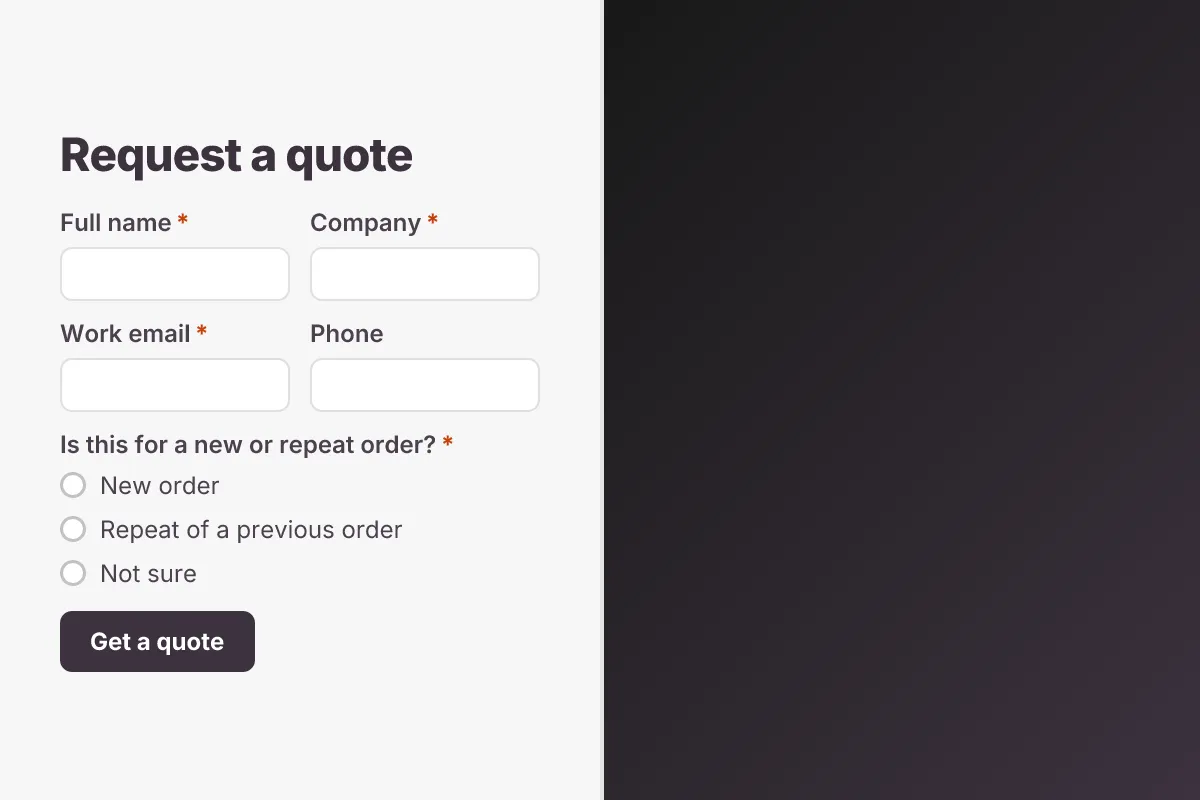
Request for Quote
Let buyers request a quote: product or service, specifications, quantities, delivery location, required date and drawings.
- Lead Capture
- File Upload
Business · 14 questions · 4 min