Creative Brief Form Template
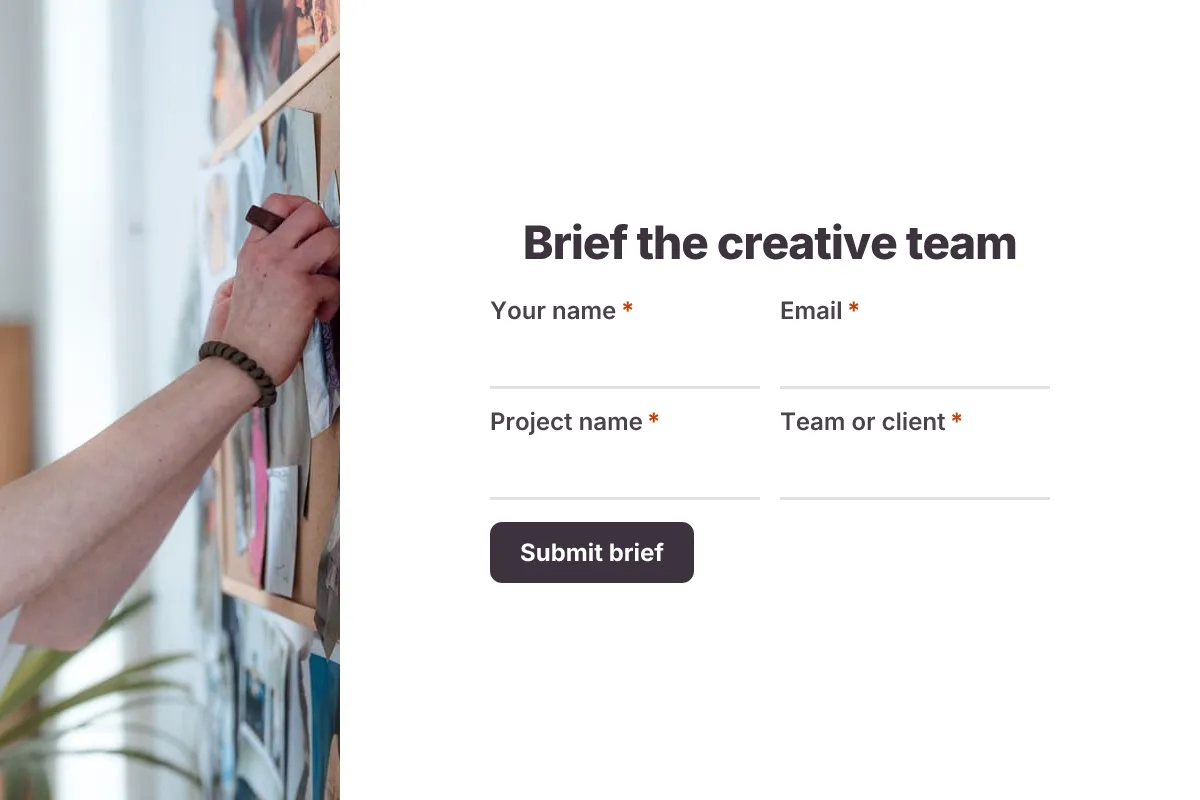
A creative brief form is a form that collects the objective, target audience, key message, deliverables, tone and deadline for a piece of design or content work so the creative team can produce the right thing the first time. This template asks for one single-minded message and real reference files, which are the two things most briefs leave vague.
- 18 questions
- 4 pages
- ~8 min
- To fill in
- Minimal layout
- Mobile-ready
- Free
- No credit card
Who it's for
In-house marketing teams, design studios, content agencies, freelance designers and copywriters, and the account managers who brief them.
- Requesting a campaign key visual and social cutdowns from an in-house design team
- Briefing a freelance copywriter on a product launch email series
- Kicking off a logo or packaging redesign with a studio
- Standardizing design requests from sales and product teams
What this template asks
Every question can be changed, removed or reordered once it's yours.
The project
Your name*
Short text
Email*
Email
Project name*
Short text
Team or client*
Short text
Type of work*
Multiple choice
- Campaign
- Brand identity
- Website or landing page
- Social content
- Print or packaging
- Video or animation
What is the business objective?*
Long text
Audience and message
Who is the target audience?*
Long text
Who they are, what they care about and what they think of us today
Key message in one sentence*
Short text
The one thing the audience should remember
Reasons to believe
Long text
Optional. Facts, stats or proof that back up the message
Tone of voice*
Checkboxes
- Friendly
- Bold
- Premium
- Playful
- Authoritative
- Calm
- Urgent
Deliverables
List the deliverables, formats and sizes*
Long text
Mandatories
Long text
Optional. Logo use, legal copy, hashtags, URLs or colors that must appear
References you like, and anything to avoid
Long text
Optional. Links to examples help a lot
Brand guidelines, copy docs or reference images
File upload
Optional. Up to 5 files
Timing and budget
First draft needed by*
Date
Final delivery date*
Date
Budget
Multiple choice
Optional
- Internal, no external spend
- Under $2,000
- $2,000–$10,000
- $10,000+
- Not sure
Who approves the final work?*
Long text
Tips for more responses
- 1
Share the form as your team's design request link so every job arrives with the same information.
- 2
Turn on email notifications so the creative lead sees each new brief and can assign it the same day.
- 3
Edit the response with full edit history when scope changes, so everyone can see what was added after kickoff.
Questions
What should a creative brief form include?
The project name and owner, the business objective, the target audience, one key message, supporting proof points, the list of deliverables and sizes, tone of voice, brand mandatories (logo, legal lines, colors), references to follow or avoid, budget and the deadline with review dates.
How long should a creative brief be?
Most good briefs fit on one page. If a requester cannot state the key message in one sentence, the work usually needs more strategy before design starts.
Who should fill in the creative brief?
The person who owns the business goal, such as a marketing manager or account lead. The creative team then reads it, asks questions and agrees it before work begins.
What is a single-minded proposition?
It is the one thing you want the audience to take away, written as a short sentence. Briefs with several equal messages tend to produce cluttered work.
Is this creative brief template free?
Yes. Copy it into a free Dculus Forms account, change anything you like and start collecting responses. No credit card is needed.
Can I change the questions?
Yes. Your copy opens in the form builder, where you can add, remove and reorder questions, change the layout and add your own branding.
Where do the responses go?
Responses arrive in your Dculus Forms workspace. You can export them to Excel or CSV, send them to Google Sheets or a webhook, and get email notifications.
Can I host it myself?
Yes. Dculus Forms is open source (GPLv3), so you can run it on your own servers and keep every response in your own database.
Similar templates
All templates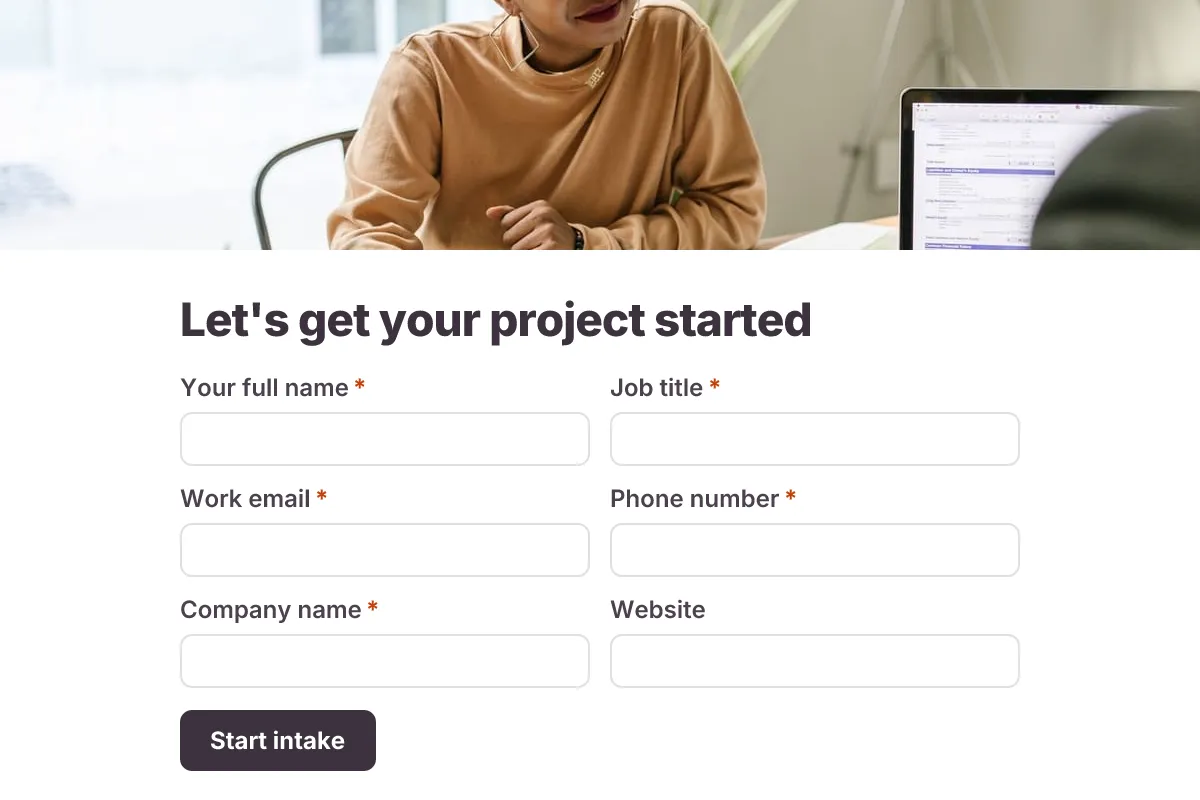
Client Intake
Onboard a new client before kickoff: contacts, project scope, goals, timeline, budget range, stakeholders and brand files.
- Onboarding
- Multi-page
- File Upload
Business · 22 questions · 8 min
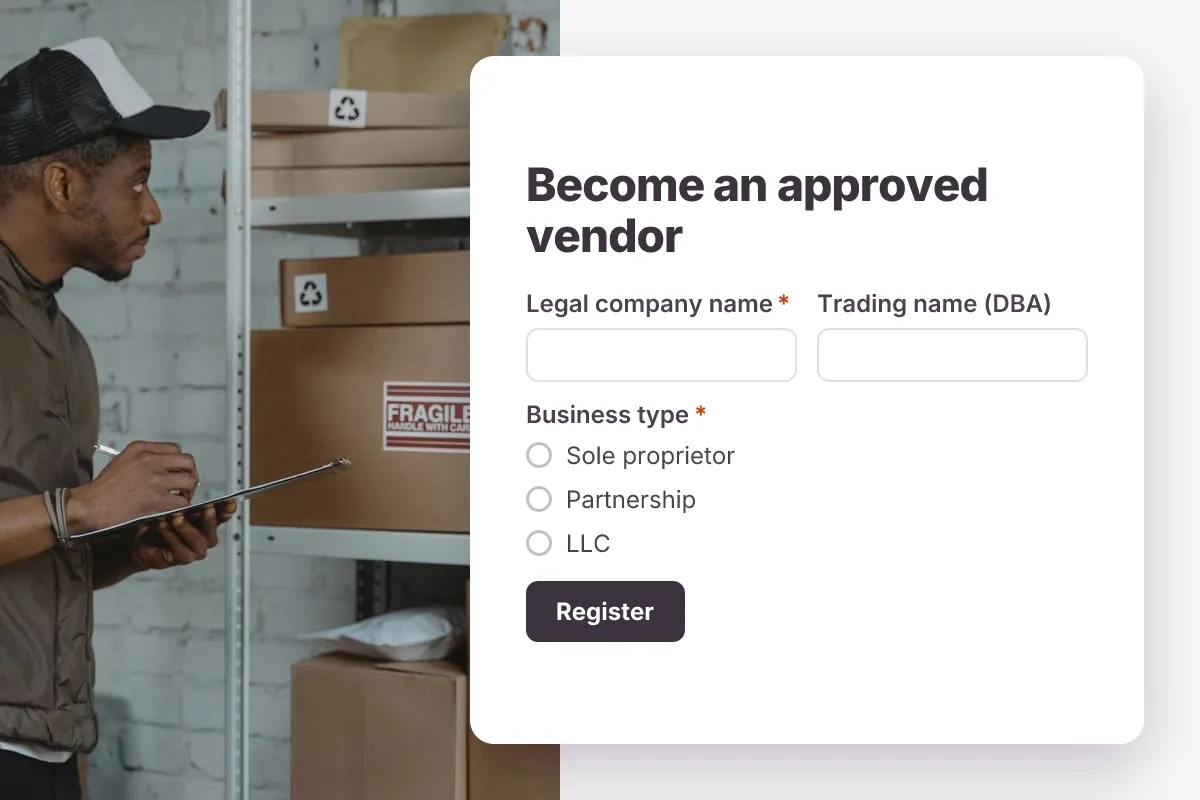
Vendor Registration
Register new suppliers: company and legal details, tax ID, products supplied, contacts, certificates and insurance documents.
- Onboarding
- File Upload
- Multi-page
Business · 23 questions · 7 min
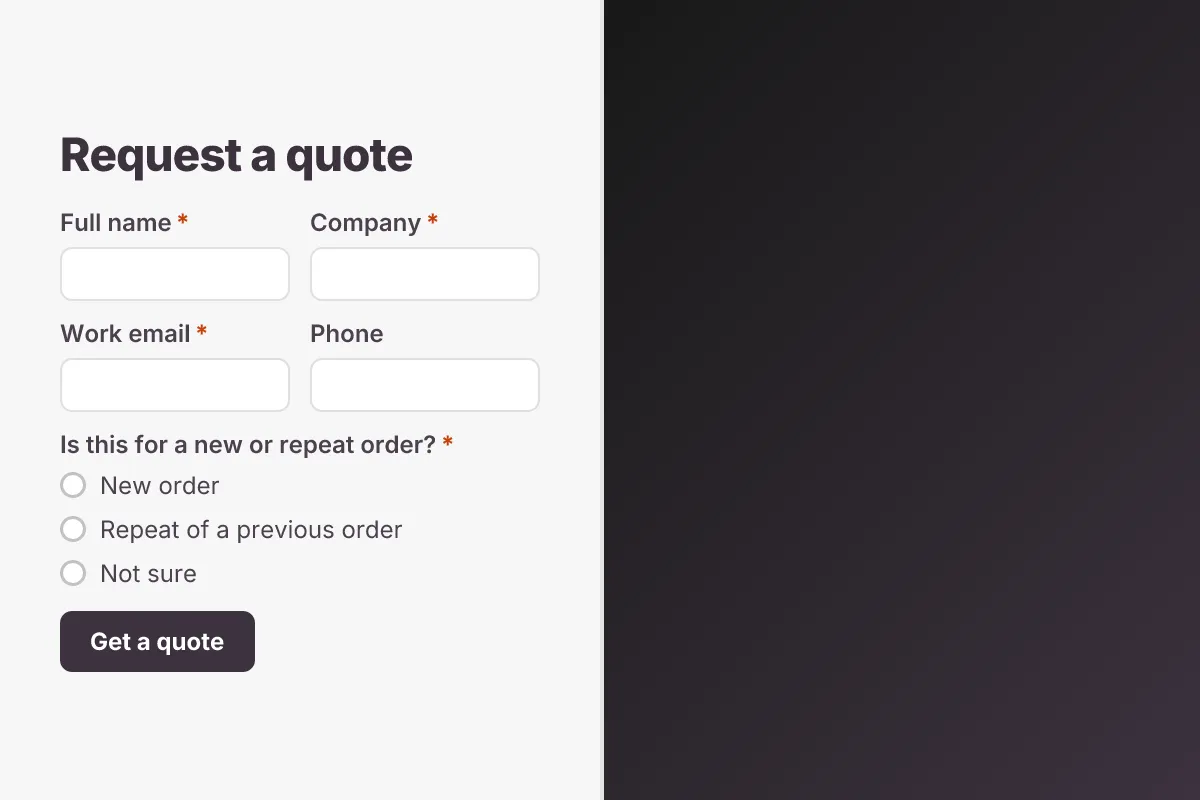
Request for Quote
Let buyers request a quote: product or service, specifications, quantities, delivery location, required date and drawings.
- Lead Capture
- File Upload
Business · 14 questions · 4 min