Vendor Registration Form Template
A vendor registration form is a form that collects a supplier's legal company details, tax ID, contacts, product categories and compliance documents so a procurement or accounts team can approve and set up the vendor. This template asks for documents like a W-9 and certificate of insurance up front, and it deliberately leaves out bank details so sensitive account numbers go through your finance system instead.
- 23 questions
- 4 pages
- ~7 min
- To fill in
- Classic layout
- Mobile-ready
- Free
- No credit card
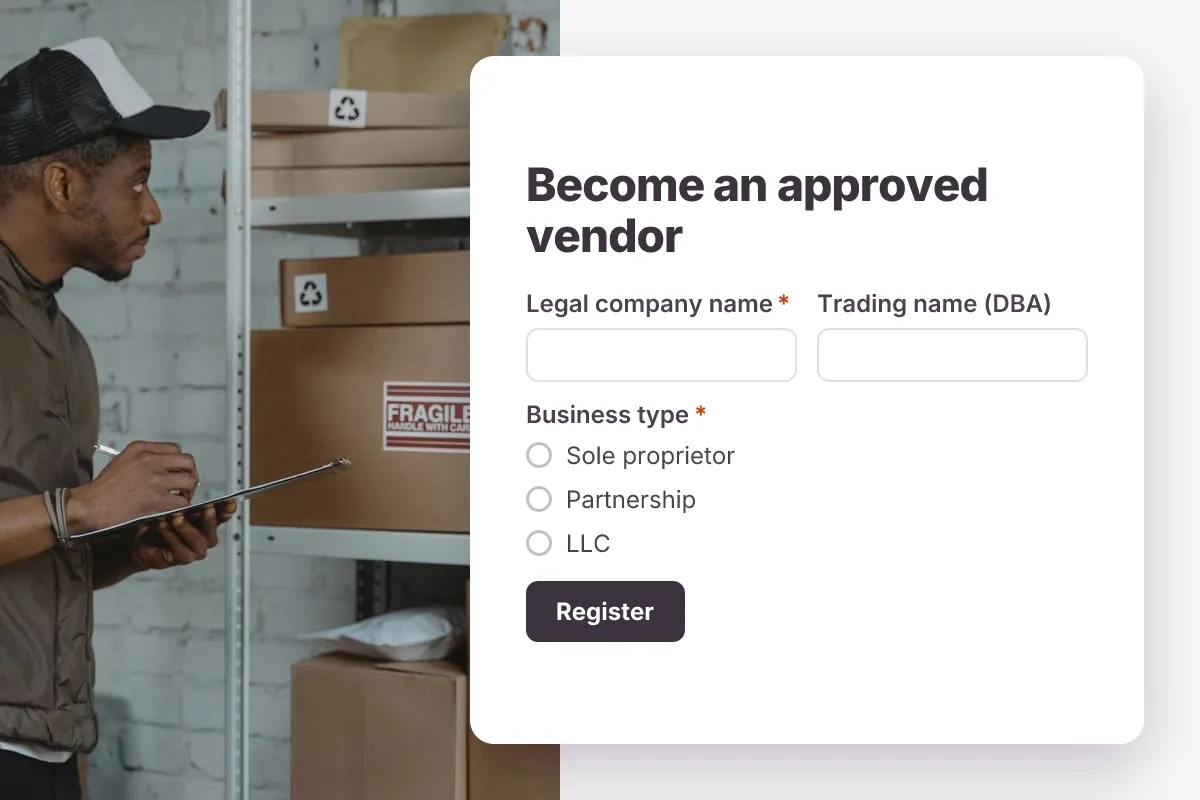
Live preview · nothing you type is sent
Photo by Tima Miroshnichenko on Pexels
Who it's for
Procurement teams, accounts payable, facilities managers, restaurants, construction firms, hospitals and event organizers onboarding suppliers and contractors.
- Adding a new raw-materials supplier to an approved vendor list
- Onboarding subcontractors who must show a certificate of insurance before site work
- Registering food, beverage or catering suppliers for a hotel group
- Collecting exhibitor and service vendor details for a trade show
What this template asks
Every question can be changed, removed or reordered once it's yours.
Company details
Legal company name*
Short text
Trading name (DBA)
Short text
Optional
Business type*
Multiple choice
- Sole proprietor
- Partnership
- LLC
- Corporation
- Nonprofit
- Other
Tax ID (EIN or VAT number)*
Short text
Company registration number
Short text
Optional
Registered business address*
Long text
Website
Short text
Optional
Years in business*
Number
Contacts
Primary contact name*
Short text
Job title*
Short text
Primary contact email*
Email
Primary contact phone*
Phone number
Accounts receivable contact
Short text
Optional. Who receives purchase orders and remittances
Accounts receivable email
Email
Optional
Products and services
What do you supply?*
Checkboxes
- Raw materials
- Finished goods
- Office supplies
- IT hardware or software
- Professional services
- Facilities and maintenance
- Food and beverage
- Logistics
- Other
Describe your main products or services*
Long text
Regions or locations you can serve*
Long text
Supplier classifications
Checkboxes
Optional. Select any that apply
- Small business
- Minority-owned
- Women-owned
- Veteran-owned
- None of these
Documents and agreement
W-9 or W-8 tax form
File upload
US vendors: W-9. Non-US vendors: W-8 or local equivalent
Certificate of insurance (COI)
File upload
Optional unless you will work on our premises
Licenses or quality certifications (e.g. ISO 9001)
File upload
Optional
Your full name as authorized representative*
Short text
Declaration*
Checkboxes
- I confirm these details are accurate and agree to the supplier code of conduct
Tips for more responses
- 1
Send each registration to Google Sheets or Microsoft Sheets so procurement and finance work from the same vendor list.
- 2
Use conditional logic to ask for the W-9 only when the vendor says it is a US business.
- 3
Allow edits with full edit history so you can see when a vendor updated their insurance certificate or address.
Questions
What should a vendor registration form include?
The vendor's legal name and trading name, business type, registration number and tax ID, address, primary and accounts contacts, products or services supplied, diversity or small-business status, and compliance documents such as a W-9 and certificate of insurance. This template covers each of these.
Should I collect bank details in a vendor registration form?
It is safer not to. Collect bank details through your accounting or AP system, or confirm them by phone with a known contact, because changed bank details in emails and forms are a common fraud route.
What is a W-9 and do all vendors need one?
A W-9 is the IRS form a US vendor uses to give you its taxpayer identification number. US businesses typically request it from US vendors they pay; foreign vendors usually provide a W-8 form instead. Check with your accountant for your situation.
What is a certificate of insurance (COI)?
A COI is a one-page summary from the vendor's insurer showing their coverage types, limits and policy dates. Many companies require one before a contractor works on site, and it should be renewed when the policy expires.
Is this vendor registration template free?
Yes. Copy it into a free Dculus Forms account, change anything you like and start collecting responses. No credit card is needed.
Can I change the questions?
Yes. Your copy opens in the form builder, where you can add, remove and reorder questions, change the layout and add your own branding.
Where do the responses go?
Responses arrive in your Dculus Forms workspace. You can export them to Excel or CSV, send them to Google Sheets or a webhook, and get email notifications.
Can I host it myself?
Yes. Dculus Forms is open source (GPLv3), so you can run it on your own servers and keep every response in your own database.
Similar templates
All templates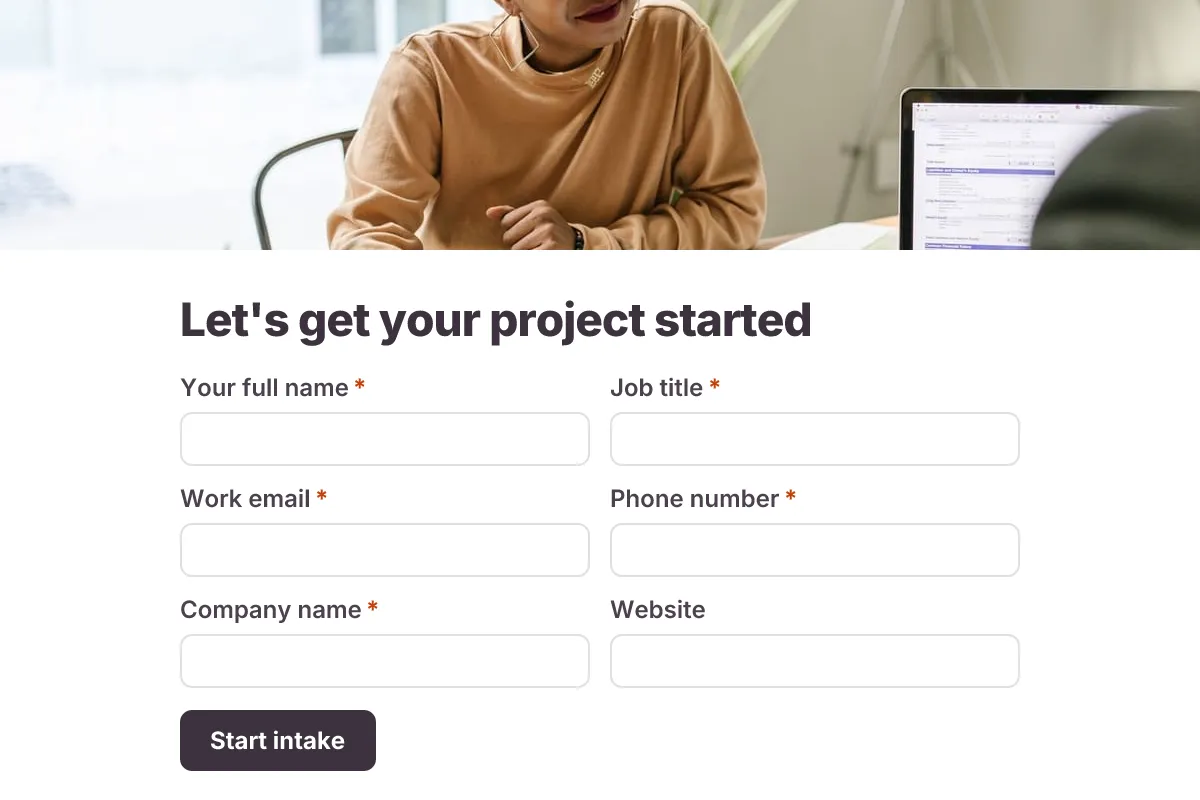
Client Intake
Onboard a new client before kickoff: contacts, project scope, goals, timeline, budget range, stakeholders and brand files.
- Onboarding
- Multi-page
- File Upload
Business · 22 questions · 8 min
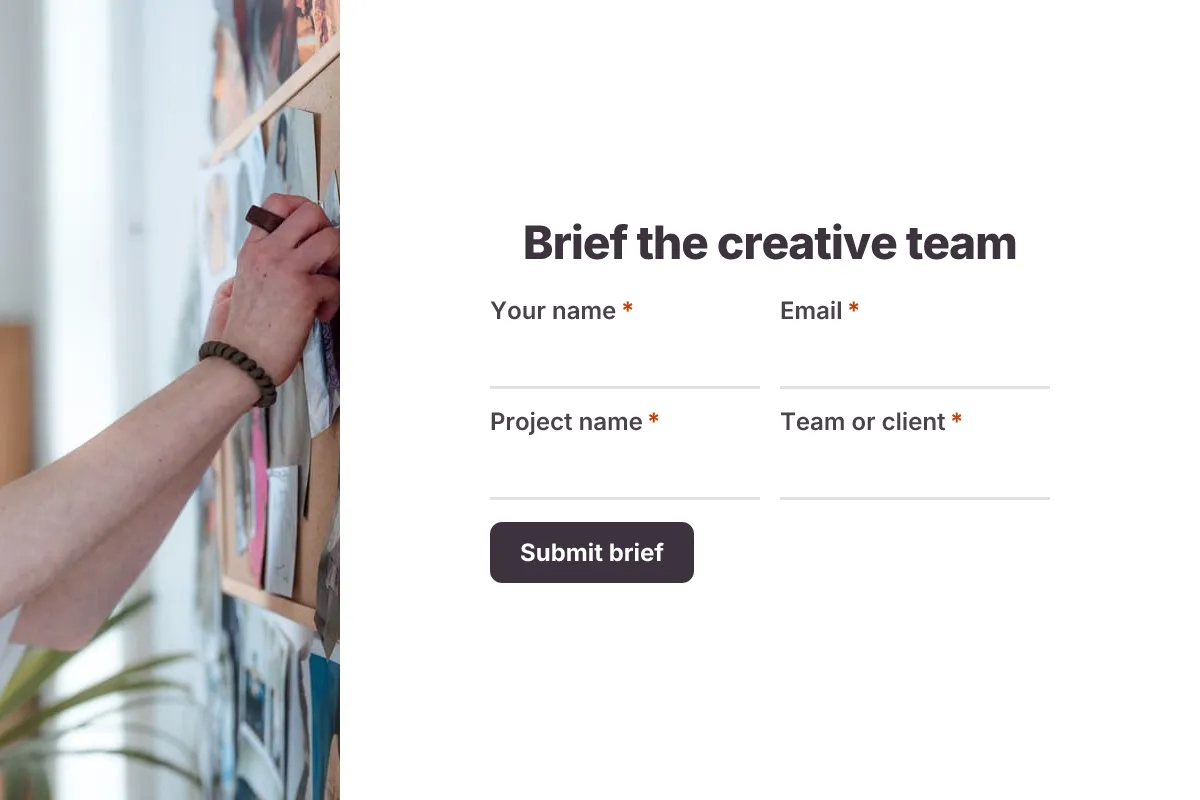
Creative Brief
Brief a designer or writer: objective, audience, key message, deliverables, tone, mandatories, references and deadline.
- File Upload
- Multi-page
Business · 18 questions · 8 min
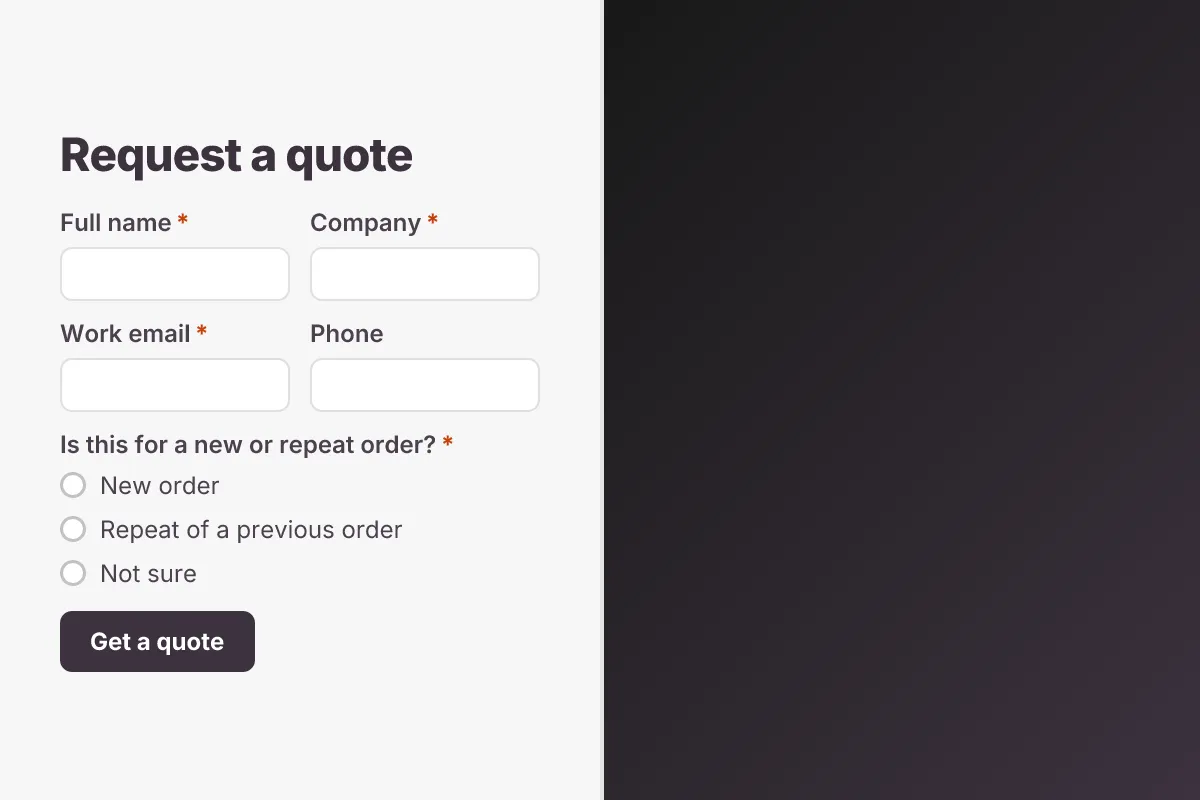
Request for Quote
Let buyers request a quote: product or service, specifications, quantities, delivery location, required date and drawings.
- Lead Capture
- File Upload
Business · 14 questions · 4 min