Incident Report Form Template
An incident report form is a form that records what happened in a workplace incident, when and where it occurred, who was involved or injured, who witnessed it and what was done in response so a safety team can investigate and prevent it from happening again. This template covers injuries, near misses and property damage in one form, with steps that guide the reporter from the basic facts to causes and corrective actions.
- 20 questions
- 4 pages
- ~7 min
- To fill in
- Steps layout
- Mobile-ready
- Free
- No credit card
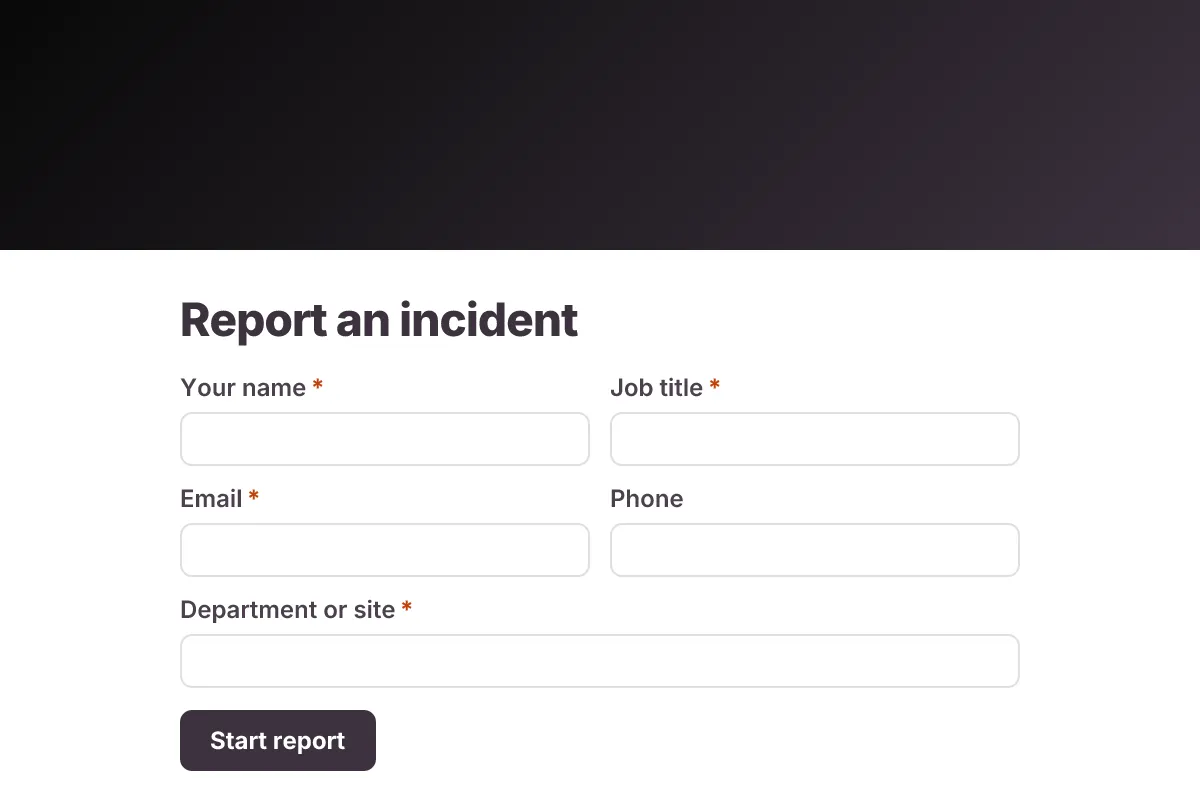
Live preview · nothing you type is sent
Photo by Daniel Andraski on Pexels
Who it's for
Health and safety officers, site supervisors, HR teams, warehouse and construction managers, and facility operators in schools, hospitals and retail.
- Reporting a slip, trip or fall on the shop floor
- Logging near misses so hazards are fixed before someone is hurt
- Recording vehicle, forklift or equipment damage
- Building the records your safety committee and insurer ask for
What this template asks
Every question can be changed, removed or reordered once it's yours.
Reporter
Your name*
Short text
Job title*
Short text
Email*
Email
Phone
Phone number
Optional
Department or site*
Short text
What happened
Type of incident*
Multiple choice
- Injury
- Near miss
- Property or equipment damage
- Vehicle incident
- Environmental spill
- Other
Date of incident*
Date
Time of incident*
Short text
Exact location*
Short text
Describe what happened*
Long text
Names and roles of people involved*
Long text
Photos of the scene or damage
File upload
Optional. Up to 5 files
Injury and response
Was anyone injured?*
Multiple choice
- No
- Yes - minor, first aid only
- Yes - needed medical treatment
- Yes - hospital visit or admission
Body part affected
Checkboxes
Only if someone was injured
- Head or face
- Eyes
- Neck or back
- Arm or hand
- Leg or foot
- Torso
- Other
First aid or treatment given
Long text
Optional
Witnesses and their contact details
Long text
Optional
Immediate actions taken*
Long text
Causes and prevention
Likely contributing factors
Checkboxes
Choose any that apply
- Wet or uneven floor
- Equipment fault
- No or wrong PPE
- Lack of training
- Rushing or fatigue
- Poor lighting
- Procedure not followed
- Other
What could prevent this happening again?
Long text
Optional
Declaration*
Checkboxes
- The information I have given is true and accurate to the best of my knowledge
Tips for more responses
- 1
Put a QR code on site notice boards and in vehicles so incidents are reported from the scene while details are fresh.
- 2
Use email notifications to alert the safety lead the moment a report with an injury comes in.
- 3
Use PDF templates to produce a filled incident report for each submission to attach to insurance or investigation files.
Questions
What should an incident report form include?
The reporter's details, the date, time and exact location, the type of incident, the people involved, a factual description, any injury and body part affected, first aid or medical treatment given, witnesses, immediate actions taken, likely causes, suggested corrective actions and photos of the scene.
Should near misses be reported?
Yes. A near miss is an event that could have caused injury or damage but did not. Reporting them shows hazards early, and many safety programs treat them as just as important as actual injuries.
Do I have to report workplace injuries to a regulator?
Some serious injuries and dangerous occurrences must be reported to a government body, such as OSHA in the US or HSE in the UK, often within a set number of days. The rules vary by country and industry, so check your local requirements; this form is your internal record, not an official filing.
How soon should an incident be reported?
As soon as it is safe to do so, ideally the same shift. Details like times, positions and witness names fade quickly, and early reports make investigations more accurate.
Is this incident report template free?
Yes. Copy it into a free Dculus Forms account, change anything you like and start collecting responses. No credit card is needed.
Can I change the questions?
Yes. Your copy opens in the form builder, where you can add, remove and reorder questions, change the layout and add your own branding.
Where do the responses go?
Responses arrive in your Dculus Forms workspace. You can export them to Excel or CSV, send them to Google Sheets or a webhook, and get email notifications.
Can I host it myself?
Yes. Dculus Forms is open source (GPLv3), so you can run it on your own servers and keep every response in your own database.
Similar templates
All templates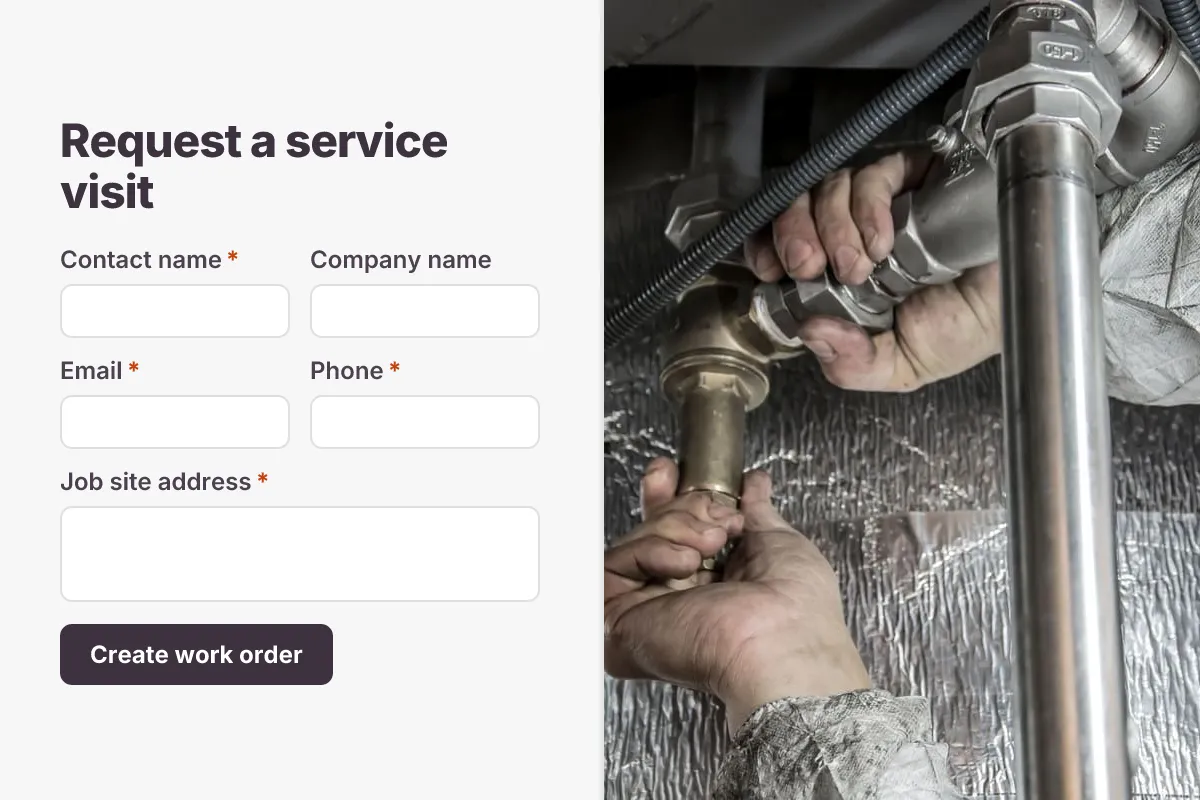
Work Order Form
Field service work order: customer and site, job type, equipment, priority, scope of work, access notes and site photos.
- Field Service
- File Upload
- Multi-page
Operations & IT · 15 questions · 5 min
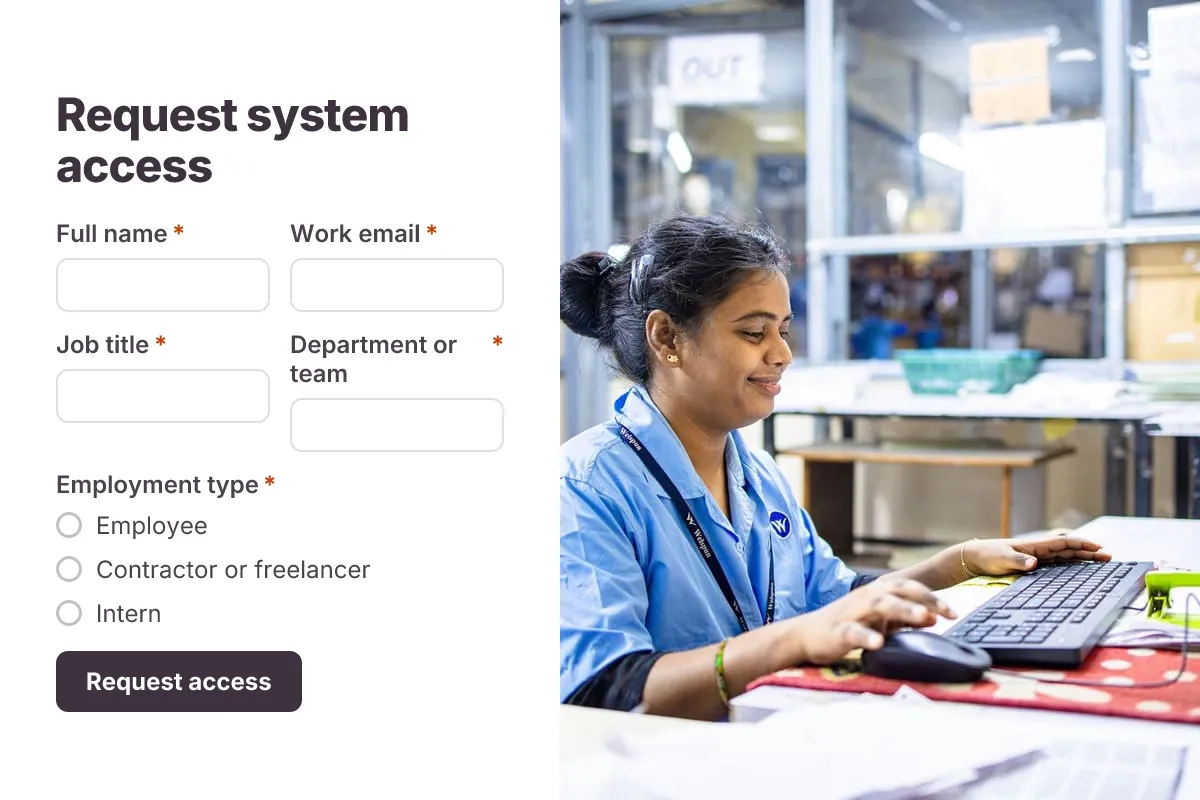
IT Access Request
Request access to systems, apps, shared drives or admin rights, with access level, business reason, manager approval and end date.
- Approval
- Multi-page
- Security
Operations & IT · 18 questions · 4 min
 Popular
Job Application Form
A three-step job application with contact details, role preferences, experience and a résumé upload.
- Hiring
- File upload
- Multi-page
HR & Recruiting · 16 questions · 4 min