Work Order Form Template
A work order form is a form that captures the customer, the job site, the type of work, the equipment involved, the priority and the scope of work so a field service team can dispatch the right technician with the right parts. This template also asks for site access details and photos, which cuts down on wasted trips and second visits.
- 15 questions
- 3 pages
- ~5 min
- To fill in
- Split layout
- Mobile-ready
- Free
- No credit card
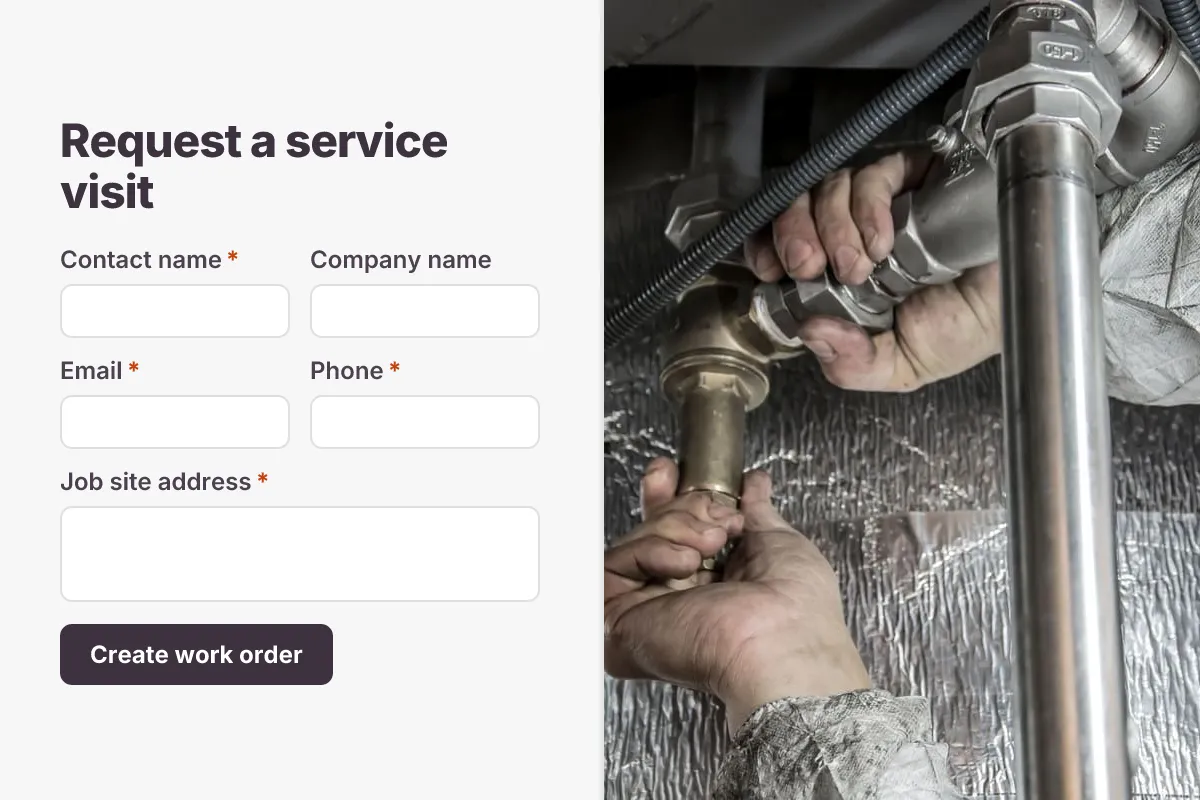
Live preview · nothing you type is sent
Photo by Anıl Karakaya on Pexels
Who it's for
HVAC, plumbing, electrical and appliance repair companies, facilities teams, property managers and contractors who send technicians to customer sites.
- Customers booking a repair job from your website
- Office staff logging a work order during a phone call
- Facilities teams raising jobs for outside contractors
- Preventive maintenance visits for commercial clients
What this template asks
Every question can be changed, removed or reordered once it's yours.
Customer and site
Contact name*
Short text
Company name
Short text
Optional
Email*
Email
Phone*
Phone number
Job site address*
Long text
PO or reference number
Short text
Optional
Job details
Type of work*
Dropdown
- HVAC or heating
- Plumbing
- Electrical
- Appliance repair
- Carpentry or general repair
- Roofing
- Preventive maintenance
- Installation
- Other
Priority*
Multiple choice
- Emergency - same day
- High - within 48 hours
- Standard - this week
- Planned - schedule with me
Equipment, make and model
Short text
Optional
Serial number
Short text
Optional
Scope of work*
Long text
Photos of the issue or rating plate
File upload
Optional. Up to 5 photos
Scheduling and access
Preferred visit date
Date
Optional
Preferred time window
Multiple choice
Optional
- Morning (8am-12pm)
- Afternoon (12pm-4pm)
- Late (4pm-7pm)
- Any time
Site access notes
Long text
Optional
Tips for more responses
- 1
Turn on PDF templates to generate a filled work order sheet for each job that technicians can print or open on site.
- 2
Use the file upload field for photos of the fault and the equipment rating plate so the technician brings the right parts.
- 3
Send new work orders to Google Sheets or Microsoft Sheets as a simple dispatch board, and edit each response to record the assigned technician.
Questions
What should a work order form include?
The customer's name and contact details, the job site address, the type of work, the equipment or asset and its model or serial number, a priority level, a description of the scope of work, preferred visit dates, site access instructions and photos of the issue.
What is the difference between a work order and a service request?
A service request is the customer asking for help. A work order is the approved job that tells a technician what to do, where and when. Many teams use one form for both, then edit the response to add the technician and job status.
Should the work order include a cost estimate?
It can, but most teams add costs after a site visit. This template keeps the customer's side to the job details; you can add a not-to-exceed amount or purchase order number field if your commercial clients need one.
Can technicians fill in a work order on their phone?
Yes. The form works on any phone, so technicians or customers can submit from site and attach photos straight from the camera.
Is this work order form template free?
Yes. Copy it into a free Dculus Forms account, change anything you like and start collecting responses. No credit card is needed.
Can I change the questions?
Yes. Your copy opens in the form builder, where you can add, remove and reorder questions, change the layout and add your own branding.
Where do the responses go?
Responses arrive in your Dculus Forms workspace. You can export them to Excel or CSV, send them to Google Sheets or a webhook, and get email notifications.
Can I host it myself?
Yes. Dculus Forms is open source (GPLv3), so you can run it on your own servers and keep every response in your own database.
Similar templates
All templates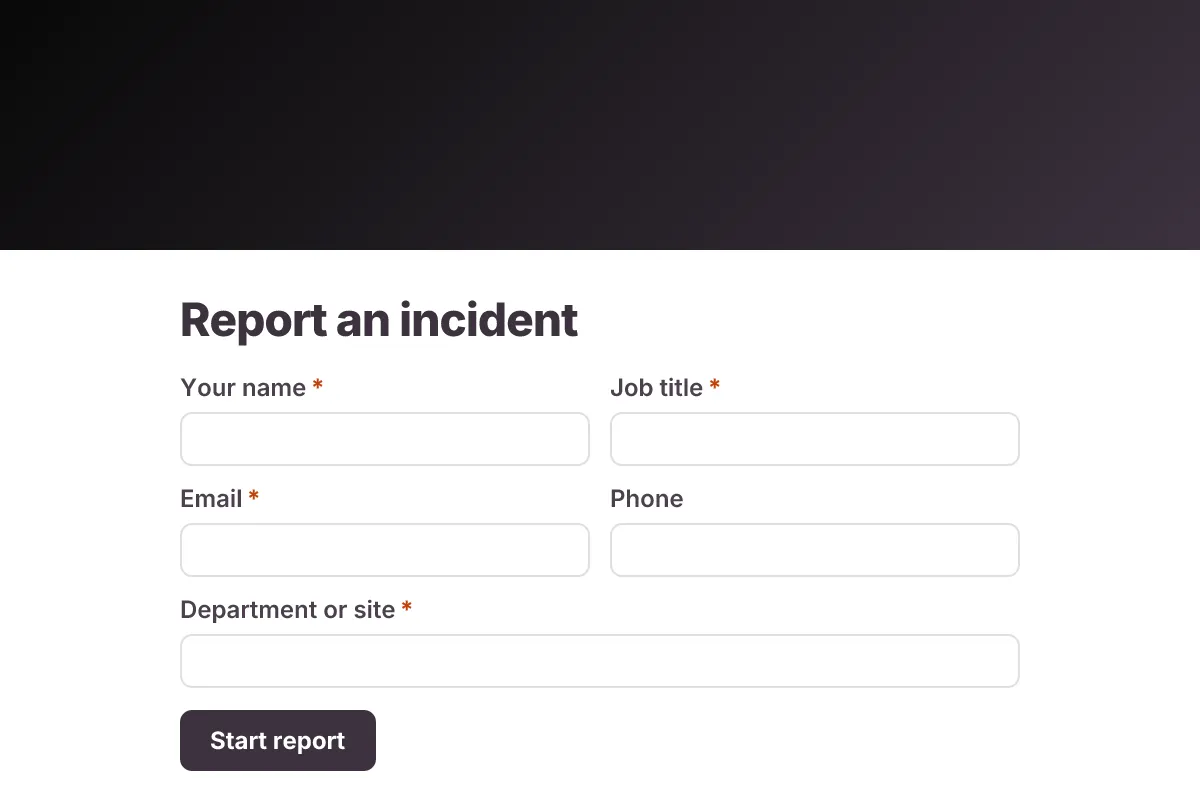
Incident Report
Workplace incident report: who was involved, when and where, injury details, witnesses, immediate actions, root cause and photos.
- Safety
- Multi-page
- File Upload
Operations & IT · 20 questions · 7 min
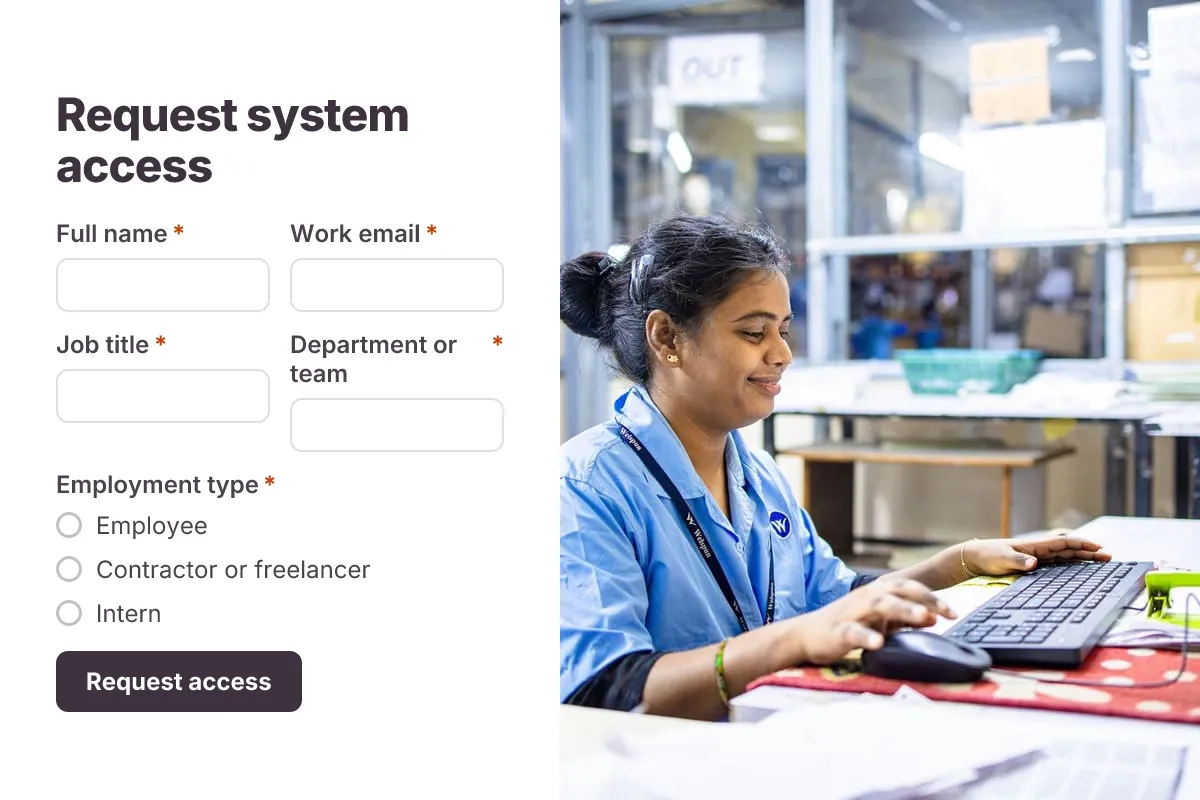
IT Access Request
Request access to systems, apps, shared drives or admin rights, with access level, business reason, manager approval and end date.
- Approval
- Multi-page
- Security
Operations & IT · 18 questions · 4 min
 Popular
Job Application Form
A three-step job application with contact details, role preferences, experience and a résumé upload.
- Hiring
- File upload
- Multi-page
HR & Recruiting · 16 questions · 4 min