IT Access Request Form Template
An IT access request form is a form that records who needs access to which system, at what permission level, for what business reason and with whose approval so IT can grant only the access people need. This template captures the requester, the systems, the role level, the approving manager and an optional end date, which gives you a written trail for access reviews and audits.
- 18 questions
- 3 pages
- ~4 min
- To fill in
- Modern layout
- Mobile-ready
- Free
- No credit card
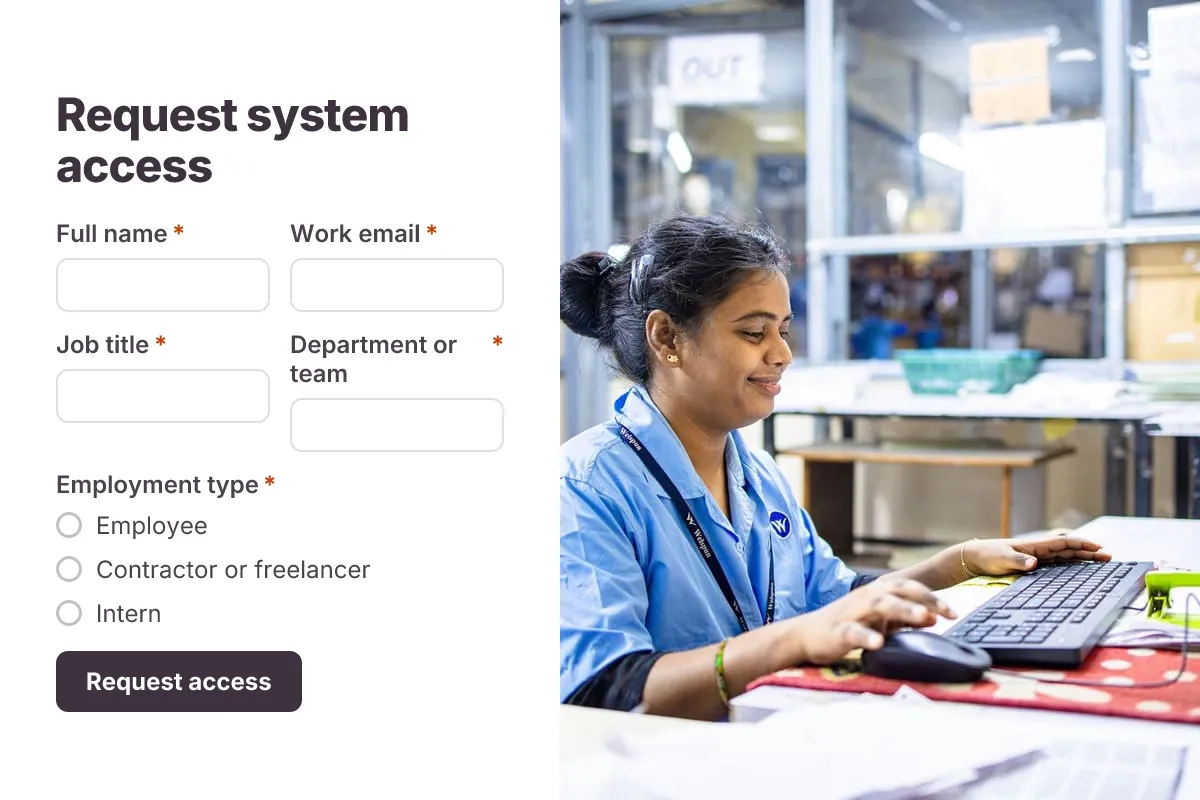
Live preview · nothing you type is sent
Photo by EqualStock IN on Pexels
Who it's for
IT and security teams, system owners, HR and onboarding coordinators, and compliance staff preparing for SOC 2 or ISO 27001 access reviews.
- Granting app and shared-drive access to new joiners on day one
- Temporary access for contractors with a fixed end date
- Admin or privileged rights that need a written justification
- Changing access when someone moves to a new team
What this template asks
Every question can be changed, removed or reordered once it's yours.
Requester
Full name*
Short text
Work email*
Email
Job title*
Short text
Department or team*
Short text
Employment type*
Multiple choice
- Employee
- Contractor or freelancer
- Intern
- Vendor or partner
Who is this access for?*
Multiple choice
- Me
- A new joiner
- Someone on my team
Name of the person who needs access
Short text
Leave blank if it is for you
Access needed
Request type*
Multiple choice
- New access
- Change existing access
- Remove access
Which systems or resources?*
Checkboxes
- Email and calendar
- Shared drive or folder
- CRM
- Finance or accounting system
- HR system
- Code repository
- Cloud console
- VPN
- Other
Specific app, folder or group name
Short text
Optional
Access level*
Multiple choice
- Read-only
- Standard user
- Editor or contributor
- Admin
Business reason*
Long text
Why do you need admin rights?
Long text
Only if you chose Admin
Approval and dates
Approving manager*
Short text
Manager's email*
Email
Access needed from*
Date
Access end date
Date
For temporary access
Acknowledgement*
Checkboxes
- I will follow the acceptable use and security policy
Tips for more responses
- 1
Use conditional logic so the 'Why do you need admin rights?' question only appears when someone picks Admin access.
- 2
Send each request to the approving manager and IT with email notifications, and export the log to Excel for your quarterly access review.
- 3
Require sign-in so the requester's identity comes from their account, not a typed name.
Questions
What should an IT access request form include?
The requester's name, email, department and employment type, who the access is for, the systems or applications needed, the access level (read-only, standard, admin), the business reason, the approving manager, a start date and an end date for temporary access.
What is the principle of least privilege?
It means giving each person only the access they need to do their job, and no more. An access request form supports it by making people name the specific system and level, and give a reason, before anything is granted.
Why record an end date on access requests?
Contractor, project and temporary access is often forgotten after the work ends. An end date tells IT when to remove access and makes it easy to check during periodic access reviews.
Does this form grant the access automatically?
No. It collects and records the request; IT or the system owner still grants the access. You can send each request to your ticketing or identity tool with a webhook.
Is this it access request template free?
Yes. Copy it into a free Dculus Forms account, change anything you like and start collecting responses. No credit card is needed.
Can I change the questions?
Yes. Your copy opens in the form builder, where you can add, remove and reorder questions, change the layout and add your own branding.
Where do the responses go?
Responses arrive in your Dculus Forms workspace. You can export them to Excel or CSV, send them to Google Sheets or a webhook, and get email notifications.
Can I host it myself?
Yes. Dculus Forms is open source (GPLv3), so you can run it on your own servers and keep every response in your own database.
Similar templates
All templates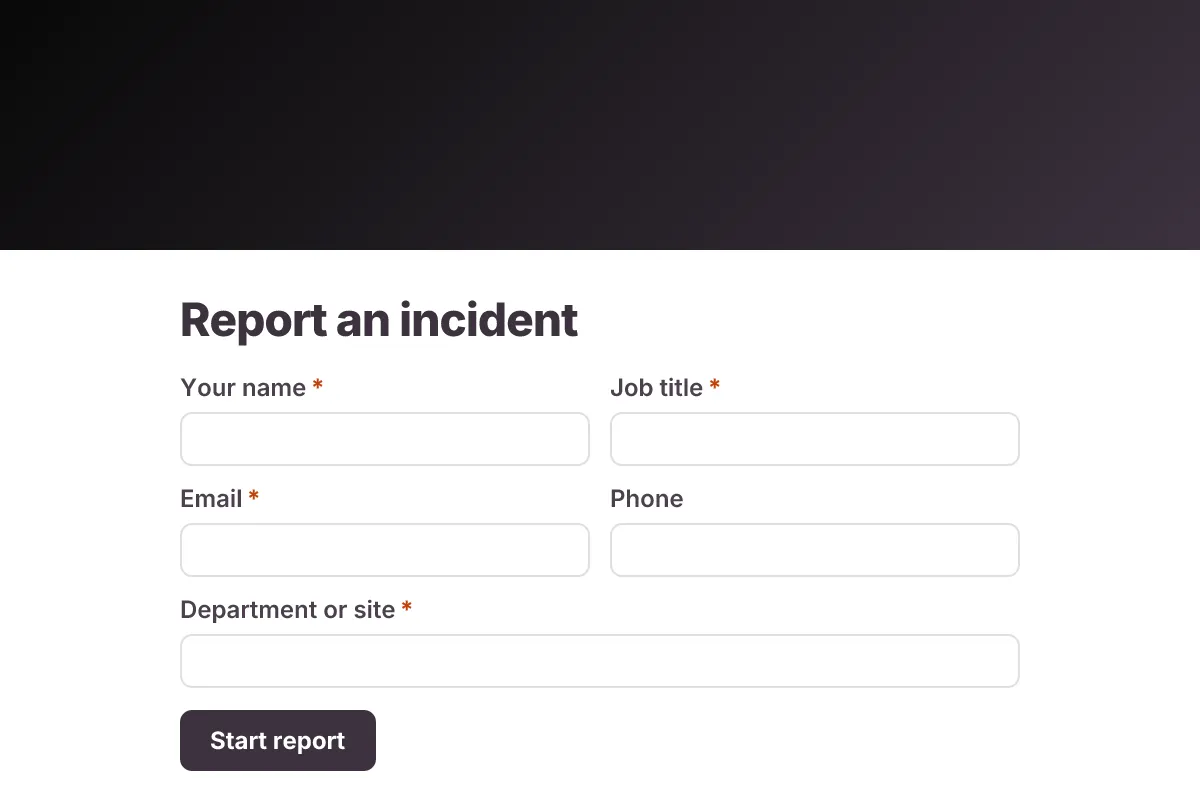
Incident Report
Workplace incident report: who was involved, when and where, injury details, witnesses, immediate actions, root cause and photos.
- Safety
- Multi-page
- File Upload
Operations & IT · 20 questions · 7 min
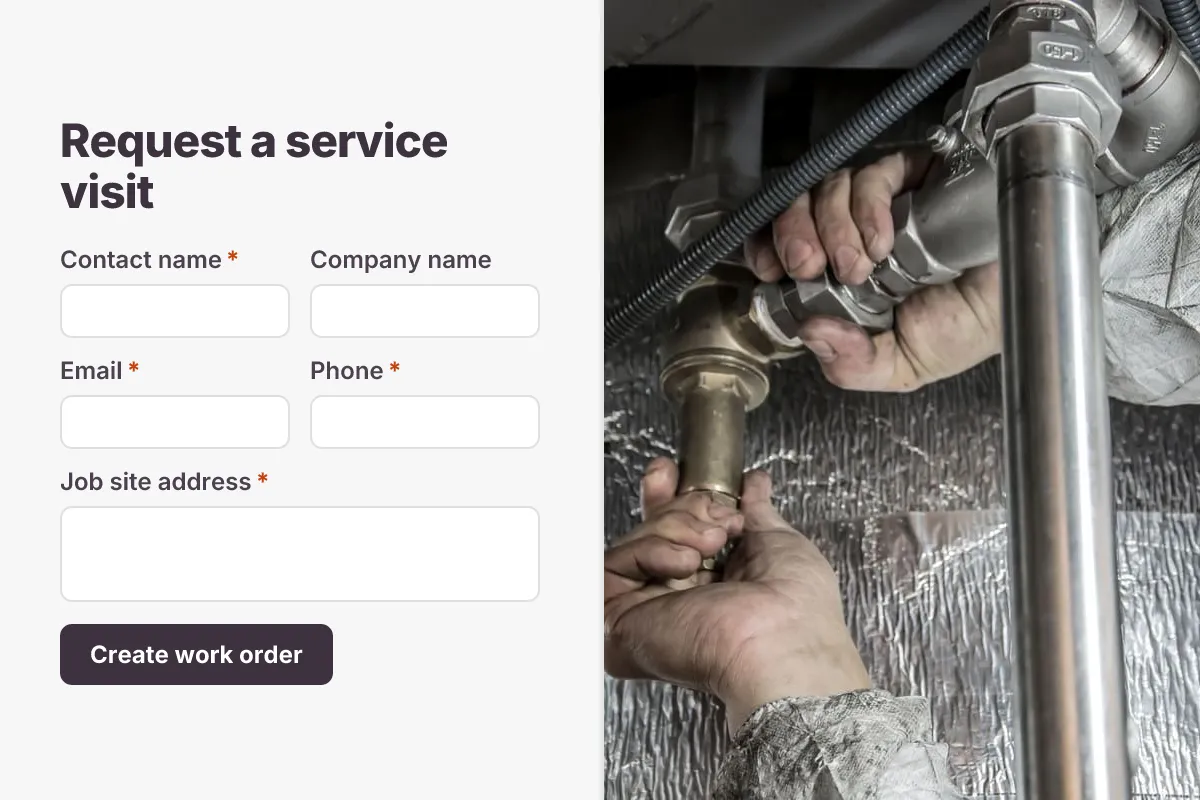
Work Order Form
Field service work order: customer and site, job type, equipment, priority, scope of work, access notes and site photos.
- Field Service
- File Upload
- Multi-page
Operations & IT · 15 questions · 5 min
 Popular
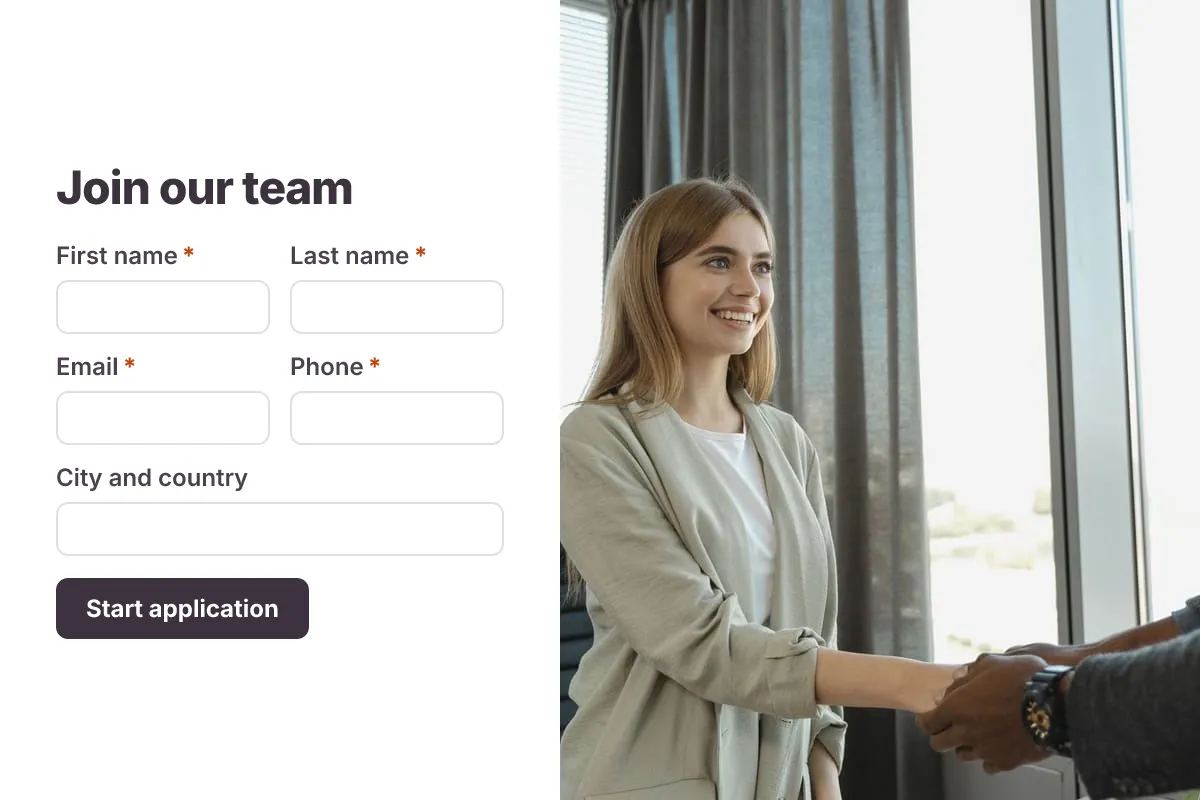
Job Application Form
A three-step job application with contact details, role preferences, experience and a résumé upload.
- Hiring
- File upload
- Multi-page
HR & Recruiting · 16 questions · 4 min