Photo Release Form Template
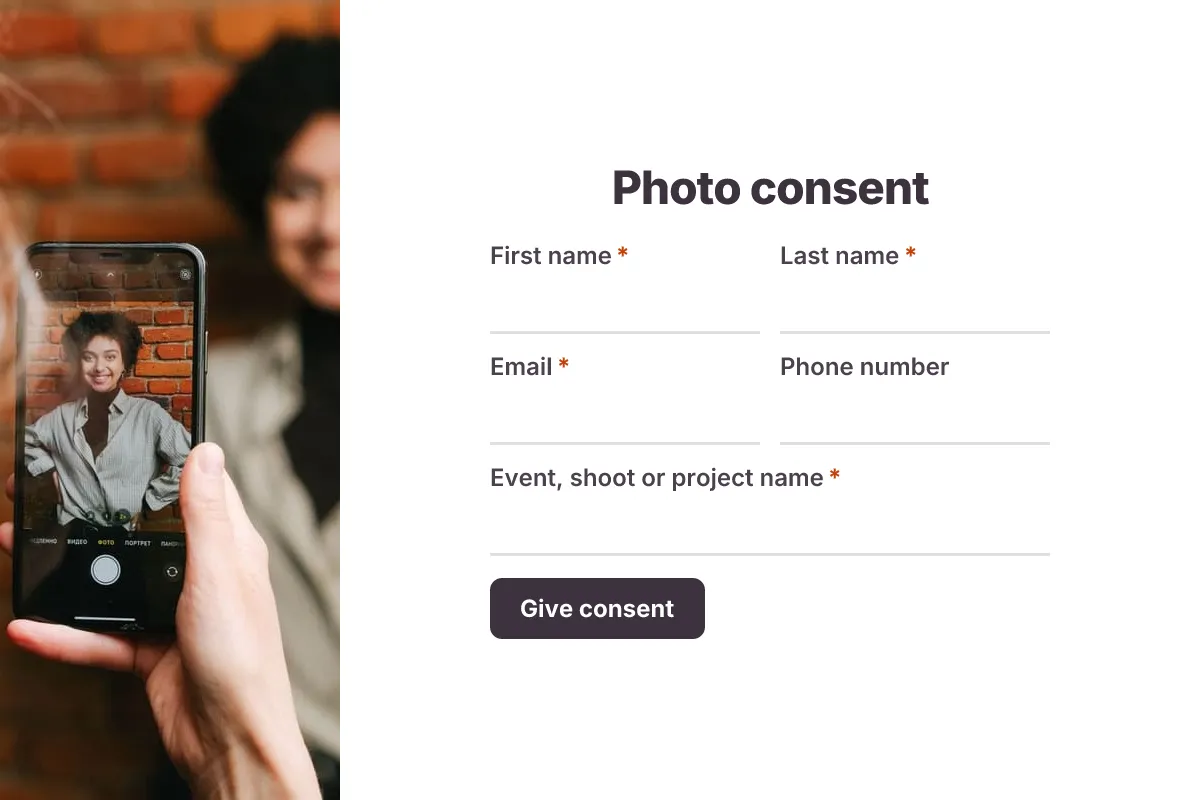
A photo release form is a form that records a person's permission to be photographed and for those images to be used in specific places, such as a website, social media or print, so the photographer or organization has a clear record of consent. This template lets people choose exactly which uses they agree to and includes a parent or guardian section for minors.
- 14 questions
- 3 pages
- ~3 min
- To fill in
- Minimal layout
- Mobile-ready
- Free
- No credit card
Who it's for
Photographers, schools, nonprofits, event organizers, marketing teams and small businesses using photos of real people.
- Consent from attendees photographed at a conference, gala or fun run
- Model releases for a brand or product photo shoot
- School, camp or sports club photos of children, signed by a parent
- Customer or staff photos for testimonials, case studies and social media
What this template asks
Every question can be changed, removed or reordered once it's yours.
Your details
First name*
Short text
Last name*
Short text
Email*
Email
Phone number
Phone number
Optional
Event, shoot or project name*
Short text
Are you 18 or older?*
Multiple choice
- Yes
- No
How photos may be used
Where may we use photos of you?*
Checkboxes
- Our website
- Social media
- Newsletters and email
- Printed materials such as brochures and posters
- Paid advertising
- Internal use only
How should we credit you?*
Multiple choice
- Use my full name
- First name only
- Do not name me
Any limits or requests
Long text
Optional
Consent
Parent or guardian full name
Short text
Required if the person photographed is under 18
Relationship to the minor
Short text
Required if the person photographed is under 18
Full name (typed)*
Short text
Date*
Date
Agreement*
Checkboxes
- I agree to the photo release terms above
Tips for more responses
- 1
Share a QR code at the event check-in desk so people give consent on their phone before the cameras come out.
- 2
Use conditional logic to show the parent or guardian questions only when the person is under 18.
- 3
Use the PDF templates feature to generate a filled release for each response, and keep a copy with the photo files.
Questions
What should a photo release form include?
The person's name and contact details, what the photos are for, where they may be used (website, social media, print, advertising), whether they want a name credit, how long consent lasts and how to withdraw it, parent or guardian consent for minors, a typed full name and the date.
Do I need a photo release form for every photo?
Not always. Rules vary by country and by use. Commercial use, such as advertising, usually needs a release, while editorial or news use often does not. Check your local rules or ask a lawyer for anything high-risk.
Is a typed name valid instead of a signature?
In many places a typed name with a clear consent checkbox and a timestamp is accepted as agreement, but requirements differ by country and use. For high-value commercial shoots, check with a lawyer.
Can someone withdraw their photo consent?
Usually yes, for future use. Say in the form how people can withdraw and what happens to photos already published. Data protection laws such as GDPR give people specific rights over images of them.
Is this photo release form template free?
Yes. Copy it into a free Dculus Forms account, change anything you like and start collecting responses. No credit card is needed.
Can I change the questions?
Yes. Your copy opens in the form builder, where you can add, remove and reorder questions, change the layout and add your own branding.
Where do the responses go?
Responses arrive in your Dculus Forms workspace. You can export them to Excel or CSV, send them to Google Sheets or a webhook, and get email notifications.
Can I host it myself?
Yes. Dculus Forms is open source (GPLv3), so you can run it on your own servers and keep every response in your own database.
Similar templates
All templates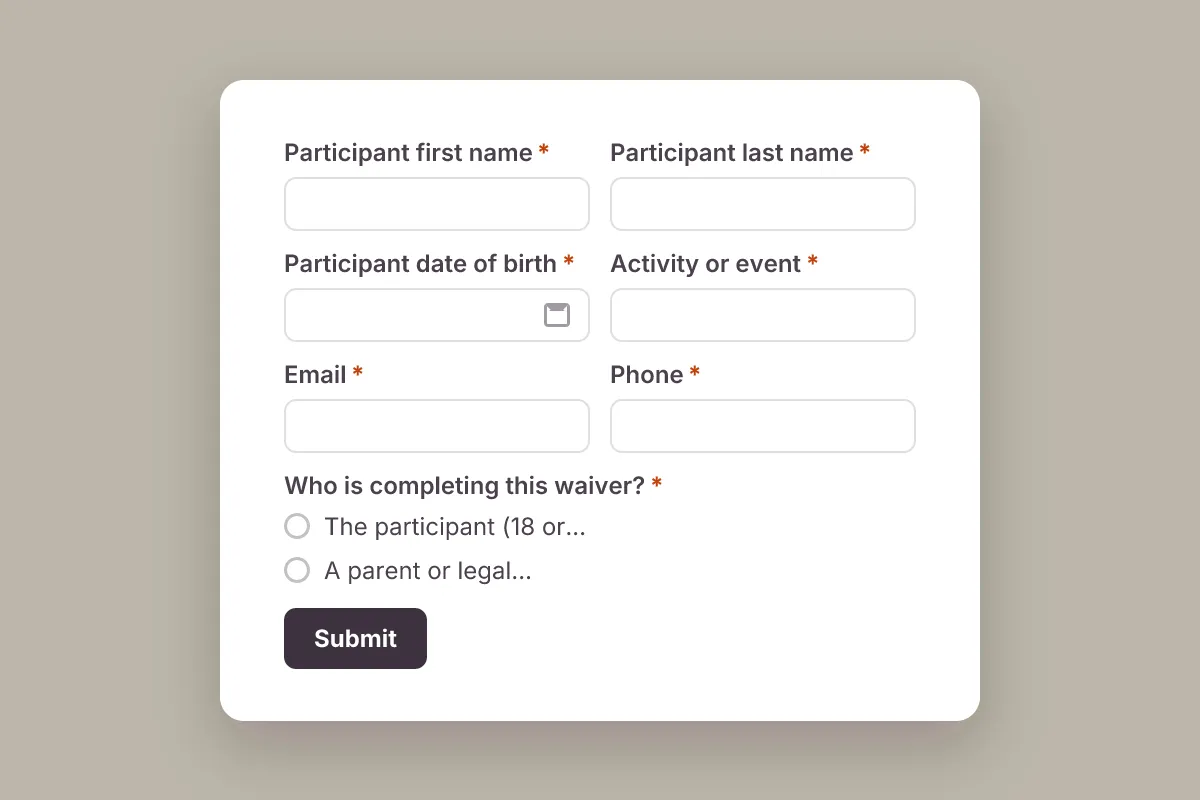
Liability Waiver
A general activity liability waiver: participant details, emergency contact, assumption of risk and release, typed name and consent.
- Waiver
- Consent
Finance & Legal · 14 questions · 3 min
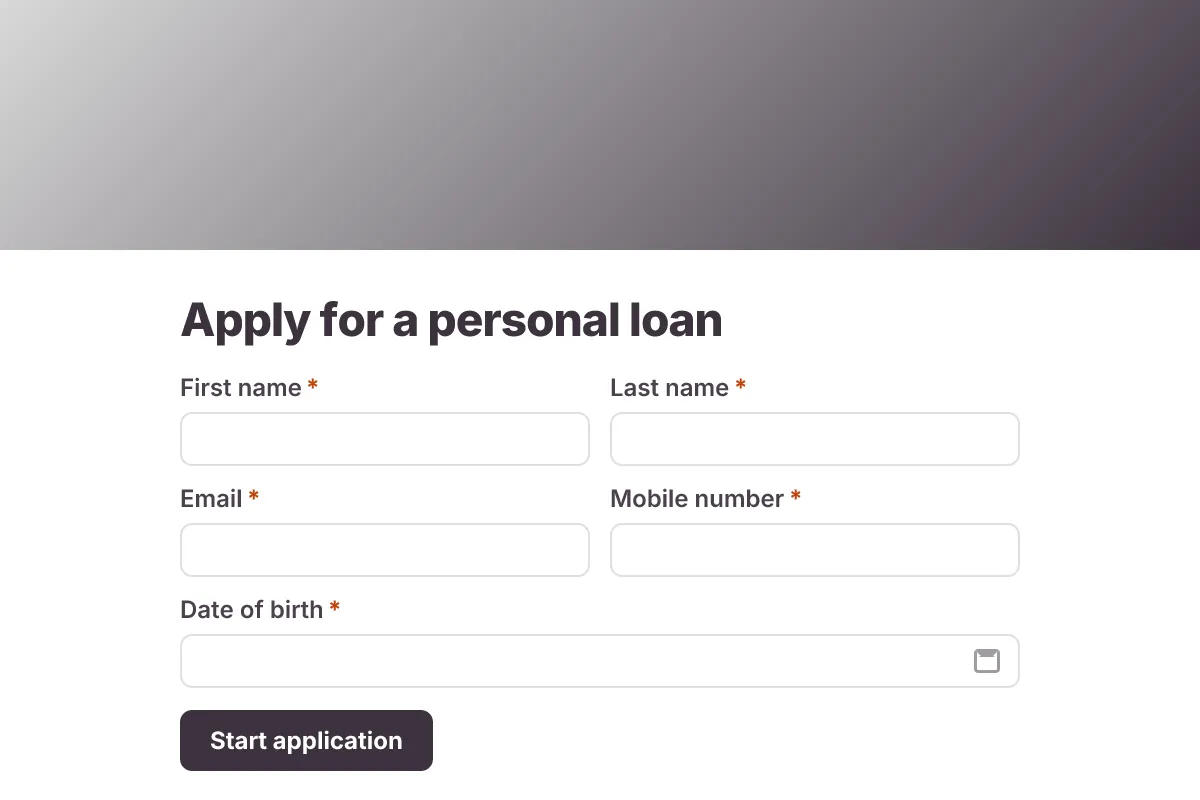
Loan Application
Personal loan application: applicant details, loan amount and purpose, term, employment, income, housing costs and documents.
- Finance
- Multi-page
- File Upload
Finance & Legal · 22 questions · 5 min
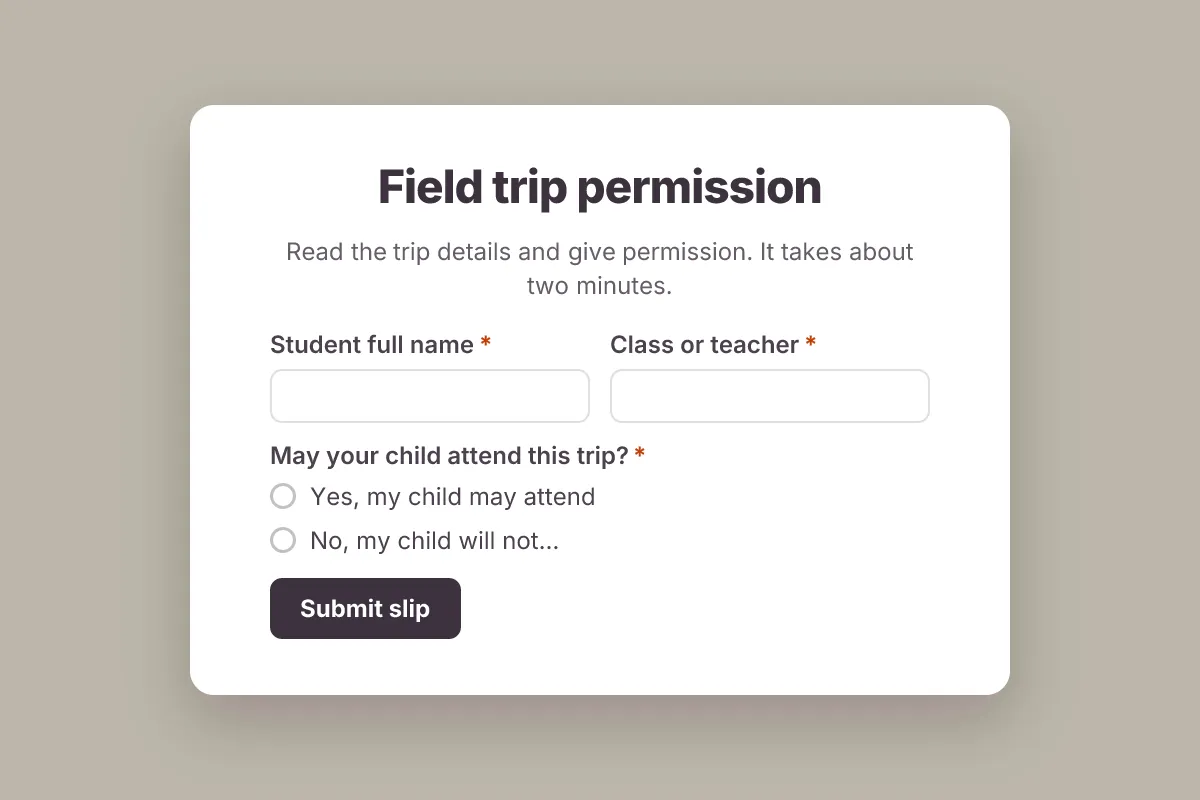
Field Trip Permission Slip
Get parent permission for a school trip online: student, attendance yes or no, health notes, chaperone offer and typed consent.
- Consent
- School
Education · 11 questions · 3 min